 vs

CueForge vs Ontime
Both are in our Event planning & production category. CueForge is best for show callers, producers and AV companies building run-of-show documents for corporate events; Ontime is best for Production and AV teams running conference general sessions.
The short answer: CueForge uses AI to turn a client agenda into a technical run-of-show, with a free tier for one new event a month and Pro at $15/month. Ontime is a free, open-source rundown and stage-timer tool that drives countdown and backstage displays from one live schedule, with hosted Cloud plans from $20/month. Choose CueForge to draft cue sheets from agendas; choose Ontime to run timing and displays during the show.
Built from each vendor's own website and our research profiles. How we research
Side by side
“Not published” means we couldn't find it on the vendor's own pages.
CueForgeOntimeStrengths and considerations
CueForge
What stands out
- Purpose-built for technical show flows rather than attendee-facing agendas
- Revisions merge into existing cues instead of regenerating from scratch
Worth checking
- Very early-stage product with little public company information
- Production planning only; no registration, attendee or marketing features
- No integrations beyond file import/export are described
Ontime
What stands out
- Open source (GPL v3) and free to self-host
- Native show-control protocols suited to professional AV crews
Worth checking
- Built for production crews, not for attendee-facing event marketing
- Company details, named customers and security certifications aren't published
- Self-hosted users rely on community support
The main difference between CueForge and Ontime
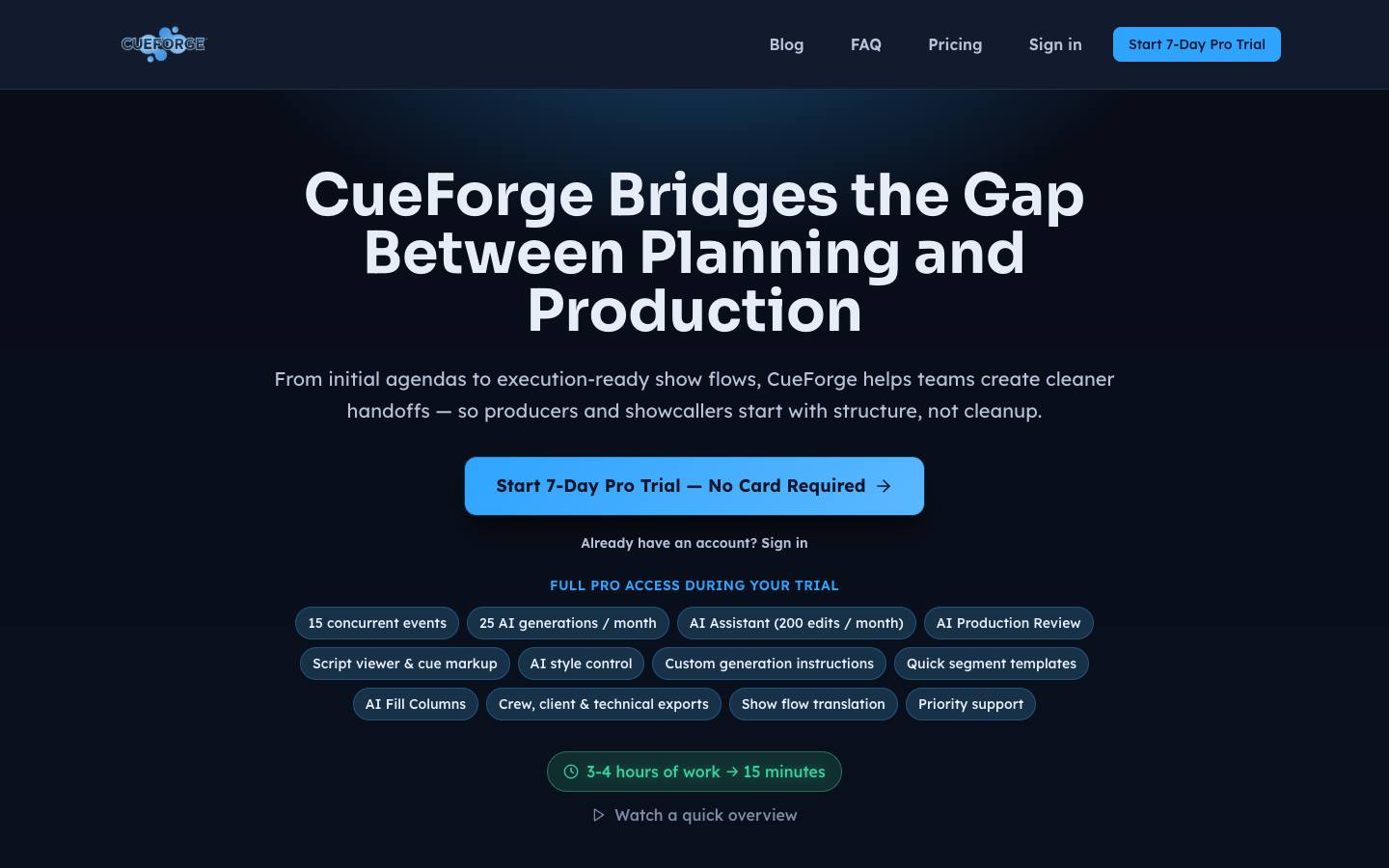
CueForge is for preparing the show flow; Ontime is for running it on the day. CueForge reads an uploaded agenda, including multi-room Excel workbooks, and generates a grid-based run-of-show with color-coded segments, scripts linked to cues and share links where clients leave cell-level notes. When the client revises the agenda, it applies the changes as reviewable diffs without wiping production cues, and its AI can draft graphics, camera, livestream and media-server entries.
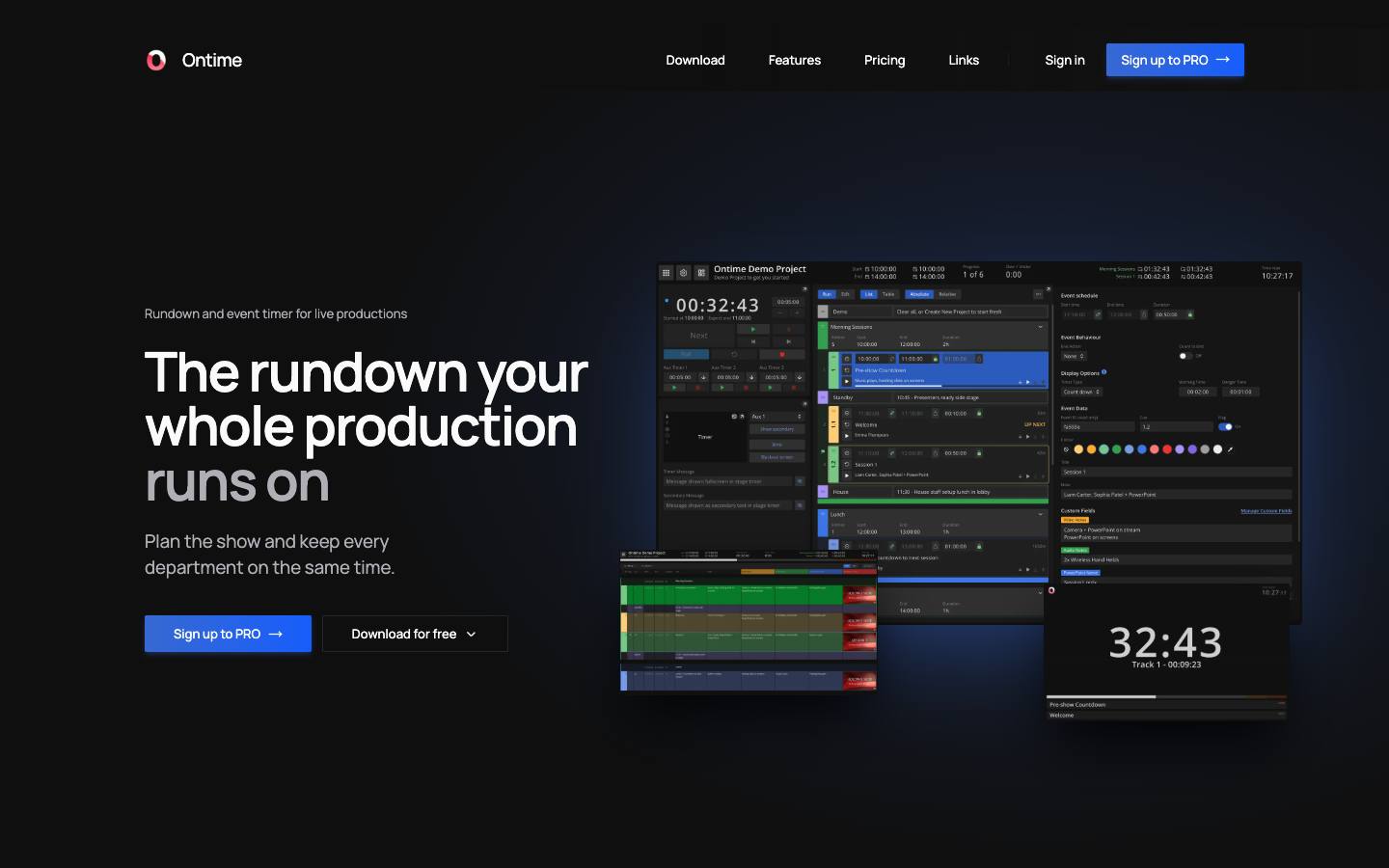
Ontime keeps one shared rundown and uses it to drive stage timer, backstage, countdown, studio clock and public signage screens, with delays flowing to every connected display in real time. Its OSC, HTTP and WebSocket APIs, plus a Bitfocus Companion module, let crews trigger cues. It also has an MCP server so AI assistants can create and edit rundowns. Both target show callers and AV crews at conferences.
CueForge vs Ontime pricing
CueForge is freemium (checked October 2026). The Free plan covers 1 new event per month and 10 AI generations a month, with basic PDF and Excel exports and version history. Pro is $15/month, or $144/year, and allows up to 15 concurrent events, 25 AI generations a month, an AI assistant with 200 edits a month, and crew, client and technical exports. New signups get a 7-day Pro trial with no credit card.
Ontime is free and fully featured when you self-host it under the GPL v3 license on Windows, macOS, Linux, Docker or a Raspberry Pi (checked October 2026). Hosted plans start with Ontime Cloud PRO at $20/month for 3 simultaneous stages, stable public links, unlimited team members and email support; Cloud STUDIO is $80/month for 10 stages, project checkpoints and direct support. There's no free trial listed.
Features and integrations
Ontime connects to show-control systems; CueForge connects through files. CueForge's connections are files only: Excel, PDF and Word import, and Google Docs through exported files, with no app integrations. Ontime lists 9, including OSC, HTTP and WebSocket APIs, Bitfocus Companion, Excel and Google Sheets import, and outbound automations when cues change. Neither lists business-app connectors such as CRM.
Both run in-person and hybrid events. Support differs: CueForge answers by email, while Ontime's free version relies on docs and a Discord community. Ontime's terms point business customers to a separate data processing agreement, and we didn't find security documents for CueForge.
Which should you choose?
Choose CueForge if you're an agency or AV company that receives client agendas and wants a first-draft cue sheet quickly, with client notes and branded exports. It's a very early-stage product with little public company information.
Choose Ontime if your crew needs live stage timers and backstage displays, wants to self-host for free, or needs show-control protocols. It's an open-source project operated by its creator, Carlos Valente, in Norway. Many crews could prepare in CueForge and run in Ontime, since Ontime imports rundowns from Excel.