 vs

Ontime vs Stagetimer
Both are in our Event planning & production category. Ontime is best for Production and AV teams running conference general sessions; Stagetimer is best for AV and production crews running conference stages and keynotes.
The short answer: Ontime is an open-source rundown and cueing tool, free to self-host under GPL v3 and $20 a month on Ontime Cloud PRO, that drives stage, backstage and signage screens from one schedule. Stagetimer is a browser-based remote timer with presenter messages and audience questions, with a free tier and Pro at $210 a year. Choose Ontime for show-control protocols and self-hosting; choose Stagetimer for virtual and webinar use or a single-event license.
Built from each vendor's own website and our research profiles. How we research
Side by side
“Not published” means we couldn't find it on the vendor's own pages.
OntimeStagetimerStrengths and considerations
Ontime
What stands out
- Open source (GPL v3) and free to self-host
- Native show-control protocols suited to professional AV crews
Worth checking
- Built for production crews, not for attendee-facing event marketing
- Company details, named customers and security certifications aren't published
- Self-hosted users rely on community support
Stagetimer
What stands out
- Runs in any browser with no install, plus an offline desktop option for venues without reliable internet
- Published, transparent pricing including a single-event license
- Hooks into common production control gear such as Stream Deck and Companion
Worth checking
- Interface and support are English only
- Security page states no two-factor authentication and no encryption at rest; certifications cited belong to its hosting providers
- Narrow tool for stage timing rather than an event management platform
The main difference between Ontime and Stagetimer
Ontime is built around a shared rundown that feeds many screens, while Stagetimer is built around a timer that an operator controls remotely and that speakers see on a confidence monitor. Both serve AV and production crews on conference stages, and both are narrow production tools rather than event management or marketing platforms.
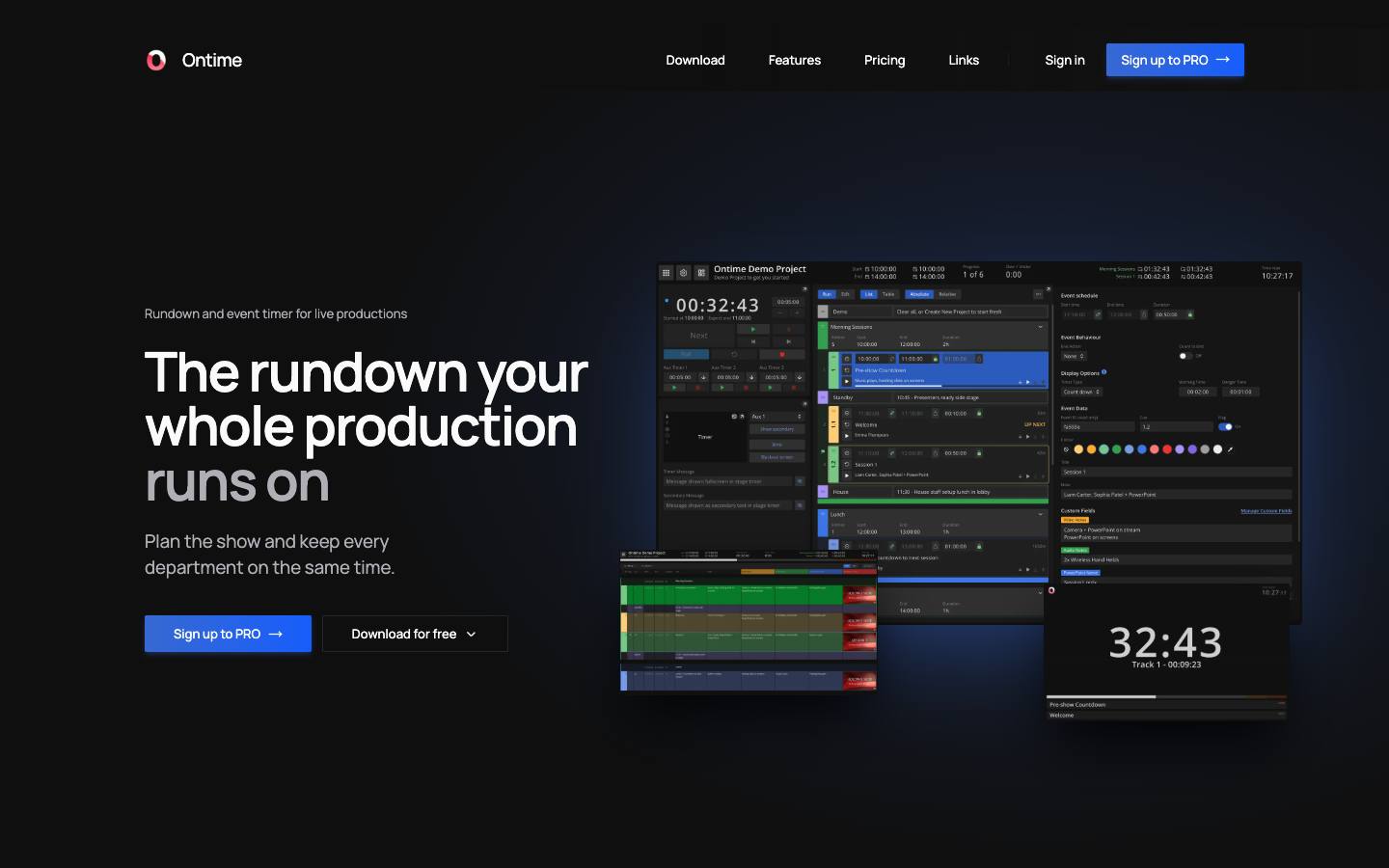
Ontime keeps one schedule with groups, milestones, custom fields and several rundowns per project, importable from Excel or Google Sheets. Timing changes and delays flow to every connected display at once, across stage timer, backstage, countdown, studio clock, timeline and public signage views. It runs on Windows, macOS, Linux, Docker or Raspberry Pi, or in Ontime Cloud, and it's an independent open-source project run by its creator, Carlos Valente.
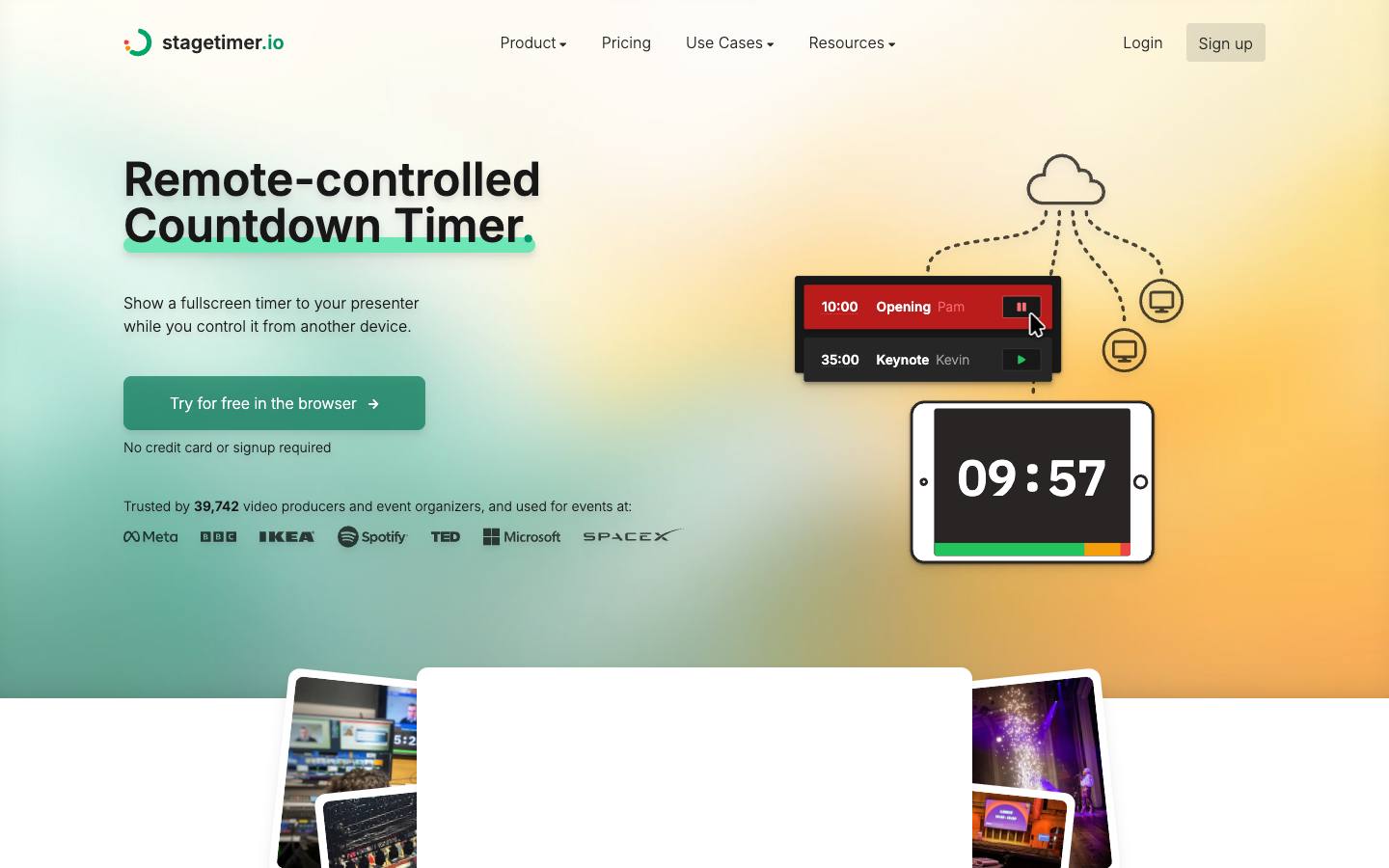
Stagetimer, from Stagetimer GmbH in Stuttgart, offers countdown, count-up and clock modes with wrap-up colors and chimes. Operators push flashing or colored messages to the speaker, share separate links and QR codes for timer, agenda and moderator pages, and collect audience questions that can be forwarded as messages. It runs in-person, virtual, hybrid and webinar events, where Ontime runs in-person and hybrid ones.
Ontime vs Stagetimer pricing
Both have a free plan, but Ontime's is the full product and Stagetimer's is a Starter tier. Self-hosted Ontime is free and fully featured, with documentation and community support. Ontime Cloud PRO is $20 a month for 3 simultaneous stages, stable public links, unlimited team members and email support. Cloud STUDIO is $80 a month for 10 simultaneous stages, project checkpoints and archive, and direct support. Cloud renews monthly or annually (checked October 2026).
Stagetimer's paid plans are yearly per-member subscriptions: Pro is $210 a year for one member, Premium is $420 a year, and Enterprise starts at $630. It also sells a 30-day single-event license, which suits a one-off conference, and a $980 lifetime desktop license (checked October 2026). The free tier needs no account.
For a crew that runs shows all year, self-hosted Ontime costs nothing in licensing, though you manage the hosting. For one event a year, Stagetimer's event license avoids a full-year subscription, while Ontime Cloud PRO can be taken month to month.
Features and integrations
Neither connects to a CRM; both integrate with production gear. Ontime lists 9 integrations, including Bitfocus Companion, OSC, HTTP and WebSocket APIs, Excel and Google Sheets import and an MCP server for creating and checking rundowns with AI assistants. Its automations can send outbound HTTP or OSC messages when cues change. Stagetimer lists 6, including Bitfocus Companion, Elgato Stream Deck, OBS Studio, vMix (NDI) and Zoom, plus a public HTTP API for controlling timers and rooms.
That split shows who each suits. Ontime's native show-control protocols fit crews that trigger cues from lighting or video systems. Stagetimer's Stream Deck, OBS and Zoom links fit streaming and hybrid setups, and its offline desktop apps for Windows, macOS and Linux cover venues without reliable internet.
On security, we didn't find a SOC 2 report for either. Ontime's terms call for a separate data processing agreement for business customers, and release notes are on GitHub. Stagetimer names its sub-processors in its privacy policy, links a public status page and keeps a changelog; its security page states no two-factor authentication and no encryption at rest (checked October 2026).
Which should you choose?
Choose Ontime if you run conference general sessions with several screens that must stay in sync, want to trigger cues over OSC or from Companion, or prefer to self-host an open-source tool at no license cost. It suits in-house teams comfortable with community support on the free version. Company details and security certifications aren't published.
Choose Stagetimer if you host webinars or virtual events, want audience questions and speaker messaging in one tool, or need a license for a single event rather than a subscription. It suits teams that connect to OBS, vMix or Zoom. Its interface and support are English only, and support is by email.