 vs

Ontime vs Rundown Studio
Both are in our Event planning & production category. Ontime is best for Production and AV teams running conference general sessions; Rundown Studio is best for show callers and producers running conference general sessions and corporate shows.
The short answer: Ontime and Rundown Studio are both rundown and cue-timing tools for show callers. Ontime is open source (GPL v3), free to self-host, with hosted Cloud plans from $20/month. Rundown Studio is hosted only, with a free plan and a $25 per-event pass. Choose Ontime to host it yourself or run stage timers on local hardware, and Rundown Studio for one-off shows with a built-in teleprompter.
Built from each vendor's own website and our research profiles. How we research
Side by side
“Not published” means we couldn't find it on the vendor's own pages.
OntimeRundown StudioStrengths and considerations
Ontime
What stands out
- Open source (GPL v3) and free to self-host
- Native show-control protocols suited to professional AV crews
Worth checking
- Built for production crews, not for attendee-facing event marketing
- Company details, named customers and security certifications aren't published
- Self-hosted users rely on community support
Rundown Studio
What stands out
- Per-event pricing for one-off shows
- Teleprompter and rundown in one tool
Worth checking
- Production-crew tool; not attendee-facing
- Company leadership and named customers aren't listed on the site
- No AI features
The main difference between Ontime and Rundown Studio
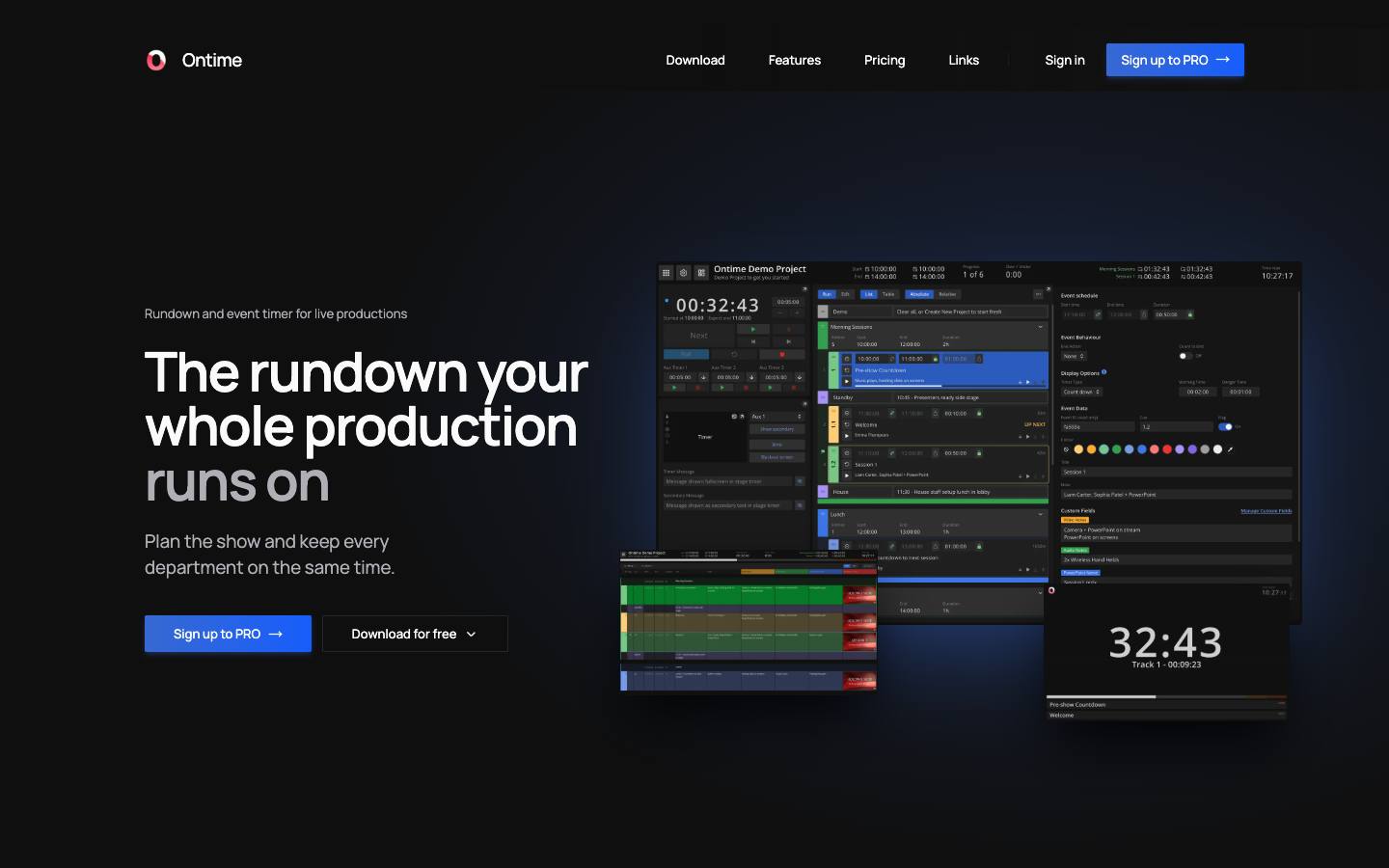
Ontime can run on your own machine, whereas Rundown Studio is a cloud service. Ontime, created in Norway in 2021 by Carlos Valente, installs on Windows, macOS, Linux, Docker or a Raspberry Pi, or runs as Ontime Cloud. It drives stage timer, backstage, countdown, studio clock and signage screens from one rundown, and it propagates delays to every connected display. It runs in-person and hybrid events.
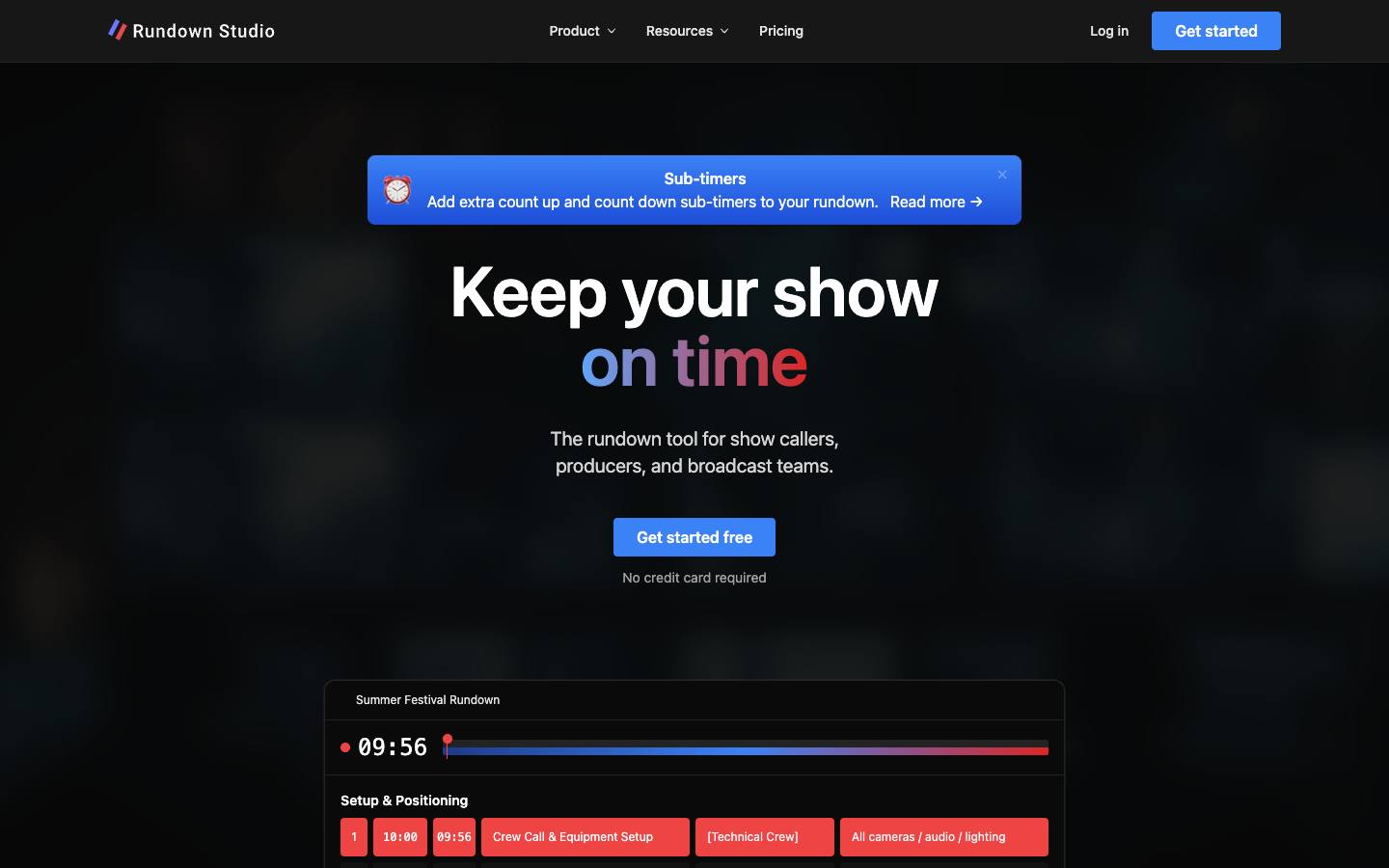
Rundown Studio, from Malmö, Sweden, builds cue lists that recalculate start times as durations change, with a synced teleprompter, unlimited guests and a Bitfocus Companion module. It also covers virtual shows, which suits live-stream teams. Both fit conference general sessions.
Ontime vs Rundown Studio pricing
Ontime charges monthly for hosted stages, and Rundown Studio sells event passes or a yearly team plan (both checked October 2026). Ontime's self-hosted version is free and fully featured. Ontime Cloud PRO is $20/month for 3 simultaneous stages, unlimited team members and email support, and Cloud STUDIO is $80/month for 10 stages, project checkpoints, archive and direct support. Cloud renews monthly or annually.
Rundown Studio's Free plan (checked October 2026) covers one team member with limited rundowns and read-only guests. The Event plan is $25 per event with 10-day access (20 days optional), two team members, unlimited rundowns and full-access guests. The Team plan is $600 yearly, with a monthly option, and includes PDF and CSV export. Neither lists a free trial.
Features and integrations
Both connect to show-control tools rather than business apps, and neither lists CRM connectors. Ontime lists 9 integrations, including Bitfocus Companion, OSC, HTTP and WebSocket APIs, Excel and Google Sheets import, and an MCP server for AI assistants. Rundown Studio lists 12, including Bitfocus Companion, OBS Studio, ProPresenter, QLab and Google Sheets or Excel via CSV, plus a public REST API. For webhooks, Ontime documents automations that send outbound HTTP or OSC messages on cue changes, while we didn't find webhooks documented for Rundown Studio.
Rundown Studio stores data in European regions and links a status page, while we didn't find a status page or data-hosting statement for Ontime. Self-hosted Ontime keeps data on your own machines.
Which should you choose?
Choose Ontime if your AV crew wants free, self-hosted software, native OSC control or several simultaneous stages on one subscription. Self-hosted users rely on docs and the Discord community, and Cloud PRO adds email support.
Choose Rundown Studio if you run occasional shows and would rather pay $25 for an event (checked October 2026) than a monthly fee. It also bundles a teleprompter with the rundown, and offers 50% off for education and nonprofits. Support is by email and docs.