Best Event Registration Software in 2027: The Buyer's Shortlist
By EventMarketingSoftware.com · Published October 17, 2026 · Updated October 18, 2026 · 10 tools compared
Swoogo is the strongest event registration software for B2B teams that need rules-based registration across many events, with a published $11,800/yr Professional plan. Salesforce shops should look at Blackthorn and HubSpot teams at hapily, since both store registrations as native CRM records. For lower budgets, Eventleaf, Eventzilla, Tito and pretix charge per attendee or per ticket, Luma is free for side events, and idloom suits European organizers that need VAT invoicing. All 10 picks were checked against vendor pages and our data in October 2026.
Our top picks
- 1
 SwoogoBest for event teams that need complex, rules-based registration across a high volume of eventsFrom $11,800/year
- 2
 BlackthornBest for Salesforce-centric organizations that want registrations and payments stored as native CRM recordsQuote only
- 3
 hapilyBest for HubSpot-based B2B marketing teams that want registration and check-in data native in the CRMFrom $417/month
Key takeaways
- Eight of the 10 tools here publish a price, and the model varies more than the features. Per-attendee and per-ticket tools such as Eventleaf ($1 per attendee), Eventzilla ($1.50 per registration), Tito (3% per paid ticket) and pretix (2.5%, capped at €15) suit smaller or free events, while flat subscriptions such as Swoogo ($11,800/yr) and idloom (from €150/month) are easier to budget for high volume.
- Your CRM should narrow the shortlist first. Blackthorn writes registrations to Salesforce objects and hapily writes them to HubSpot records, while Swoogo and idloom connect to several CRMs and self-serve tools such as Luma and Tito rely on Zapier or an API.
- Free options exist for small and free events. Luma's free plan covers unlimited events and guests, Eventleaf is free for 100 attendees a year, Tito and Eventzilla charge nothing on free tickets, and pretix includes the first 500 free tickets a year.
- CRM connectors, SSO and onsite tools are often held back for higher tiers. Eventleaf reserves Salesforce, HubSpot and Marketo connectors for its quote-based Ultimate plan, idloom charges €5,000/yr for SSO, and Swoogo sells its mobile app and Go Onsite Pro as add-ons.
- Security documentation ranges from full portfolios to none. Swoogo lists SOC 2, ISO 27001 and PCI DSS Level 1, idloom and pretix list ISO 27001, and hapily lists SOC 2 Type II, while Eventzilla and Tito publish no certifications.
Free tool: Event software RFP builder. Pick the categories you're buying and get a requirements list, security questions and a weighted scoring sheet you can export to a spreadsheet.
Side-by-side comparison
The same criteria for every pick: published pricing model, registration logic, payments and invoicing, native crm sync, onsite check-in and badges, security documentation. A dash means the vendor doesn't publish it.
| Tool | Starting price | Free plan / trial | CRM | Capterra | App Store | Security |
|---|---|---|---|---|---|---|
| Swoogo | From $11,800/year | – | Salesforce, HubSpot, Marketo | ★ 4.7 (82) | ★ 2.7 (75) | ISO 27001, SAML SSO, DPA |
| Blackthorn | Quote only | – | Salesforce | – | ★ 5.0 (16) | SOC 2 Type II, DPA |
| hapily | From $417/month | – | HubSpot | – | – | SOC 2 Type II, DPA |
| Eventleaf | From $1/attendee | Free plan, Free trial | Salesforce, HubSpot, Marketo | ★ 4.8 (185) | ★ 4.2 (6) | – |
| Eventzilla | From $1.50/registration | Free plan | Salesforce, HubSpot | ★ 4.4 (393) | – | DPA |
| Tito | From €2.50/ticket | Free plan, Free trial | Salesforce, HubSpot | ★ 5.0 (38) | – | – |
| Luma | From $59/month | Free plan | – | – | – | SOC 2 Type II, DPA |
| idloom | From €150/month | Free plan, Free trial | Salesforce, HubSpot, Dynamics | – | – | ISO 27001, DPA |
| pretix | From €0.50/ticket | Free plan | HubSpot | ★ 5.0 (1) | – | ISO 27001, DPA |
| RSVPify | From $24/month | Free plan, Free trial | Salesforce, HubSpot | – | – | – |
This guide focuses on the registration job specifically: the page, form and checkout where a prospect, customer or partner becomes a registrant with a ticket type, an invoice if the event is paid, and a record that reaches sales. If you need a full platform for agendas, apps, exhibitors and onsite operations as well, see our separate guide to event management software.
Who this guide is for. This guide is for B2B marketing, field marketing and event operations teams choosing conference registration software or a lighter online event registration tool, and for association and trade show organizers whose main requirement is getting registrants, payments and attendee data right. It covers options from free self-serve tools for side events and meetups through to CRM-native and enterprise registration platforms.
Not sure which one fits your team?
Answer a few questions about your events, team and CRM and get a free shortlist of tools that fit, with pricing and security details side by side.
Get a free shortlistThe best event registration software in 2027
Here are 10 event registration tools, ordered by fit for B2B registration: configurable and CRM-native platforms first, then self-serve per-ticket tools and specialists. Each write-up gives the published price, what the plan includes and the integrations that matter. Compare them on your mix of free and paid events, your CRM and whether you need onsite check-in from the same tool.
1. Swoogo, best for event teams that need complex, rules-based registration across a high volume of events
- Price
- From $11,800/year
- Capterra
- 4.7/5 from 82 reviews
- App Store
- 2.7/5 from 75 ratings
- Syncs with
- Salesforce, HubSpot, Marketo
- Security
- ISO 27001, SAML SSO, DPA
- Customers include
- Australian Catholic University, Trimble, Atlassian
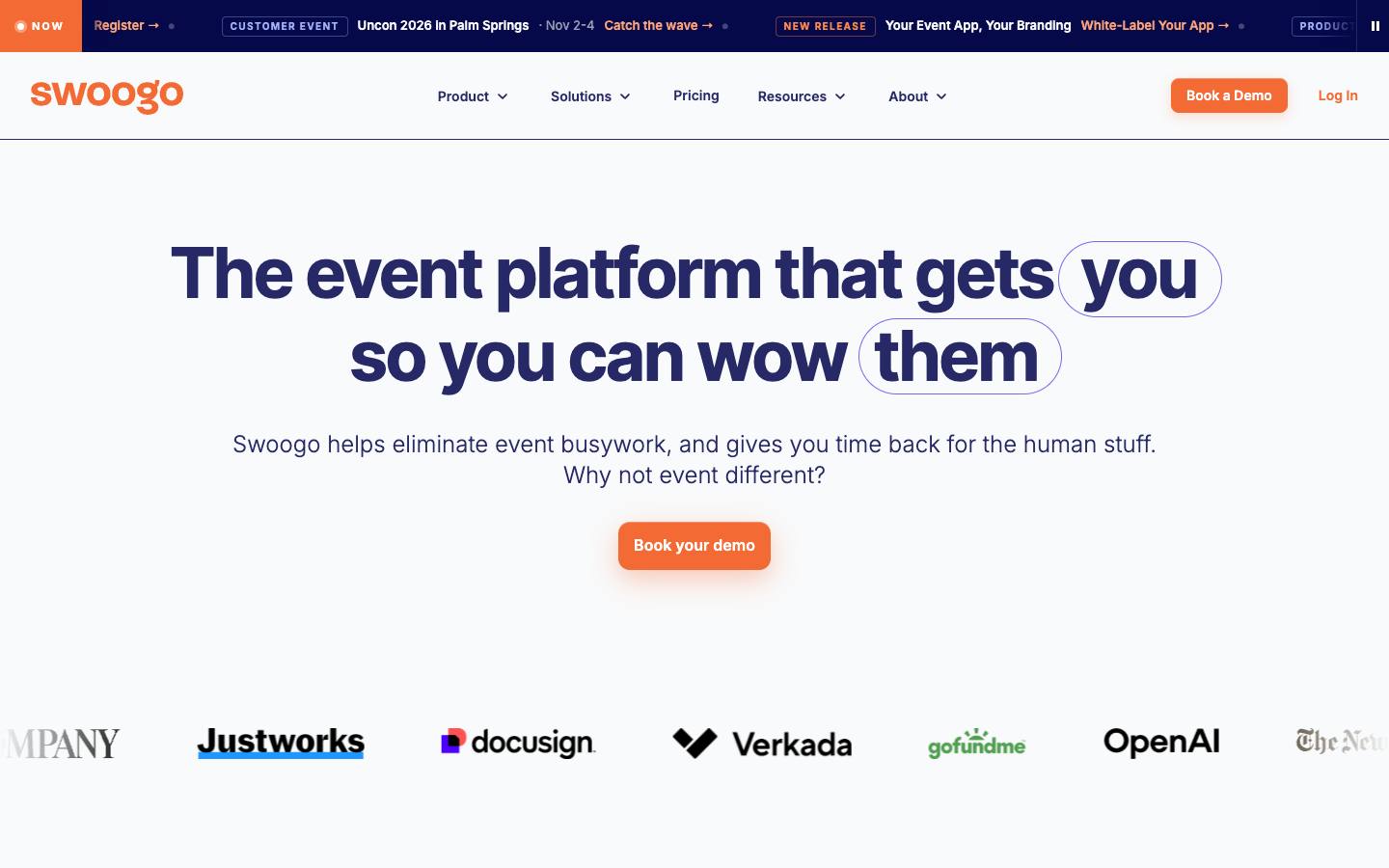
Swoogo is built around configurable registration and event websites, with conditional logic, approval workflows and a global attendee record that spans every event. It publishes an entry price for a plan that covers unlimited events and registrations, and connects to a long list of payment gateways, CRMs and event apps. Onsite check-in, badging and a mobile app are available as add-ons.
More on SwoogoLess on Swoogo
Founded: 2015 · HQ: Los Angeles, US · Team: 51-200 people · Formats: In-person, Virtual, Hybrid, Webinar
Swoogo was founded in 2015 in Los Angeles, has 51 to 200 employees and has raised about $20M, with Bain Capital among its investors. Its Professional plan is published at $11,800 a year for one user, with unlimited events and registrations, a check-in app, 30 or more free integrations and one custom domain; the price rises with team size, and Enterprise is quoted. It rates 4.72 out of 5 from 82 Capterra reviews (checked October 2026). Named customers include Atlassian, DocuSign, Twilio, OpenAI and The New York Times.
The registration engine is the reason to buy it: custom fields, conditional logic, approval workflows, sponsor registration paths and a global attendee record that spans every event. Payment coverage is unusually broad, from Stripe and Braintree to Authorize.net, Moneris and campus processors such as TouchNet. It connects natively to Salesforce, HubSpot and Marketo, plus event tools such as EventMobi, Brella and InGo, and launched an MCP server in April 2026. Compliance includes SOC 2, ISO 27001, ISO 27701, PCI DSS Level 1 and TX-RAMP. In-house support promises a first response within 15 minutes during business hours.
- Compliance portfolio includes SOC 2, ISO 27001 and PCI DSS Level 1
What stands out
- Custom fields, conditional logic and approval workflows for audience-specific registration paths
- Professional plan listed at $11,800/yr with unlimited events and registrations
- Integrations with Salesforce, HubSpot and Marketo plus many payment gateways, including higher-education processors
Worth checking
- The base plan includes one full user; extra seats, SSO, the mobile app and advanced onsite tools cost more
- No free trial is advertised, so evaluation runs through a sales demo
Best suited for. Swoogo fits marketing and event teams running a high volume of events that need audience-specific registration rules and a published price. If you need several full users, a mobile app or SSO, price the add-ons, and if you only run a few simple events a year, a per-ticket tool will cost less.
2. Blackthorn, best for Salesforce-centric organizations that want registrations and payments stored as native CRM records
- Price
- Quote only
- App Store
- 5.0/5 from 16 ratings
- Languages
- English
- Syncs with
- Salesforce
- Security
- SOC 2 Type II, DPA
- Customers include
- University of Wisconsin-Madison Division of Continuing Studies, Utah State University, Colorado State University
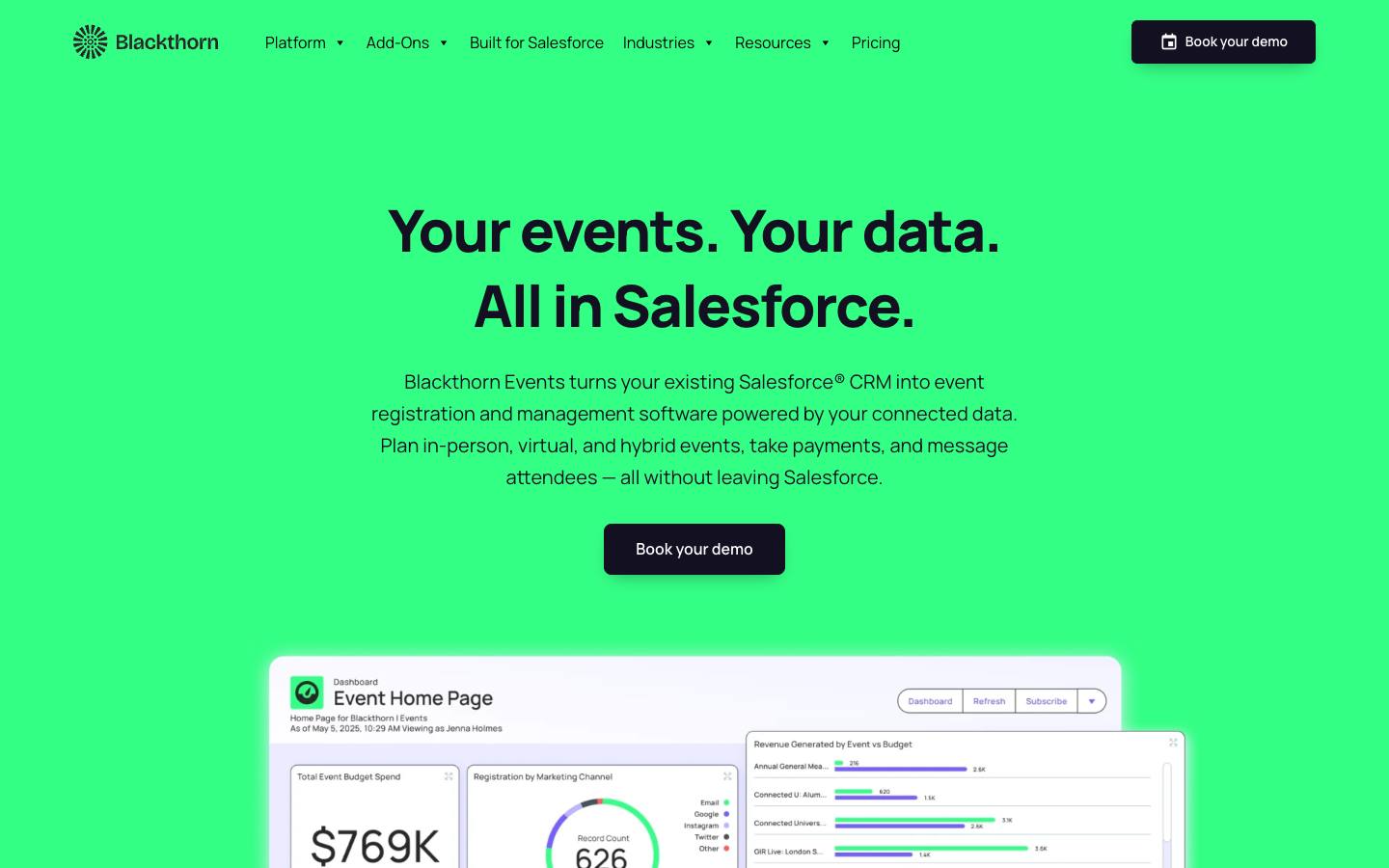
Blackthorn Events runs inside Salesforce, so events, registrations, attendance and payments are written to Salesforce objects with no separate sync layer. Invite lists can be built from CRM data, and companion apps add payment processing, SMS, an attendee app, badges and lead capture. It's widely used by universities, nonprofits, associations and enterprise teams already running on Salesforce.
More on BlackthornLess on Blackthorn
Founded: 2015 · HQ: New York, NY · Formats: In-person, Virtual, Hybrid, Webinar
Blackthorn was founded in 2015, is based in New York and has raised about $16M from Level Equity. Because it's built as Salesforce AppExchange packages, there's no sync layer to maintain: events, sessions, registrations and payments are standard and custom Salesforce objects, and invite lists come straight from CRM data. Its Payments app supports one-time and recurring payments through 120 or more gateways with automatic reconciliation, and Messaging sends SMS based on Salesforce data.
The Event Navigator app on iOS and Android carries digital tickets, agendas and QR check-in, and holds 5 out of 5 from 16 App Store ratings (checked October 2026). Pricing isn't published, and Payments, Messaging, Navigator, Smart Capture, Compliance and Badges are separate add-ons, with discounts for nonprofits and community colleges. It lists SOC 2, PCI DSS (SAQ D) and WCAG 2.1. Named customers include Audi, Canon, Poshmark and several universities. In October 2026 it launched Forge, a web workspace for running Salesforce-native events without Salesforce admin skills, and Agentforce support adds AI help with guest lists and insights.
- SOC 2 and PCI DSS (SAQ D) listed
What stands out
- Registration data lives in the customer's own Salesforce org
- Payments app supports one-time and recurring payments with reconciliation in Salesforce
- QR check-in updates attendance records in real time
Worth checking
- Requires Salesforce, so it's not an option on another CRM
- Payments, messaging, the mobile app and badges are separately priced add-ons
Best suited for. Blackthorn fits organizations whose operations already run on Salesforce and that want every registration and payment to be a CRM record from the start. If you're on another CRM, or want a single all-inclusive price, it isn't an option.
3. hapily, best for HubSpot-based B2B marketing teams that want registration and check-in data native in the CRM
- Price
- From $417/month
- Languages
- English
- Syncs with
- HubSpot
- Security
- SOC 2 Type II, DPA
- Customers include
- Duke Corporate Education, Imperial PFS, Pearagon
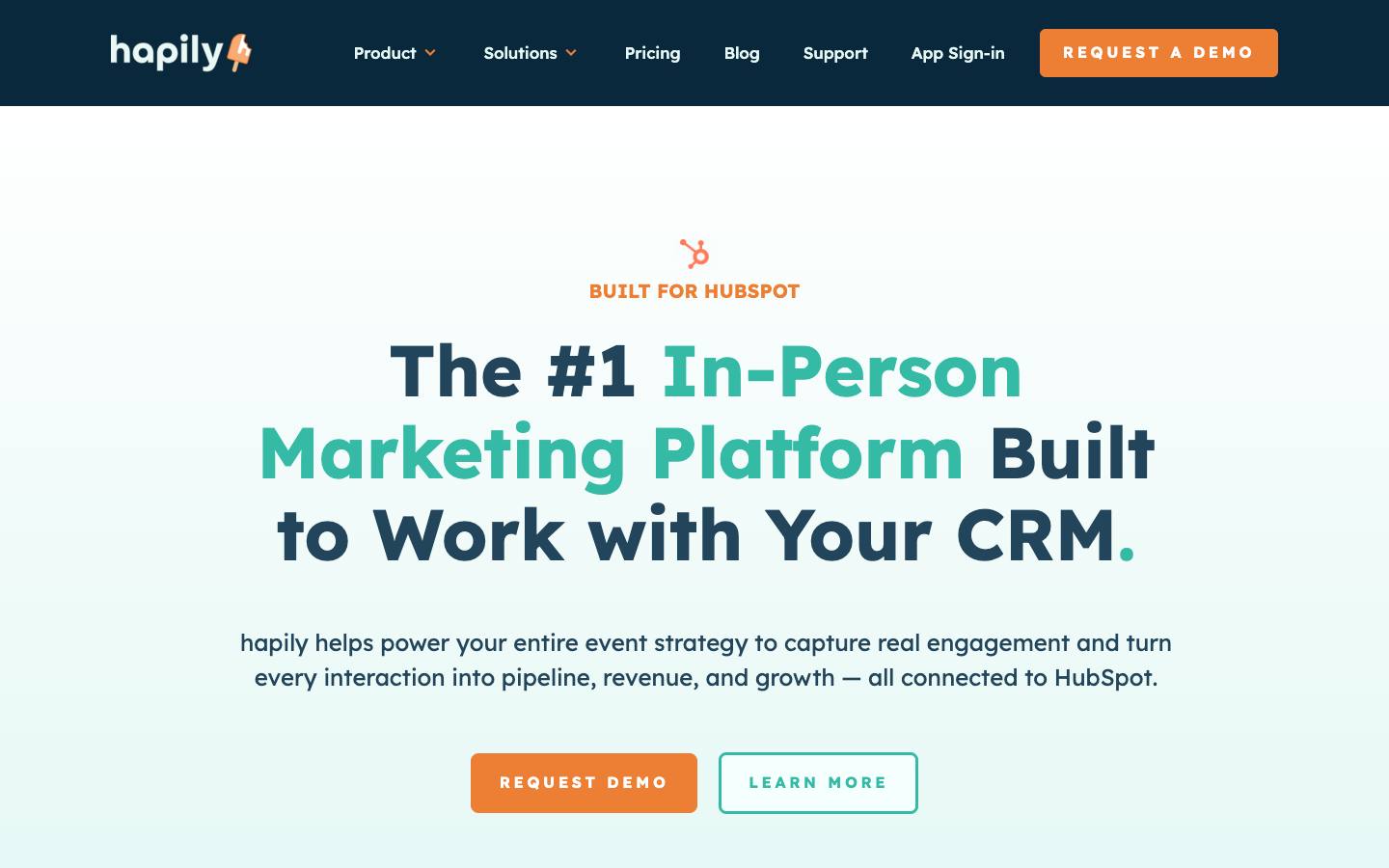
hapily keeps event registration, ticketing, check-in and lead capture inside HubSpot as native records, then reports on deal attribution in HubSpot dashboards. It also covers lead capture at third-party trade shows, so one tool handles both hosted events and events where the team exhibits. Plans are credit-based, with credits used per registration or scan.
More on hapilyLess on hapily
Founded: 2025 · HQ: New York, NY · Team: 11-50 people · Formats: In-person, Virtual, Hybrid, Webinar
hapily was founded in 2025 in New York and has 11 to 50 employees. It publishes credit-based pricing billed annually, where one registration or lead scan uses one credit: Hosted Events and Lead Capture are each $600 a month with 1,000 credits, the Core Bundle is $833 a month with 2,000 credits and unlimited seats and events, and add-ons for meetings or paid events with sessions are $417 a month each. An extra 4,000 credits cost $2,500.
Everything writes to HubSpot directly: event pages and invites, registration flows, QR check-in and badge printing, and scans from its mobile lead capture app, which adds AI enrichment, voice notes and AI-drafted follow-ups. Deal attribution and ROI reports sit in HubSpot dashboards, so marketing doesn't have to reconcile two systems. Stripe handles payments and Zoom handles online sessions. It lists SOC 2 Type II and SOC 3. Named customers include Arizona State University, OUTFRONT Media, Duke Corporate Education, Eastern Bank and Edelman. As a young company, it hasn't yet built a public review footprint on Capterra.
- SOC 2 Type II listed
What stands out
- Event pages, invites and registration flows synced to HubSpot
- QR check-in and badge printing with real-time CRM updates
- Published pricing from $600/month billed annually for hosted events or lead capture
Worth checking
- Only useful for HubSpot customers
- Annual billing is required and no free plan or trial is shown
Best suited for. hapily fits HubSpot-based B2B marketing teams that run their own events and also exhibit at trade shows. Teams on Salesforce or another CRM can't use it, and teams that run only a handful of events may find annual billing hard to justify.

4. Eventleaf, best for budget-conscious teams that want per-attendee pricing with onsite badging included
- Price
- From $1/attendee
- Try it
- Free plan, Free trial
- Capterra
- 4.8/5 from 185 reviews
- App Store
- 4.2/5 from 6 ratings
- Syncs with
- Salesforce, HubSpot, Marketo
- Customers include
- Columbia University, Sysco, Accenture
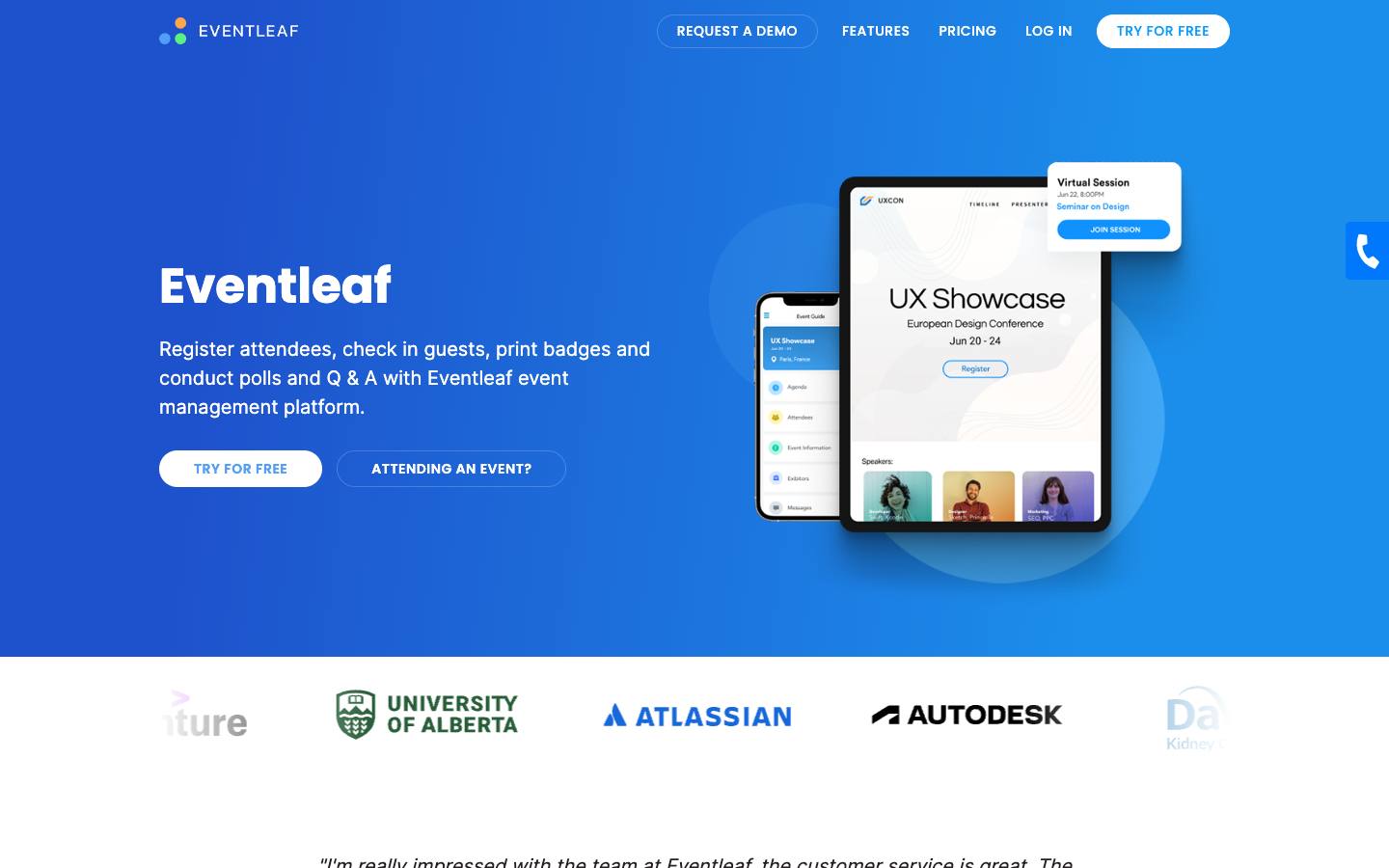
Eventleaf, from Jolly Technologies, covers registration websites, payments, check-in and badge printing, surveys, abstracts and exhibitor booth sales. Its pricing is published per attendee, with a free tier and unlimited events and users on every plan. It fits education, public-sector, association and corporate teams running workshops, conferences and smaller trade shows.
More on EventleafLess on Eventleaf
Founded: 2012 · HQ: Redwood City, CA · Formats: In-person, Hybrid, Virtual
Eventleaf comes from Jolly Technologies in Redwood City, California, which also makes the Lobbytrack visitor management system. Its pricing is fully published with no contract: Starter is free for up to 100 attendees a year, Basic is $1 per attendee with 500 included, Professional is $2 per attendee with 1,000 included and adds session check-ins, live polls, Q&A, gamification and an attendee app, and Ultimate is quoted. Every plan includes unlimited events and users. Registration sales carry a 1% fee with your own processor or 4% with Eventleaf's.
It has one of the best review records in this guide, at 4.8 out of 5 from 185 Capterra reviews (checked October 2026). Registration covers group bookings, waitlists and tiered ticketing, and onsite tools include name or barcode check-in, self-service kiosks and a badge designer with session QR codes. Ultimate adds a lead retrieval app, abstracts, SSO and native Salesforce, HubSpot and Marketo connectors. It lists PCI DSS 4.0.1 and the EU-US Data Privacy Framework, with ISO 27001 still in progress. Named customers include Columbia University, MIT, Sysco and Worldpay.
- No contract requirement on published plans
What stands out
- Free for up to 100 attendees a year; paid plans from $1 per attendee
- Group registration, waitlists and tiered ticketing
- Self-service check-in kiosks and a badge designer with session QR codes
Worth checking
- Salesforce, HubSpot and Marketo connections, SSO and lead retrieval sit in the quote-based Ultimate plan
- Payment processing adds 1 to 4% on top of the attendee fees
Best suited for. Eventleaf fits universities, associations and corporate teams that want registration plus onsite badging at a predictable per-attendee price. If CRM sync is essential, you'll need the quote-based Ultimate plan, so compare that quote against CRM-native tools.

5. Eventzilla, best for small teams that want pay-as-you-go ticketing for trainings, workshops and smaller conferences
- Price
- From $1.50/registration
- Try it
- Free plan
- Capterra
- 4.4/5 from 393 reviews
- Syncs with
- Salesforce, HubSpot
- Security
- DPA
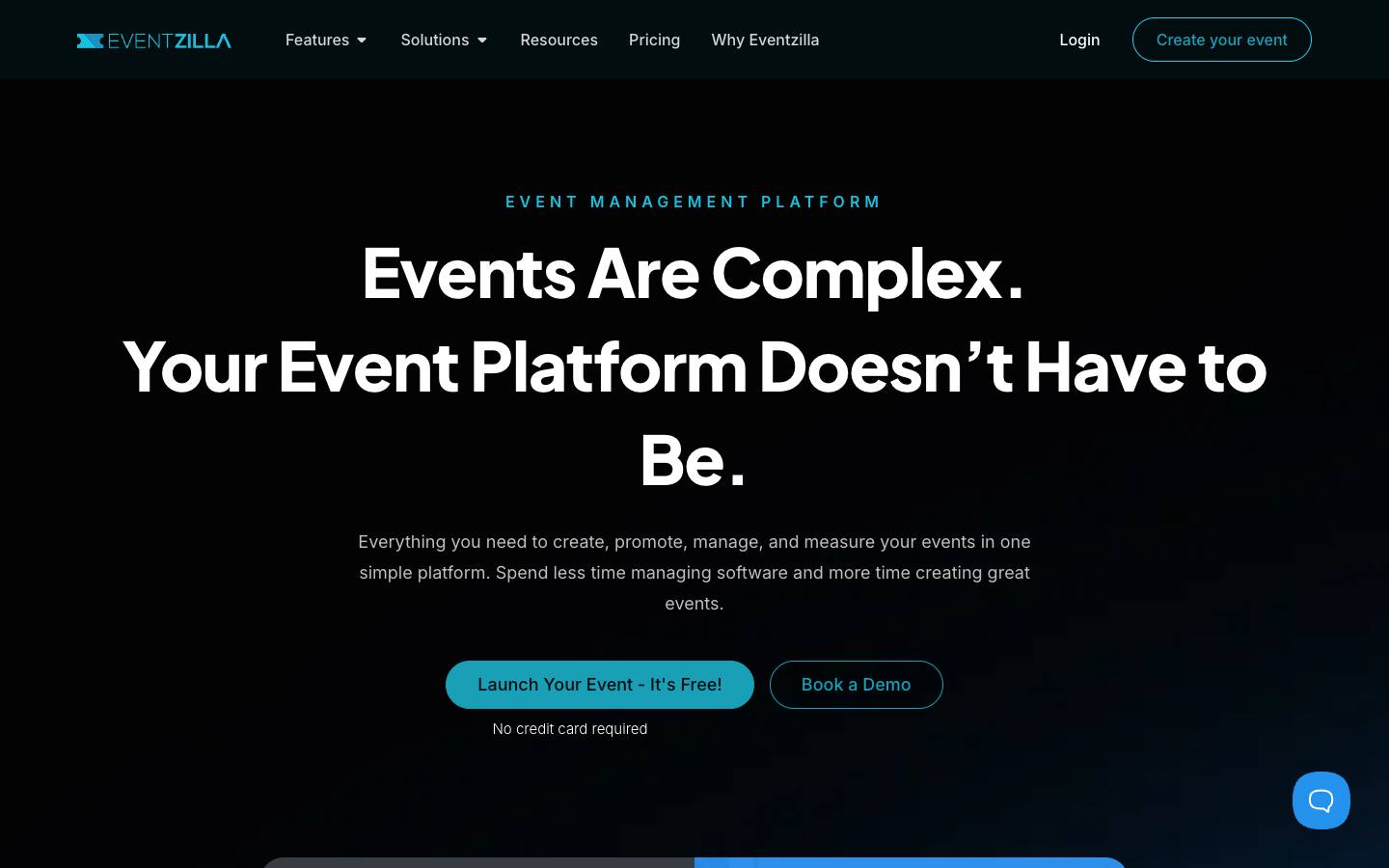
Eventzilla is a self-serve registration and ticketing platform with a no-code event website builder, agenda tools, call for speakers, kiosk check-in and badge printing. Pricing is charged per registration, free events stay free, and a subscription option removes per-registration fees for higher volumes. Setup doesn't require a sales call.
More on EventzillaLess on Eventzilla
Founded: 2009 · HQ: Dublin, Ohio · Formats: In-person, Virtual, Hybrid, Webinar
Eventzilla has operated since 2009 from Dublin, Ohio, and is independent. Pricing is published per registration: Basic is $1.50 per registration with unlimited events and free registration types, Pro is 1.9% plus $1.50 and adds paid ticket types, seating plans, discount codes, agendas and name badges, and Plus is 2.9% plus $1.50 and adds white-labeled registration, speaker, sponsor and exhibitor management and built-in streaming. The Scale subscription starts at $200 a month with 500 registrations, onsite check-in and badge printing and a dedicated account manager. Free events stay free.
It holds 4.41 out of 5 from 393 Capterra reviews (checked October 2026). Add-ons are priced per attendee, such as $0.49 for the self-service kiosk and $0.99 for the Event Hub. HubSpot, Mailchimp and Zapier appear on Pro and above, while Salesforce, Mailchimp and Google Sheets connections run through Zapier; a REST API and webhooks cover the rest. Setup is self-serve the same day with no credit card. It doesn't publish security certifications or named customers, and Scale pricing is shown inconsistently, so confirm it with sales.
- Operating since 2009
What stands out
- Basic plan from $1.50 per registration, with no charge for free events
- Kiosk check-in, badge printing and exhibitor lead capture
- Connects to Salesforce, Mailchimp, Google Sheets and Zapier
Worth checking
- No security certifications or named customers are published
- Scale plan pricing is shown inconsistently, so confirm it with sales
Best suited for. Eventzilla fits small teams running trainings, workshops and smaller conferences that want pay-as-you-go pricing without a sales call. If procurement needs security certifications or you need native Salesforce sync, look at a CRM-native or enterprise tool instead.

6. Tito, best for developer and tech conferences that want a lightweight checkout embedded on their own website
From €2.50/ticket
- Price
- From €2.50/ticket
- Try it
- Free plan, Free trial
- Capterra
- 5.0/5 from 38 reviews
- Syncs with
- Salesforce, HubSpot
- Customers include
- Mozilla, NHS, Shopify
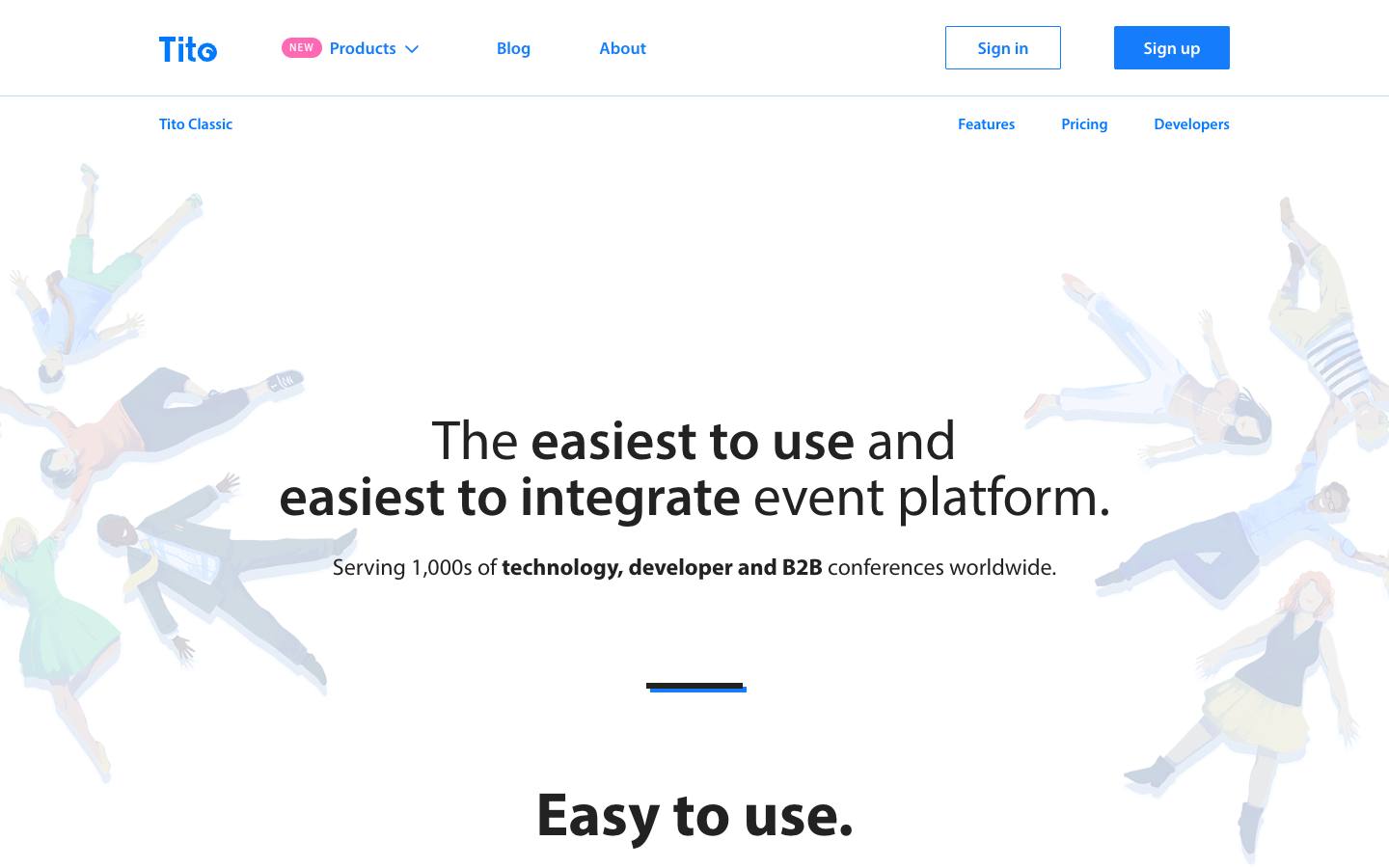
Tito is a ticketing and registration tool that organizers embed on their own site with a script tag, taking payments through their own Stripe or PayPal account. It charges a percentage only on paid tickets and has a long record with technology and developer events. A separate Tito Pro product targets invitation-only professional events.
More on TitoLess on Tito
Founded: 2013 · HQ: Dublin, Ireland · Team: 2–10 people · Formats: In-person
Tito is run by Team Tito Limited, founded in 2013 in Dublin, Ireland, and describes itself as a six-person company. Pricing is a flat percentage with no subscription or setup fee: 3% per paid ticket, 2.5% for eligible charity, community and nonprofit events, nothing on free tickets, and fees capped at €25 per ticket. Payment gateway fees, such as Stripe's 2.9% plus 30 cents, are billed separately through the organizer's own Stripe or PayPal account.
It rates 4.97 out of 5 from 38 Capterra reviews (checked October 2026). The embeddable widget drops onto any site with a script tag and supports custom CSS and JavaScript events, and attendees can look up their own orders and download receipts. HubSpot and Slack connect through webhooks or Zapier, while Salesforce, Badgy and Campaign Monitor sit in a private-beta integration platform. Named users include Shopify, Mozilla, Digiday, SmashingConf and Major League Hacking. It doesn't include an event app, virtual venue or marketing automation, and no security certifications are published.
- Named users include Shopify, Mozilla and SmashingConf
What stands out
- 3% per paid ticket, no fee on free tickets, and fees capped per ticket
- Embeddable widget with custom CSS and JavaScript events, plus an API
- Attendees can look up orders and download receipts themselves
Worth checking
- Registration and ticketing only; no event app, virtual venue or marketing automation
- Very small team, and no security certifications are published
Best suited for. Tito fits developer and tech conferences that want a clean checkout on their own website and pay only when tickets sell. If you need native CRM sync, onsite badging or formal security documents, pair it with other tools or pick a fuller platform.

7. Luma, best for side events, executive dinners and meetups around larger conferences
From $59/month
- Price
- From $59/month
- Try it
- Free plan
- Security
- SOC 2 Type II, DPA
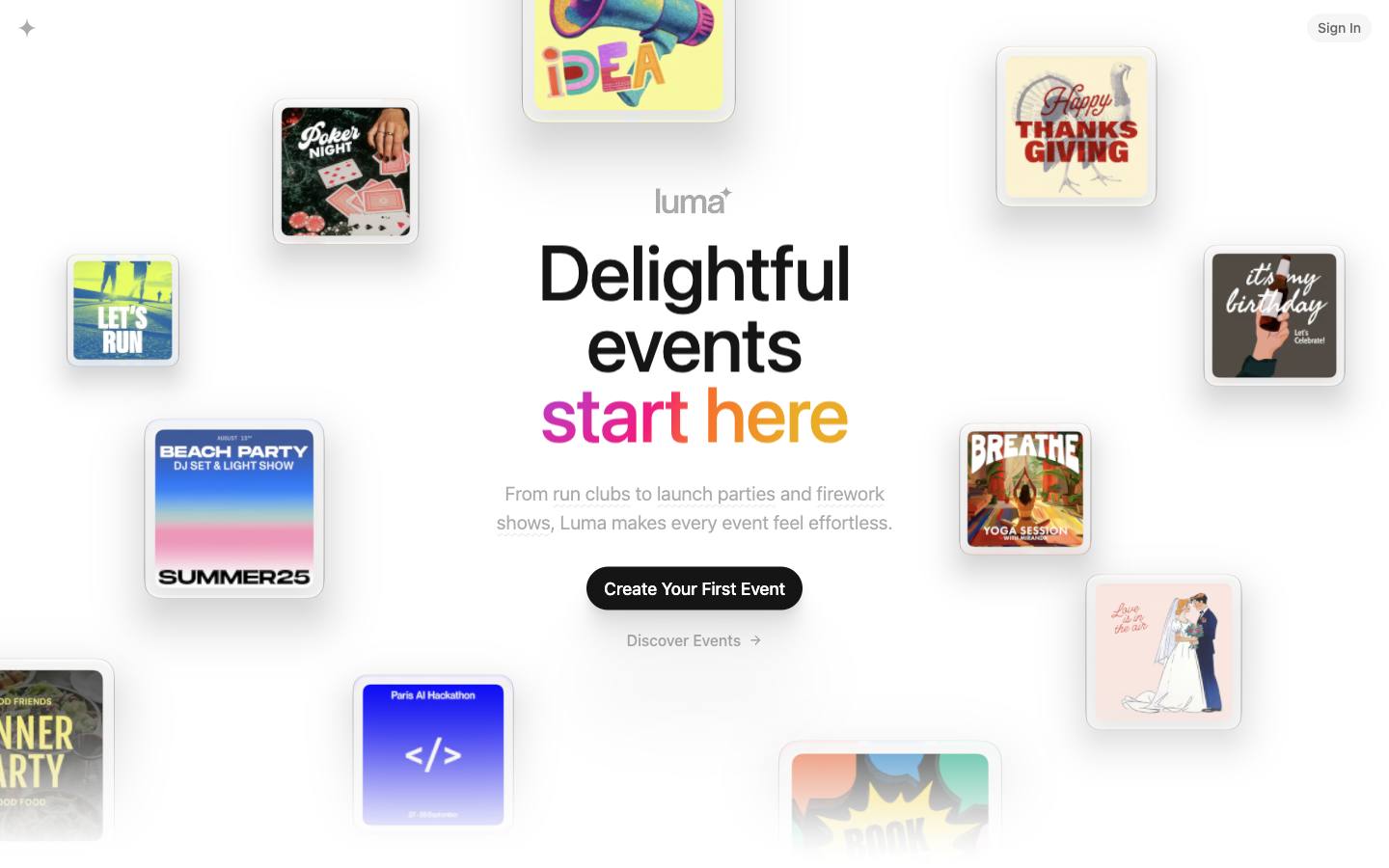
Luma lets teams publish an event page and start taking registrations in minutes, with approval-based registration, invites, ticketing, check-in and community calendars. B2B marketing and community teams use it for happy hours, dinners and side events where speed and a clean attendee experience matter more than complex registration logic. The free plan covers unlimited events and guests.
More on LumaLess on Luma
Founded: 2020 · HQ: San Francisco, CA · Formats: In-person, Virtual
Luma was founded in 2020 in San Francisco and has raised about $3M in seed funding. Its free plan includes unlimited events and guests, 500 invites a week and up to three calendar admins, with a 5% platform fee on paid tickets. Luma Plus costs $59 a month and drops that fee to 0%, raises invites to 5,000 a week, adds custom event URLs, five calendar admins, Zapier and API access and priority support; annual billing saves 14%. Enterprise adds SSO and is quoted.
B2B teams mostly use it around bigger events: happy hours, executive dinners and side events at conferences, where a polished page and fast approvals matter more than registrant-type logic. Approval-based and token-gated registration, shared calendars that build a subscriber base and Zoom for online sessions are built in, and Apple Pay and Google Pay are supported at checkout. Many startup and tech attendees already have Luma accounts, which speeds sign-up. The limits are clear: no exhibitor management, no multi-track conference tooling, and CRM connections only through Zapier or the API on the paid plan.
- Zoom integration for online sessions
What stands out
- Free plan with unlimited events and guests
- Approval-based registration for curated guest lists
- Luma Plus at $59/month billed annually removes ticket fees and adds API and Zapier access
Worth checking
- Not designed for multi-track conferences, exhibitors or complex B2B registration paths
- CRM and marketing automation connections run through Zapier or the API on the paid plan
Best suited for. Luma fits community, field marketing and startup teams running dinners, meetups and side events that need to go live in minutes. For multi-track conferences or anything that needs native CRM sync, use it alongside a fuller registration platform rather than instead of one.

8. idloom, best for European organizers that need VAT-compliant invoicing and no per-ticket fees
From €150/month
- Price
- From €150/month
- Try it
- Free plan, Free trial
- Languages
- 6 languages
- Syncs with
- Salesforce, HubSpot, Dynamics
- Security
- ISO 27001, DPA
- Customers include
- Clarins, Imperial College London, BMW
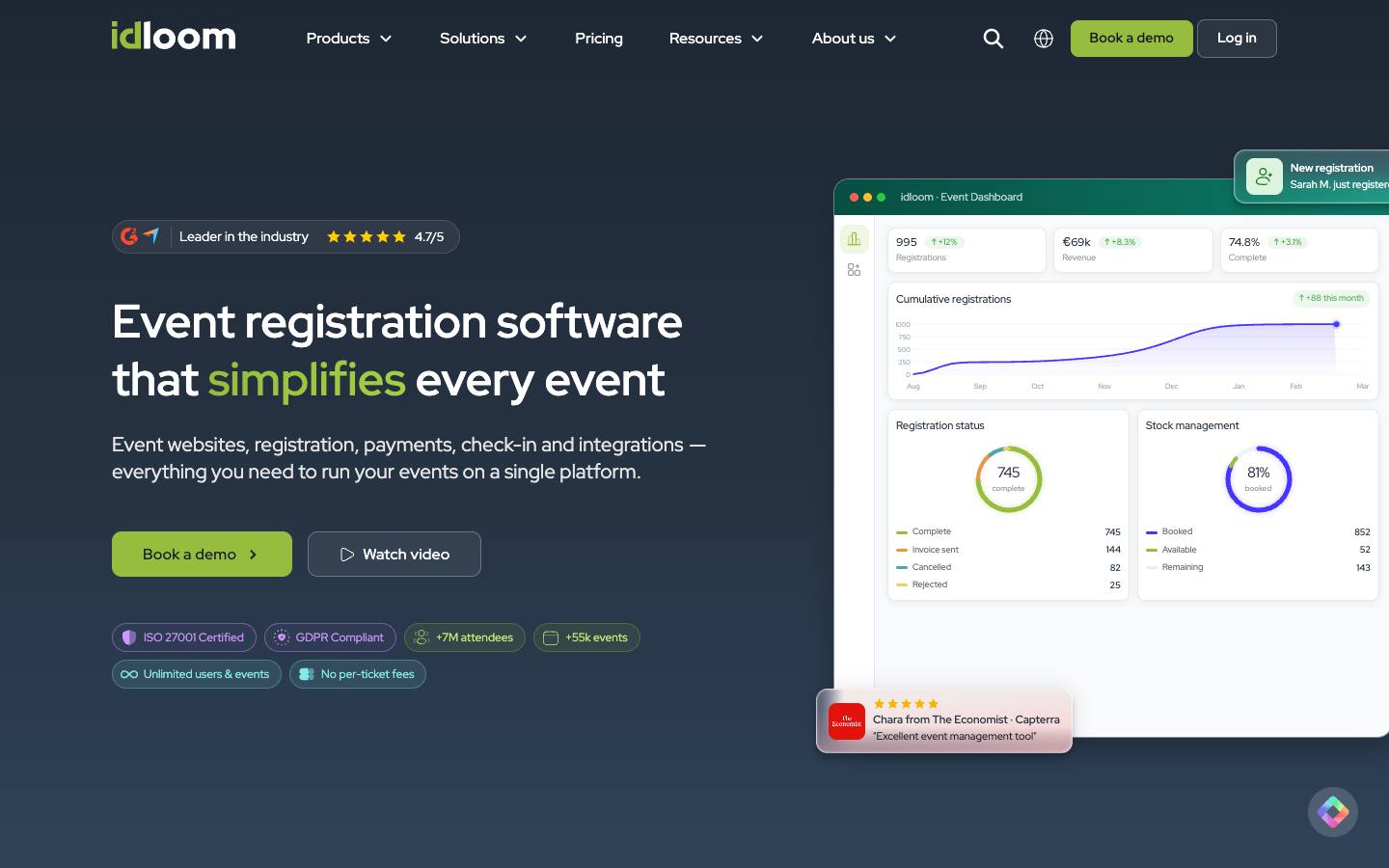
idloom is a Belgian registration platform with conditional forms, payments, automatic invoicing with VAT handling, badges, check-in and attendance certificates. It's sold on published subscription tiers with unlimited users and no per-attendee fees, plus a free tier for small events. Data can be hosted in the EU or the US.
More on idloomLess on idloom
Founded: 2015 · HQ: Waterloo, Belgium · Team: 11–50 people · Formats: In-person, Virtual, Hybrid, Webinar
idloom was founded in 2015 in Waterloo, Belgium, and has 11 to 50 employees. Published plans, billed annually and excluding VAT, are Light at €150 a month for one paid event at a time, Plus at €450 for three, Premium at €550 for five and Corporate at €1,150 for unlimited paid events with sub-accounts and advanced VAT. Every tier includes unlimited users, attendees and free events, and none charge per ticket. A free tier covers up to 50 attendees per event, and a 15-day trial is available. Add-ons include a mobile app at €2,000 a year, SSO at €5,000 and a custom domain at €450.
Its invoicing handles VAT, refunds and multiple currencies, with connectors for Yousign and the Codabox accounting service. It connects to Salesforce, HubSpot, Microsoft Dynamics, Mailchimp and SAP, plus Zapier, a REST API and webhooks. Data can be hosted in the EU or the US on Google Cloud, and it lists ISO 27001 and PCI DSS. Interfaces run in six languages, including French, Dutch and German. Named customers include The Economist, BMW Group, Imperial College London and the NHS.
- ISO 27001 and PCI DSS listed
What stands out
- Automatic invoices with VAT, refunds, multiple currencies and accounting connectors
- Integrations with Salesforce, HubSpot, Microsoft Dynamics, Mailchimp and SAP
- Light plan from €150/month billed annually, with a free tier up to 50 attendees per event
Worth checking
- Plans cap the number of simultaneous paid events, so busy teams may need the Corporate tier
- SSO and the mobile app are paid add-ons
Best suited for. idloom fits European organizers that need VAT-compliant invoices, multilingual forms and EU hosting at a published price. Teams running many paid events at once should budget for Corporate, and teams that need SSO or an app should add those fees to the comparison.

9. pretix, best for technical teams and European trade fair organizers that want open-source ticketing they can self-host
From €0.50/ticket
- Price
- From €0.50/ticket
- Try it
- Free plan
- Capterra
- 5.0/5 from 1 reviews
- Languages
- German, English, Dutch
- Syncs with
- HubSpot
- Security
- ISO 27001, DPA
- Customers include
- Messe Berlin, FOSSGIS, Heise Group
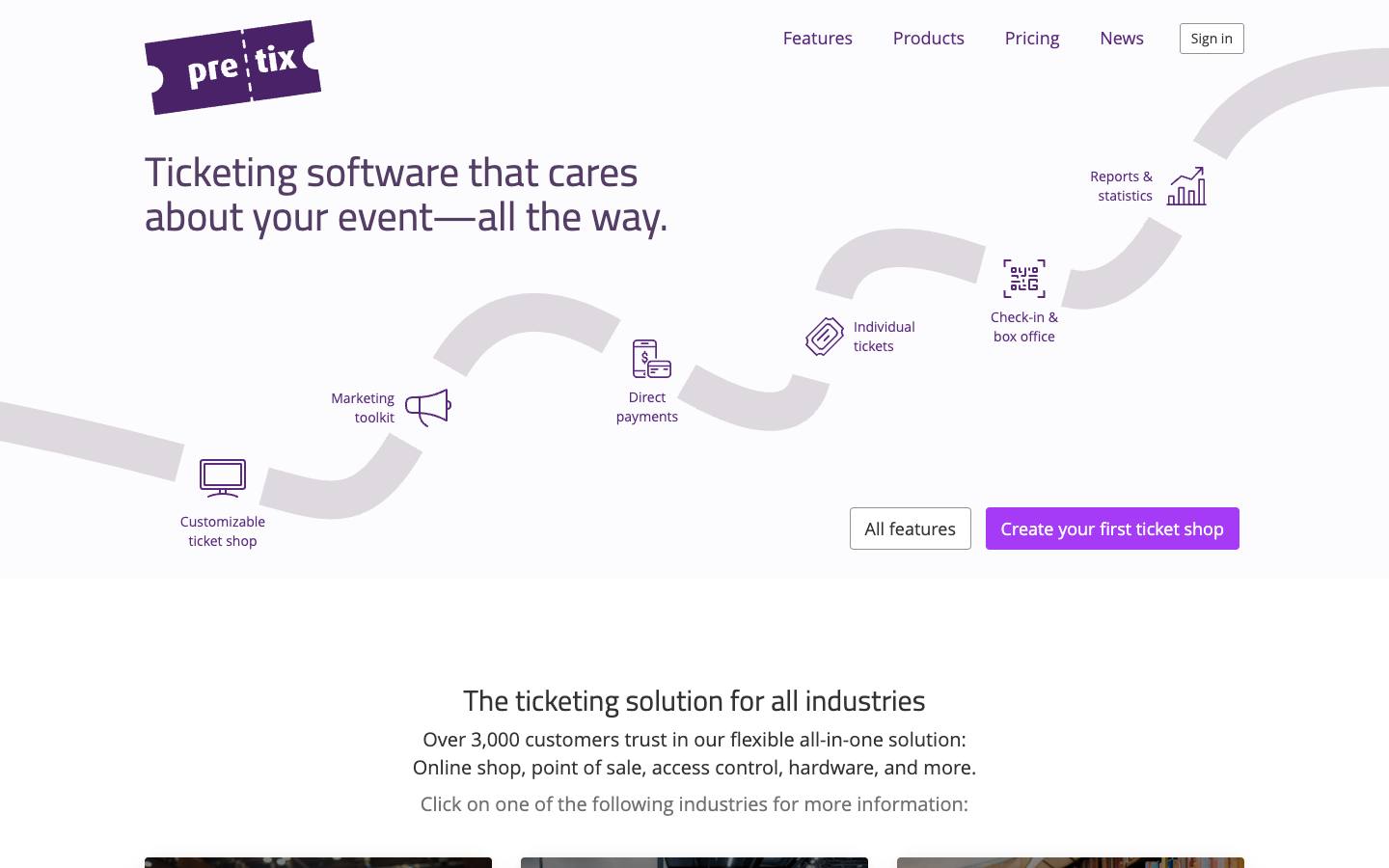
pretix is a German ticketing platform offered as a hosted service or as self-hosted Community and Enterprise editions. Beyond the ticket shop it adds access control with live badge printing, exhibitor lead scanning, kiosks and a virtual event venue. Hosted pricing is a capped percentage per paid ticket with no monthly fee.
More on pretixLess on pretix
Founded: 2014 · HQ: Heidelberg, Germany · Team: 11–50 people · Formats: In-person, Virtual, Hybrid
pretix was founded in 2014 in Heidelberg, Germany, has 11 to 50 employees and says it has no outside investors. Its hosted service charges 2.5% of the ticket price, capped at €15 per paid ticket, plus €0.50 per free ticket after the first 500 free tickets a year, with no monthly fee or minimum term. Exhibitor lead scanning through pretixLEAD costs €25 per active exhibitor. Self-hosted Community and Enterprise editions are available for teams that want to run it on their own servers.
The ticket shop supports interactive seating plans and many ticket types and can be embedded on any site. pretixSCAN handles access control with live badge printing, pretixPOS and pretixKIOSK cover box office and vending, and the Venueless platform adds virtual and hybrid venues. Payment providers include Stripe, PayPal, Mollie, Adyen and SumUp, and e-invoicing supports Peppol and ZUGFeRD. It's ISO 27001 certified with PCI DSS-compliant hosting and publishes a security incident log. Named customers include Messe Berlin, Heise Group, Shopware and KotlinConf. Support runs by email and phone on German business hours.
- ISO 27001 certified with PCI DSS-compliant hosting
What stands out
- Open-source core with a public REST API and plugin marketplace
- Hosted fee of 2.5% per paid ticket, capped at €15, with no monthly charge
- Onsite check-in with live badge printing and per-exhibitor lead scanning
Worth checking
- Marketing automation and CRM-style attendee engagement are limited
- Admin interface is available in a small set of languages
Best suited for. pretix fits technical teams and European trade fair organizers that want open-source ticketing with capped fees and onsite scanning. If you need marketing automation, native Salesforce sync or round-the-clock support in North American hours, choose a more marketing-led platform.

10. RSVPify, best for invite-only receptions, executive dinners and internal events that need private registration
From $24/month
- Price
- From $24/month
- Try it
- Free plan, Free trial
- Syncs with
- Salesforce, HubSpot
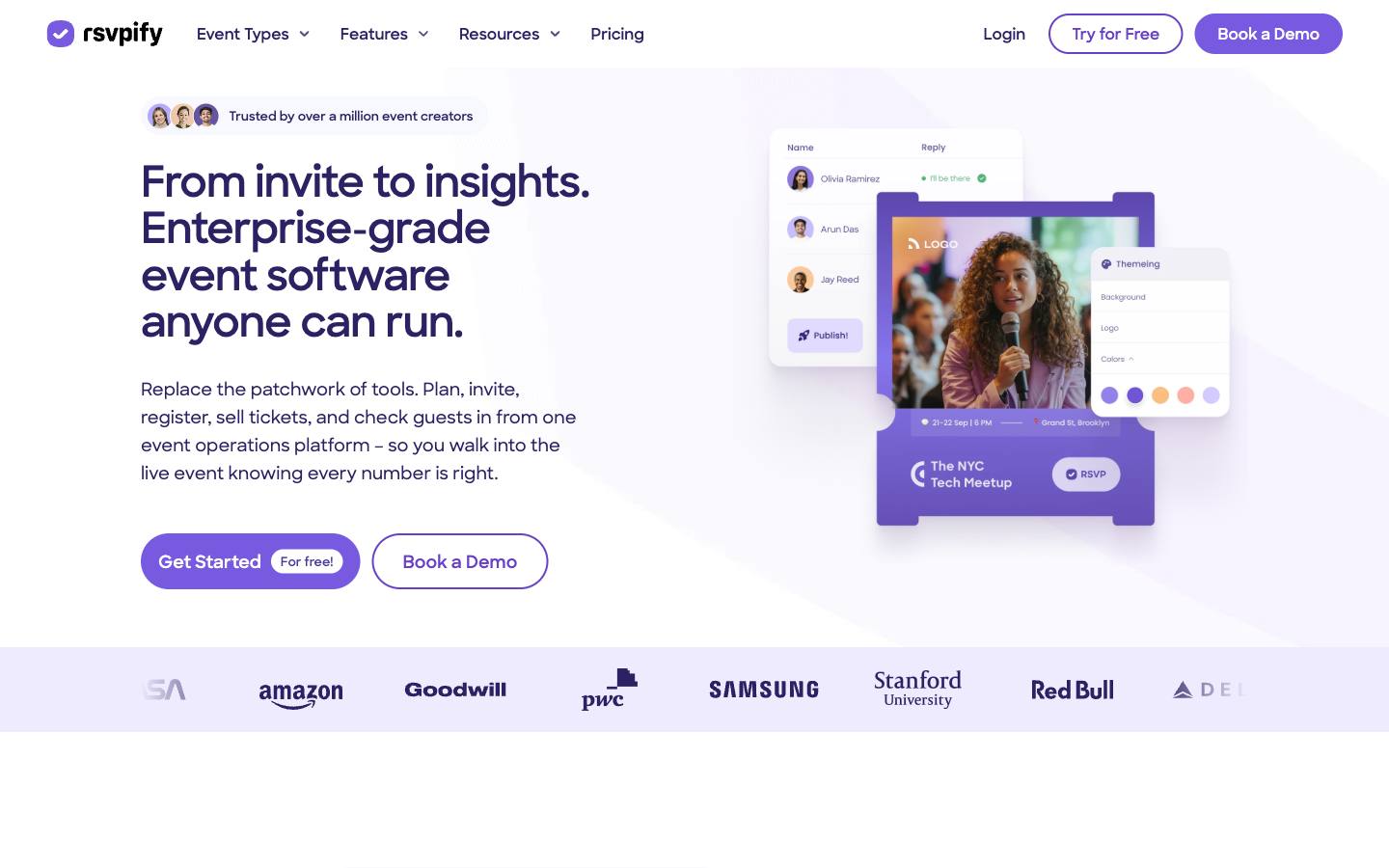
RSVPify supports private registration where guests only see the events they were invited to, alongside open registration, branded event sites, ticketing and onsite check-in. Corporate teams use it for receptions and internal events, and its group 'table captain' flow suits galas. The enterprise tier adds an AI assistant and an MCP connector for querying event data.
More on RSVPifyLess on RSVPify
Founded: 2013 · HQ: Chicago, USA · Formats: In-person
RSVPify was founded in 2013 in Chicago and has grown as a bootstrapped company serving both corporate and nonprofit events. Its core strength is private registration: organizers build branded sites with email-invite or password access, and each guest sees only the events they were invited to, alongside public registration for open events. Ticketing and donations sit in the same tool, and onsite check-in reads directly from registration data, which suits receptions, executive dinners and internal events.
In September 2026 it launched Cue, an in-app AI assistant that builds forms and event sites, answers questions about guest data and summarizes revenue and attendance after the event, together with an MCP connector that lets outside AI tools read and edit event data. Both are limited to the Enterprise platform, and the vendor notes some AI capabilities are still on its roadmap. In October 2026 it added Table Captains, a group registration flow aimed at galas and nonprofits. The CEO role changed in 2026, with the founder becoming executive chairman. Published plans start free, then $24 a month billed yearly for Starter, $89 for Plus and $299 for Professional, with Enterprise quoted, and its integrations pages name Salesforce, HubSpot, Stripe, Google Analytics and Zapier (checked October 2026).
- Salesforce, HubSpot and Zapier integrations, plus an API
What stands out
- Invite-only registration with email-invite or password-protected event sites
- Group registration through table captains
- Onsite check-in tied to registration data
Worth checking
- AI assistant and MCP connector are limited to the Enterprise platform
- Native CRM integrations sit on the quoted Enterprise plan
Best suited for. RSVPify fits teams running invite-only receptions, executive dinners and internal events where guests should see only their own invitation. If you need native CRM connectors without an Enterprise plan, or multi-track conference registration, start with another tool on this list.
Picks 6 to 10 are folded to keep the list short. Open any of them, or compare them all in the table above.
Also worth considering
Eventsforce, Event Farm, KonfHub, Eventbrite, Configio, CONREGO, Konfeo, Eventilla, Diobox, Ticket Tailor, Accelevents, Cvent
The best event registration software by use case
| If you need | Company size | Look at |
|---|---|---|
| Field marketing team running 50+ events a year with complex registrant types | Mid-market, Enterprise | Swoogoconditional logic, approvals and unlimited events on a flat plan |
| Salesforce shop that wants registrations and payments as CRM records | Mid-market, Enterprise | Blackthornruns natively inside Salesforce |
| HubSpot-based marketing team running hosted events and trade shows | Startup, Mid-market | hapilyregistrations, check-ins and scans as native HubSpot records |
| University or association running workshops on a tight budget | Startup, Mid-market | Eventleaffree tier, then $1 per attendee with badging |
| Developer conference that wants checkout embedded on its own site | Startup, Mid-market | Titoembeddable widget and 3% fee only on paid tickets |
| Executive dinners and side events around a larger conference | Startup, Mid-market | Lumafree plan with approval-based registration |
| European organizer that needs VAT invoices and EU hosting | Startup, Mid-market, Enterprise | idloomautomatic VAT invoicing and no per-ticket fees |
| German trade fair that wants self-hosted ticketing with lead scanning | Mid-market, Enterprise | pretixopen-source core, capped per-ticket fee |
What results look like
Figures customers report in the vendors' own published case studies. They describe one customer each, not what every buyer should expect.
393% ahead
Lead generation vs KPI
Australian Catholic University with Swoogo · Case study
21,000
Total registrations
University of Wisconsin-Madison Division of Continuing Studies with Blackthorn · Case study
30,000
Learners
Clarins with idloom · Case study
How to choose
Background on what these tools do, how we ranked them and what to check before you buy. Open any topic.
What event registration software actually is (and what it isn't)
Event registration software builds the event page and sign-up form, applies the rules for each type of registrant, takes payment or routes approvals, sends confirmations and reminders, and keeps the attendee list that check-in and follow-up depend on. For B2B events it also has to handle different audiences, such as prospects, customers, partners, speakers and sponsors, each with their own questions, prices and approval steps, and then pass clean records to the CRM or marketing automation platform.
It isn't a full event management platform. Registration tools usually stop short of agenda and speaker management, exhibitor portals, attendee apps and hybrid delivery, which is where event management software and event apps come in. It's also different from consumer ticketing marketplaces built for public discovery, and from RSVP software for small invite-only gatherings, although several tools here cover both. Onsite needs such as event check-in apps and badge printing software are sometimes built in and sometimes separate.
For B2B teams, registration software does three jobs. It controls who gets in and on what terms, from discount codes to approvals and waitlists. It collects money correctly, with invoices, VAT and refunds where needed. And it creates the record of who signed up and attended, which is the starting point for every pipeline and ROI report after the event.
How we ranked these event registration software tools
We compared each tool on registration-specific criteria that we could verify on vendor pages, pricing pages and review sites in October 2026.
1. Published pricing model
We recorded whether each vendor charges per attendee, per ticket, per credit or by subscription, and the lowest listed price, from its pricing page.
2. Registration logic
We checked feature pages for conditional fields, registrant types, approval workflows, group registration and waitlists.
3. Payments and invoicing
We noted supported payment gateways, invoice and VAT handling, and who pays processing fees, from pricing and help pages.
4. Native CRM sync
We checked integration pages for named Salesforce, HubSpot or Marketo connectors and noted when sync runs through Zapier or an API, or sits on a higher tier.
5. Onsite check-in and badges
We looked for check-in apps, kiosks and badge printing in the product and noted when they're add-ons.
6. Security documentation
We recorded SOC 2, ISO 27001 and PCI DSS claims from each vendor's security or trust page.
More on our process in the methodology.
What to look for in event registration software
Start with the registration logic your events actually need. B2B events often have several audiences (prospects, customers, partners, speakers, sponsors, staff) that each need different questions, prices and approval steps, so check for conditional fields, registrant types, approval workflows, group registration and waitlists. Then check the data side: which fields map to your CRM or marketing automation platform, whether the sync is native or runs through Zapier, and whether one attendee record persists across events. Finally, check what happens on the day: QR or badge-based check-in, badge printing and session attendance are often add-ons rather than standard.
Online event registration vs. conference registration software
Lightweight online event registration tools such as Luma, Tito or Eventzilla get a page and checkout live quickly and suit dinners, meetups, workshops and single-track events. Conference registration software such as Swoogo or idloom handles multi-day programs with session selection, sponsor and speaker registration paths, invoicing and certificates. Many teams use both: a full platform for the flagship conference and a lighter tool for the side events around it.
Typical pricing for event registration software
Published prices in our data fall into three groups. Per-attendee or per-ticket tools keep costs low for small or free events: Eventleaf is free up to 100 attendees a year and then $1 to $2 per attendee, Eventzilla starts at $1.50 per registration, Tito charges 3% per paid ticket and pretix 2.5% capped at €15. Subscriptions are easier to budget at volume: idloom runs from €150 to €1,150 a month billed annually and Swoogo's Professional plan is $11,800 a year. Credit-based plans such as hapily ($600 a month billed annually for 1,000 credits) sit in between. Payment processing is usually charged on top.
Questions to ask vendors
Ask which objects and fields sync to your CRM, in which direction and how often. Ask which features sit on higher tiers, especially SSO, CRM connectors, extra admin seats and onsite badging. Ask who pays payment processing fees and whether they can be passed to buyers, how invoices, VAT and refunds work, and where attendee data is hosted. Finally, ask for the security documents your procurement team needs, since several tools publish none.
Payments, invoicing and compliance
For paid B2B events, check supported payment gateways and currencies, invoice and purchase-order handling, and tax treatment. European organizers in particular should confirm VAT invoicing and data hosting location. Security documentation varies widely: some vendors list SOC 2, ISO 27001 or PCI DSS, while others publish no certifications, which may matter for your procurement review.
Where this fits in your event tech stack
Registration is the system of record for who signed up, paid and attended, so it sits between your marketing channels and your CRM or marketing automation platform. Native CRM options keep that data inside the CRM (Blackthorn for Salesforce, hapily for HubSpot), while platforms such as Swoogo and idloom connect to Salesforce, HubSpot and other systems through built-in integrations, and self-serve tools such as Luma and Tito rely on Zapier or their API. Downstream, registration data feeds the event app, check-in and badging, and lead capture: Swoogo, for example, integrates with event apps such as EventMobi and SpotMe, while Eventleaf, Eventzilla and pretix include their own check-in and exhibitor lead scanning.
FAQ
What is event registration software?
How much does event registration software cost?
Is there free event registration software?
What should conference registration software include?
What is the difference between event registration software and event management software?
Which event registration software integrates with Salesforce or HubSpot?
How do event registration tools handle payments?
Can I use Eventbrite for B2B event registration?
Get a free event registration software shortlist
Reading reviews only gets you so far. The right pick depends on your events, your team and the systems it has to sync with.
Our shortlist finder asks a few questions and matches you with tools that fit, using the same verified data as this guide.
You'll see published prices, security documents and CRM integrations side by side, and you can save tools to compare later.
It's free, there's no sign-up, and no vendor gets your details.
Ready? Build your shortlist in two minutes, or try the free event software RFP builder.
Get a free shortlistKeep reading
How-to guides
Ratings link to their source and are shown as published on the date of our last check. Read our methodology.