 vs

CueForge vs Stagetimer
Both are in our Event planning & production category. CueForge is best for show callers, producers and AV companies building run-of-show documents for corporate events; Stagetimer is best for AV and production crews running conference stages and keynotes.
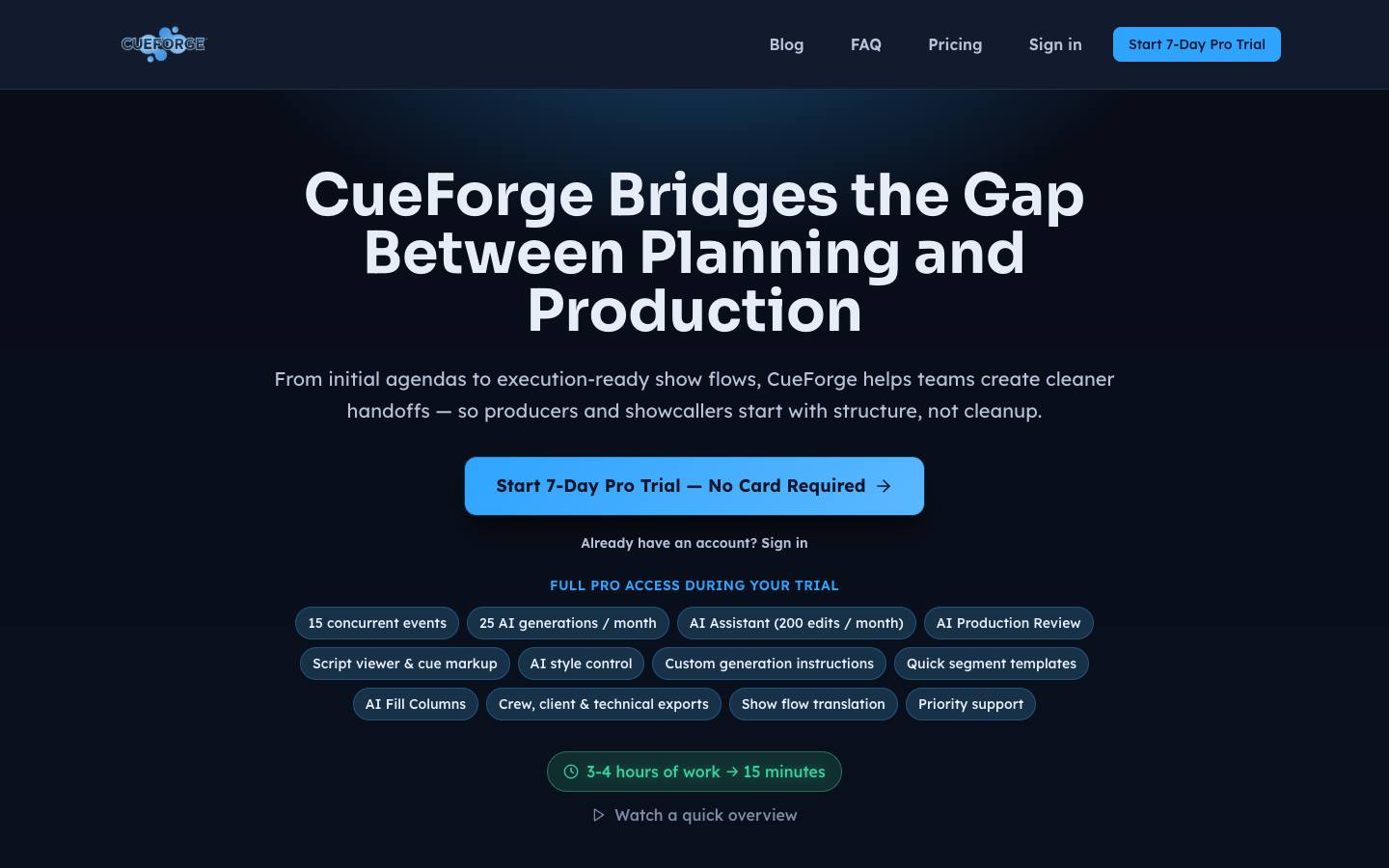
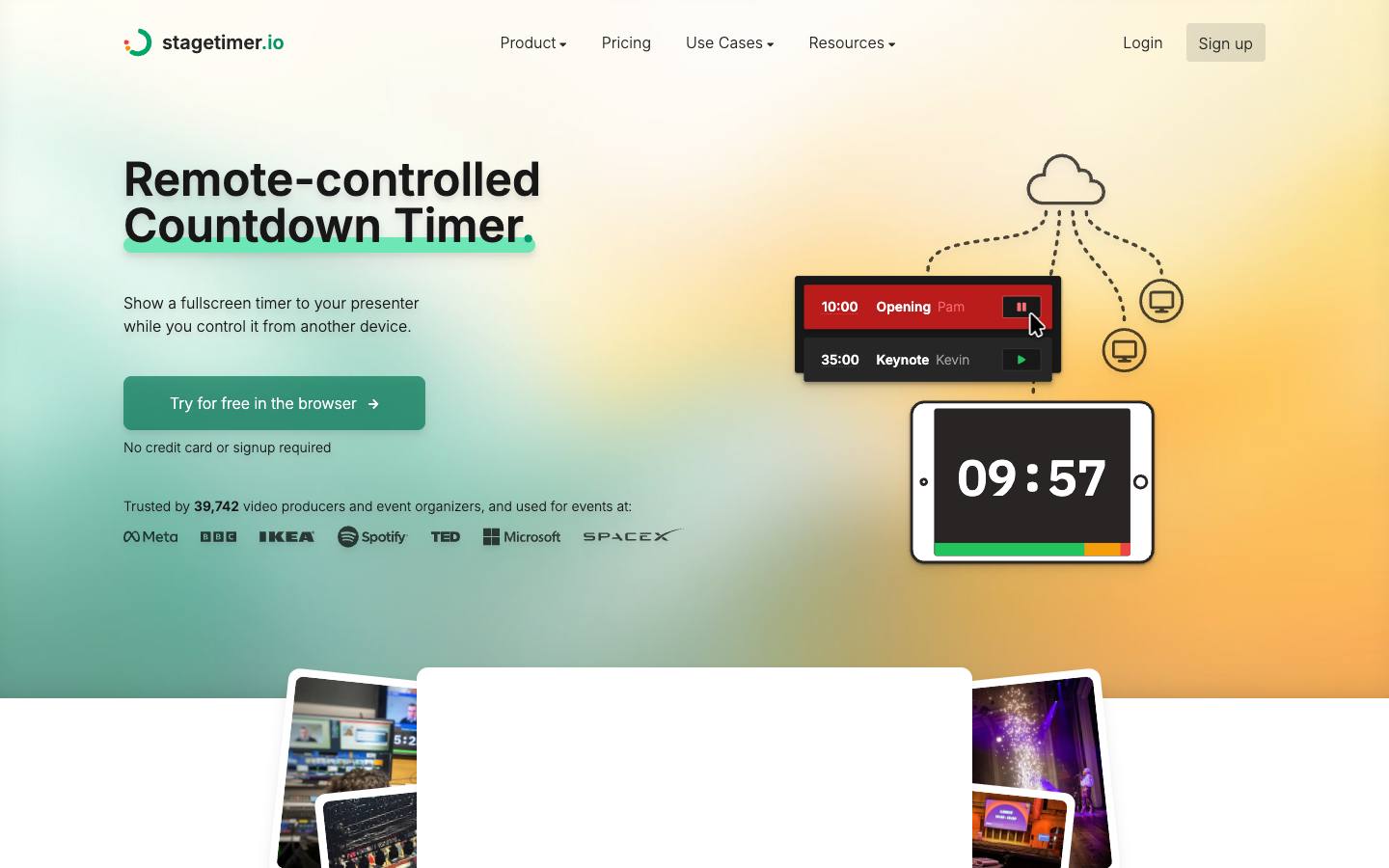
The short answer: CueForge and Stagetimer do different jobs in the same control room. CueForge, from $15 a month (Pro), uses AI to turn a client agenda into a technical run-of-show with cues and scripts. Stagetimer, from $210 a year (Pro), is a remote-controlled countdown timer and messaging tool for speakers on stage. Production teams can reasonably use both rather than choose.
Built from each vendor's own website and our research profiles. How we research
Side by side
“Not published” means we couldn't find it on the vendor's own pages.
CueForgeStagetimerStrengths and considerations
CueForge
What stands out
- Purpose-built for technical show flows rather than attendee-facing agendas
- Revisions merge into existing cues instead of regenerating from scratch
Worth checking
- Very early-stage product with little public company information
- Production planning only; no registration, attendee or marketing features
- No integrations beyond file import/export are described
Stagetimer
What stands out
- Runs in any browser with no install, plus an offline desktop option for venues without reliable internet
- Published, transparent pricing including a single-event license
- Hooks into common production control gear such as Stream Deck and Companion
Worth checking
- Interface and support are English only
- Security page states no two-factor authentication and no encryption at rest; certifications cited belong to its hosting providers
- Narrow tool for stage timing rather than an event management platform
The main difference between CueForge and Stagetimer
CueForge plans the show and Stagetimer runs the clock. CueForge generates a run-of-show from an uploaded agenda, lets crews edit it in a grid with color-coded segments and linked scripts, and shares client links where reviewers leave cell-level notes. Stagetimer shows presenters a fullscreen countdown on a confidence monitor, controlled by an operator on another device, with presenter messages, agenda and moderator views, and audience question intake.
They don't compete head to head: a producer could build the cue sheet in CueForge and run the stage timing in Stagetimer. Both sit in event production rather than marketing. Neither lists CRM or marketing automation connectors, and neither handles registration or attendee data.
Pricing, integrations and fit
CueForge has a free plan with one new event per month, plus a Pro plan at $15 a month or $144 a year (checked October 2026) with up to 15 concurrent events, an AI assistant and crew, client and technical exports. Pro has a 7-day trial with no credit card, and billing is month to month.
Stagetimer also has a free tier. Its published paid plans are Pro at $210 a year for 1 member, Premium at $420 a year, and Enterprise from $630 (checked October 2026). It also sells a 30-day single-event license. Its integrations are production gear: Bitfocus Companion, Elgato Stream Deck, OBS Studio, vMix, Zoom and a public HTTP API, plus offline desktop apps. CueForge works through file import and export (Word, PDF, Excel) with no app integrations, and it targets in-person and hybrid shows, while Stagetimer also lists virtual events and webinars.
Which should you choose?
Choose CueForge if your bottleneck is turning changing client agendas into cue sheets, especially multi-room Excel agendas that arrive revised several times. Choose Stagetimer if speakers keep overrunning and you need a shared clock with messages, or if you work with Companion and Stream Deck. Choose both for a larger conference where one team writes the show flow and another calls the stage.