 vs

CueForge vs Rundown Studio
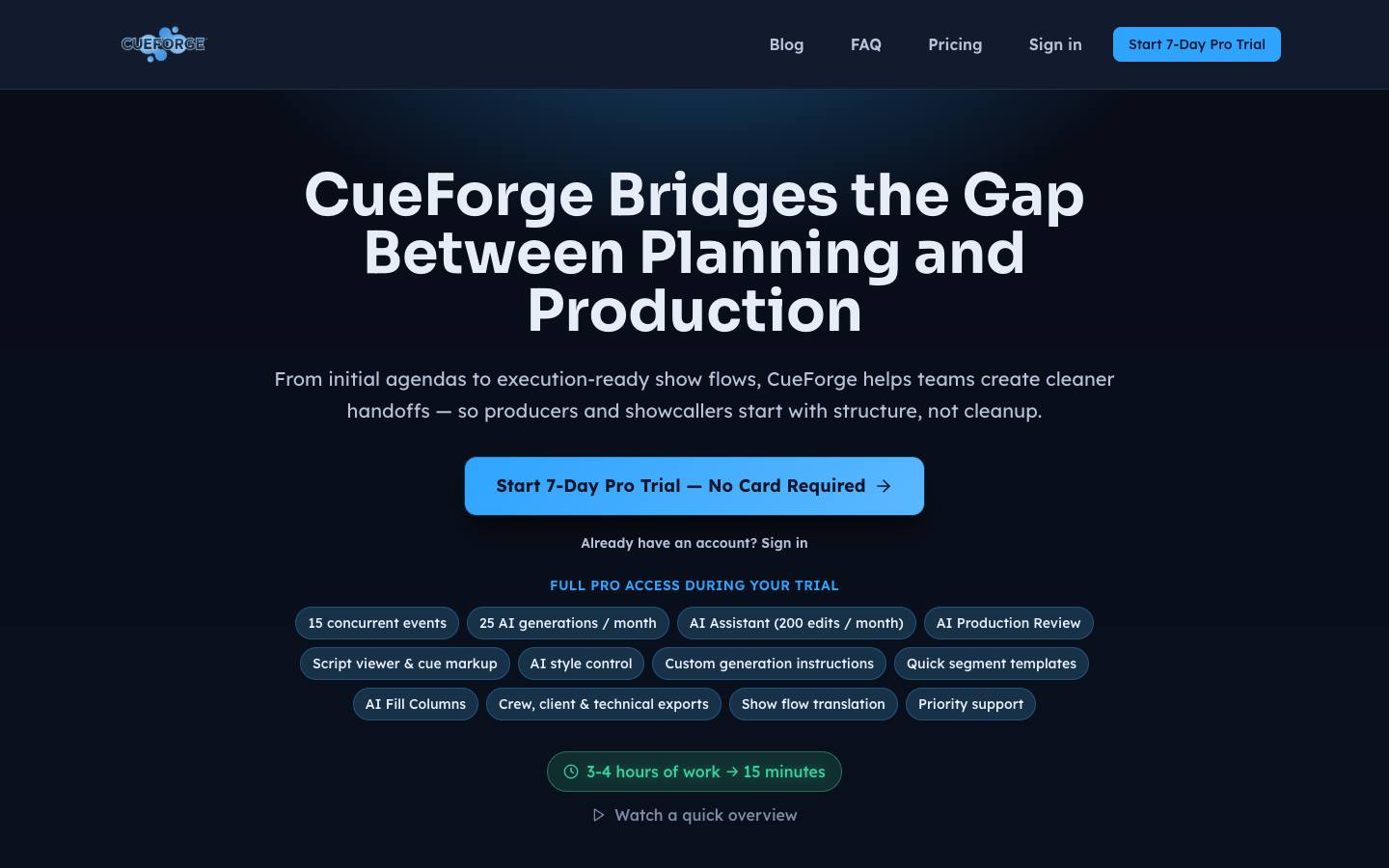
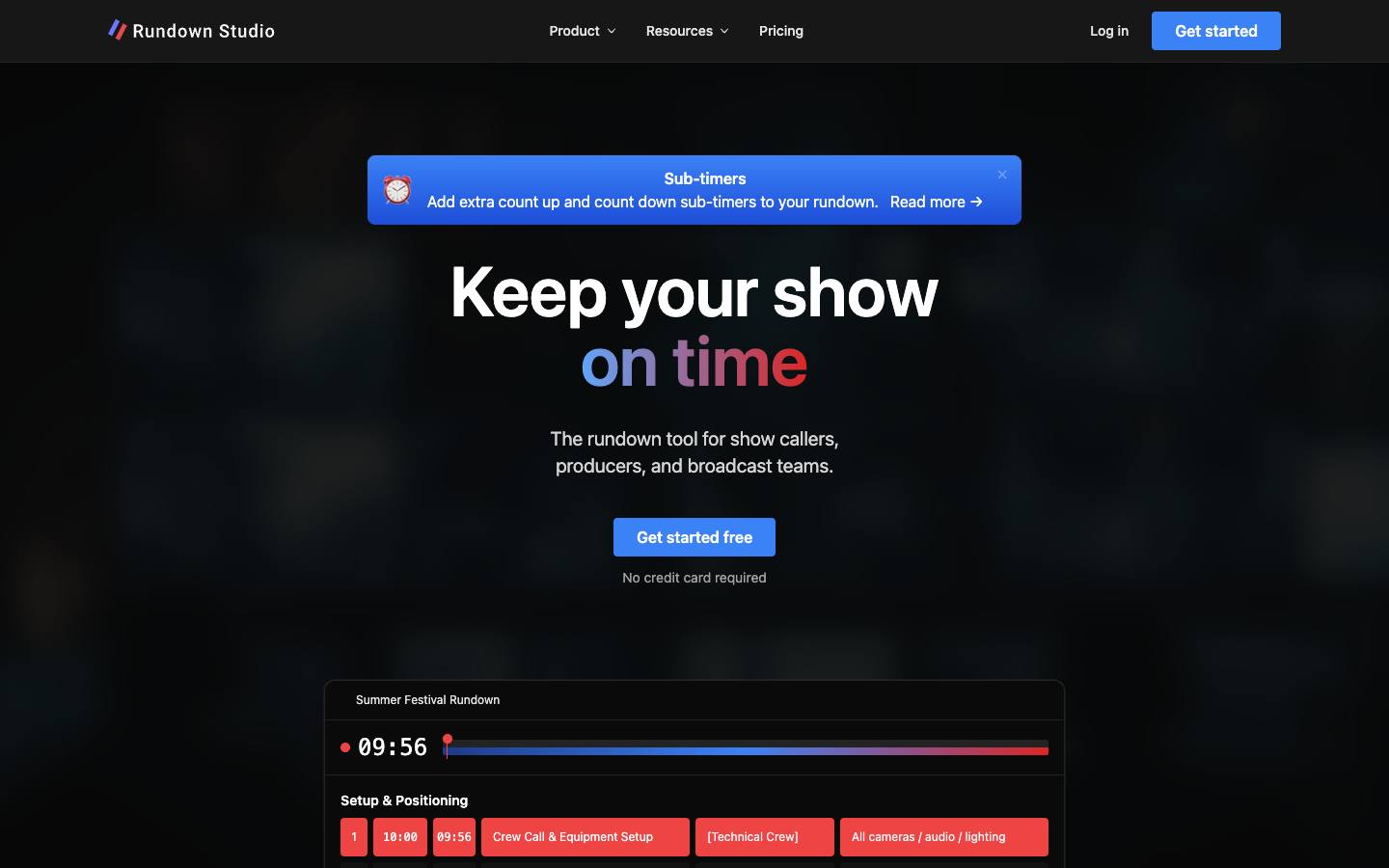
Both are in our Event planning & production category. CueForge is best for show callers, producers and AV companies building run-of-show documents for corporate events; Rundown Studio is best for show callers and producers running conference general sessions and corporate shows.
The short answer: CueForge uses AI to turn a client agenda into a technical run-of-show before the event, from a free plan or $15/month Pro. Rundown Studio is cloud rundown software for calling the live show, with auto-timed cues, a built-in teleprompter and a public API, at $25 per event. Pick CueForge to draft show flows fast; pick Rundown Studio to run cues and graphics live.
Built from each vendor's own website and our research profiles. How we research
Side by side
“Not published” means we couldn't find it on the vendor's own pages.
CueForgeRundown StudioStrengths and considerations
CueForge
What stands out
- Purpose-built for technical show flows rather than attendee-facing agendas
- Revisions merge into existing cues instead of regenerating from scratch
Worth checking
- Very early-stage product with little public company information
- Production planning only; no registration, attendee or marketing features
- No integrations beyond file import/export are described
Rundown Studio
What stands out
- Per-event pricing for one-off shows
- Teleprompter and rundown in one tool
Worth checking
- Production-crew tool; not attendee-facing
- Company leadership and named customers aren't listed on the site
- No AI features
The main difference between CueForge and Rundown Studio
CueForge helps you build the show flow, and Rundown Studio helps you run it. CueForge generates a run-of-show from an uploaded agenda, including multi-room Excel workbooks, then applies revised agendas as reviewable diffs without wiping production cues. Its AI fills GFX, camera, livestream and media-server columns, flags production risks and takes natural-language edits. Rundown Studio's cue start times recalculate when durations change, and the view follows the active cue during the show, with a teleprompter synced to the rundown and unlimited guests.
Both serve show callers, producers and AV teams at SMB and mid-market companies. Rundown Studio runs in-person, virtual and hybrid shows; CueForge covers in-person and hybrid. Rundown Studio doesn't describe AI features, and CueForge describes no live timing or teleprompter.
CueForge vs Rundown Studio pricing
Both have free plans, priced differently (checked October 2026). CueForge Free allows 1 new event per month with 10 AI generations. Pro is $15 per month, or $144 per year, for up to 15 concurrent events, 25 AI generations, an AI Assistant with 200 edits a month, crew, client and technical exports, and show flow translation. A 7-day Pro trial needs no credit card, and one-time AI credit packs cost $5 and $10.
Rundown Studio's Free plan has 1 team member, limited rundowns, read-only guests, prompter and API control (checked October 2026). The Event plan is $25 per event with 10-day access (a 20-day option), 2 team members, unlimited rundowns and full-access guests. Team is $600 yearly with PDF and CSV export, and a monthly option exists. Prices exclude tax, and education and nonprofits get 50% off. Occasional one-off shows favor per-event pricing; steady production favors a subscription.
Features and integrations
CueForge lists 4 integrations, all file-based: Excel import and export, PDF import and export, Word import and Google Docs exported files. It has no app integrations or Zapier, and imports DOCX, PDF, XLSX, text or an event site URL.
Rundown Studio lists 12, aimed at show control: a Bitfocus Companion module, Bitfocus Buttons, a public REST API with WebSocket updates, OBS Studio, OnTheAir Video, ProPresenter, QLab and CSV exchange with Google Sheets and Excel. It documents EU data hosting, a security page and a status page. We didn't find a SOC 2 report on either vendor's public pages, and neither lists business-app connectors such as Salesforce.
Which should you choose?
Choose CueForge if you're an agency or AV company that keeps receiving client agendas and wants a technical cue sheet drafted in minutes, with client share links for cell-level notes and version history. It is a very early-stage product with limited public company information.
Choose Rundown Studio if you call a conference general session or live stream and need timing that adjusts as the show runs, a teleprompter, and an API to drive graphics and playback tools. Its Malmö-based team is small, 2 to 10 people, and customers aren't named on its site.