 vs

Add to Calendar PRO vs CalendarLink
Both are in our Event promotion & referral category. Add to Calendar PRO is best for marketing teams promoting webinars, launches and events across web pages and emails; CalendarLink is best for webinar and event marketers who want registrants to save events to their calendars from emails and pages.
The short answer: Add to Calendar PRO is a hosted version of the open-source Add to Calendar Button from Germany's Calendarverse GmbH, adding RSVP forms with double opt-in and event landing pages, with a free open-source tier and paid plans capped by new events per month. CalendarLink is a universal calendar link with RSVPs, subscription calendars and reminders, capped by adds, RSVPs and subscribers. Both are small promotion add-ons, not registration platforms.
Built from each vendor's own website and our research profiles. How we research

Side by side
“Not published” means we couldn't find it on the vendor's own pages.
Add to Calendar PROCalendarLinkStrengths and considerations
Add to Calendar PRO
What stands out
- Built on a widely used open-source calendar button
- Combines calendar saves, RSVP and landing pages in a single lightweight tool
- Priced by events created rather than by attendees
Worth checking
- A promotion add-on, not a full registration or event management platform
- Plan prices are only shown in the interactive pricing widget
- Very small team (2-10 employees on LinkedIn)
CalendarLink
What stands out
- Solves a specific attendance problem (getting events onto calendars) cheaply
- Single-event licence suits occasional organisers
- Works alongside any registration or webinar platform
Worth checking
- Point tool; doesn't handle registration pages, ticketing or event delivery
- Company ownership, location and security details aren't published
- Trial length is stated inconsistently on the pricing page (7 vs 14 days)
Notable customers
Organizations each vendor names on its own website: customer stories first, then testimonials and logos.
Add to Calendar PRO
CalendarLink
None found on its website.
The main difference between Add to Calendar PRO and CalendarLink
Add to Calendar PRO is a button and landing-page toolkit, while CalendarLink is a link and subscription-calendar service. Add to Calendar PRO is built on a widely used open-source button: you create an event once and get embeddable buttons for Google, Apple, Outlook and Yahoo with click tracking, hosted ICS files, RSVP forms with custom fields and CSV or JSON export, auto-generated event pages with structured data, and a post-save call to action such as a newsletter signup.
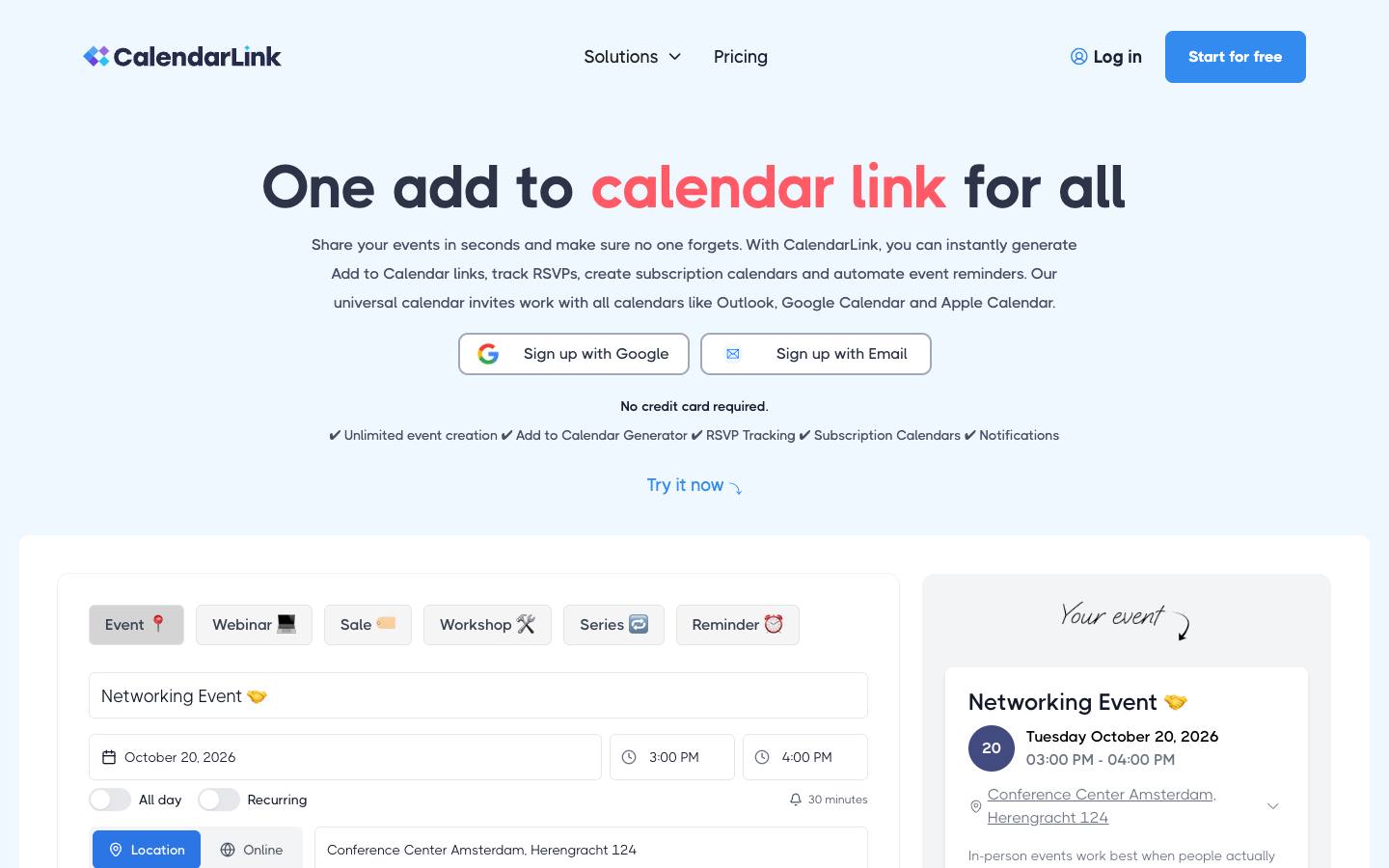
CalendarLink generates one link that adapts to each person's calendar app and time zone, then adds RSVP tracking, subscribable calendars that update when events change, and automated reminders including for recurring events. Both run in-person, virtual and webinar promotions, and neither handles ticketing or event delivery.
Add to Calendar PRO vs CalendarLink pricing
Add to Calendar PRO prices by new events per month, in euros, excluding taxes (checked October 2026). Open Source is free forever but has no RSVP or no-code editing. Hobby is €2/month for 5 new events, Regular €17/month for 35 events with basic email support, and Enterprise €169/month for 500 events, 10 custom domains and priority support. Team members are unlimited on the paid plans, annual billing saves 30%, a one-time option exists, and there's a 7-day trial.
CalendarLink prices by volume per event (checked October 2026). Free covers unlimited events with 50 adds, 10 RSVPs and 10 subscribers per event and no analytics. Startup is €19/month (yearly billing saves 20%) with 1,000 adds, 100 RSVPs and 100 subscribers per event, all integrations, API and MCP access, and email support. Business is €39/month with unlimited adds, 10k RSVPs, advanced analytics and priority support, and Enterprise starts from 199/month. A 7-day trial and single-event licence are offered. For a handful of events a month, Add to Calendar PRO's €2 Hobby plan is the lowest published paid entry.
Features and integrations
CalendarLink lists 26 integrations and Add to Calendar PRO lists 25, but neither connects natively to a CRM. Add to Calendar PRO reaches HubSpot, Salesforce and Pipedrive through Zapier, Make, n8n or Pipedream, and also lists WordPress, Webflow, Wix, Bubble, Slack, Airtable, Notion, Mailchimp and React, Vue and Angular components. It documents a public API reference and webhooks. CalendarLink connects HubSpot, Salesforce and Pipedrive via Zapier or Make, and lists Mailchimp, ActiveCampaign, Brevo, Zoom, Microsoft Teams, Stripe and Shopify, mostly by pasting calendar links. Its API and MCP access start on the Startup plan, and we didn't find API docs on its public pages.
On compliance, Add to Calendar PRO shows GDPR and CCPA badges, names its sub-processors in the privacy policy and runs a public status page. We didn't find a SOC 2 Type II report on its public pages. CalendarLink states it's hosted in the EU and GDPR-compliant, with a status page, but we didn't find a data processing agreement or ownership details.
Which should you choose?
Choose Add to Calendar PRO if you want the open-source button, hosted RSVP with double opt-in and SEO-ready event pages, or a very low-cost plan for a few events a month. It was founded in 2021 and is based in Unterföhring, Germany, and it shows customers such as Dentsu, Publicis Groupe, UCLA and Manhattan Associates.
Choose CalendarLink if you publish a recurring calendar that people subscribe to, need reminders, or want a one-off licence for a single event. Its free plan allows unlimited events, and Business raises limits to 10k RSVPs per event. Registration, ticketing and event delivery stay with your other tools.