 vs

AddEvent vs CalendarLink
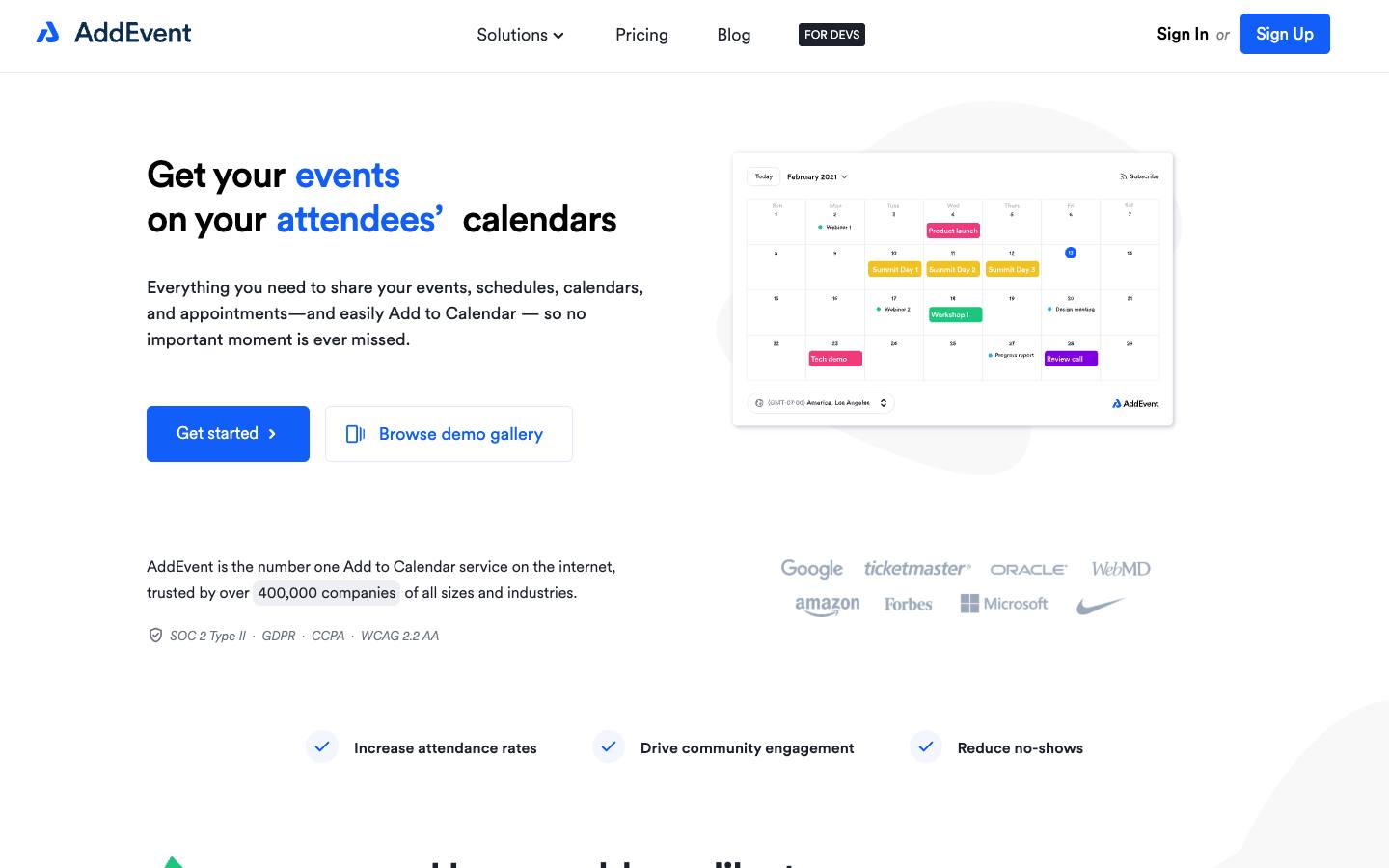
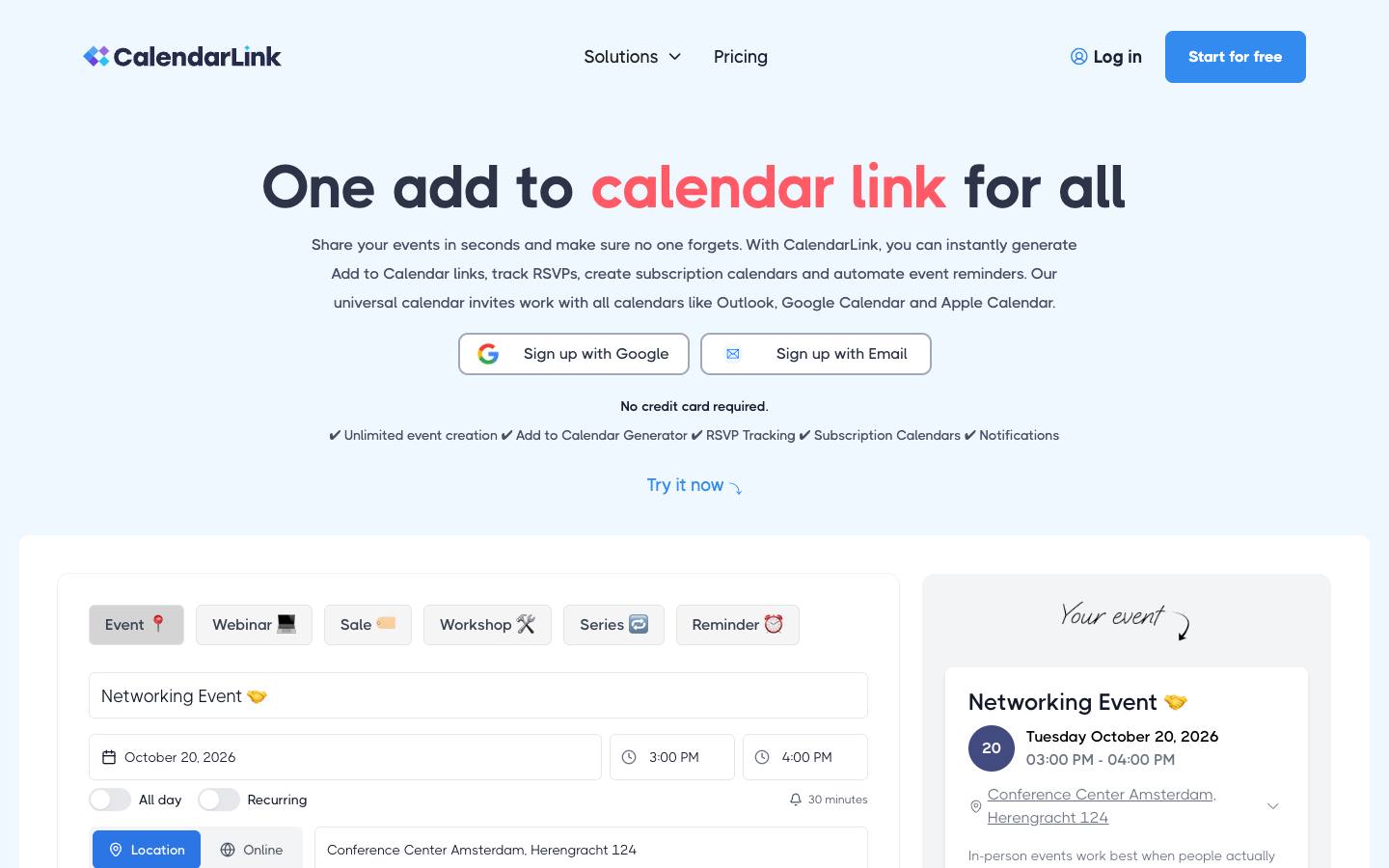
Both are in our Event promotion & referral category. AddEvent is best for marketing teams driving webinar and event attendance through email campaigns; CalendarLink is best for webinar and event marketers who want registrants to save events to their calendars from emails and pages.
Built from each vendor's own website and our research profiles. How we research
Quick verdict
Choose AddEvent if:
- Its best fit describes you: marketing teams driving webinar and event attendance through email campaigns.
- Your security review asks for a publicly documented SOC 2 Type II report.
- This matters to you: Long-established calendar marketing specialist (buttons offered since 2012).
Choose CalendarLink if:
- Its best fit describes you: webinar and event marketers who want registrants to save events to their calendars from emails and pages.
- You'd like a per-event pricing option.
- This matters to you: Solves a specific attendance problem (getting events onto calendars) cheaply.
Based only on what each vendor publishes. Ask both for a demo with your own event scenario before you decide.
Side by side
“Not published” means we couldn't find it on the vendor's own pages.
FeatureAddEventCalendarLink
AddEventCalendarLinkOverview
CategoryEvent promotion & referralEvent promotion & referral
Company size fitSMB, Mid-market, EnterpriseSMB, Mid-market, Enterprise
Event formatsIn-person, Virtual, WebinarIn-person, Virtual, Webinar
Capterra rating––
Product updates3 in the last 90 daysNot published
ReliabilityNo incidents in 90 daysStatus page published
Pricing
Starting price$29/month billed annually (Small Business) source$19/month billed yearly (Startup) source
Pricing modelFreemiumFreemium
Free planYesYes
Free trialNoYes, 7 days
Per-event pricing–Available
Integrations
CRM & marketing automationHubSpot, Marketo, Salesforce Marketing Cloud, HubSpot (via Zapier), Marketo (calendar links in emails), Salesforce Marketing Cloud (calendar links in emails)HubSpot (via Zapier/Make), Salesforce (via Zapier/Make), Pipedrive (via Zapier/Make)
Integrations listed2226
Security & ITWhat each vendor documents on its own public pages. "Not found" means we couldn't find it; many vendors share documents on request.
SOC 2 Type INot foundNot found
ISO 27001Not foundNot found
PCI DSSNot foundNot found
HIPAANot foundNot found
SAML single sign-onNot foundNot found
SCIM user provisioningNot foundNot found
WebhooksNot foundNot found
Buying details
ImplementationSelf-serve on paid tiers; implementation support on EnterpriseSelf-serve; links work in any tool without setup
SupportBasic online support on all plans; priority support on Professional; dedicated account manager, procurement and implementation support on EnterpriseEmail support on Startup, priority support on Business
ContractMonth-to-month or annual (annual saves 23%); Enterprise annualMonth-to-month (yearly saves 20%; single-event licence available)
Mobile appsNot publishedNot published
Company
Founded2015–
HeadquartersUnited States–
Employees––
OwnershipIndependent, with small VC/accelerator backing (Founder Partners, Trailblazer)–
Strengths and considerations
AddEvent
What stands out
- Long-established calendar marketing specialist (buttons offered since 2012)
- Native connectors to major email and marketing automation platforms
- Security posture includes SOC 2 Type II
Worth checking
- A promotion and RSVP layer, not a full event registration or management platform
- Usage caps on clicks and subscribers can push high-volume senders to higher tiers
- Free plan is restricted to non-commercial use
CalendarLink
What stands out
- Solves a specific attendance problem (getting events onto calendars) cheaply
- Single-event licence suits occasional organisers
- Works alongside any registration or webinar platform
Worth checking
- Point tool; doesn't handle registration pages, ticketing or event delivery
- Company ownership, location and security details aren't published
- Trial length is stated inconsistently on the pricing page (7 vs 14 days)
Notable customers
Organizations each vendor names on its own website: customer stories first, then testimonials and logos.
CalendarLink
None found on its website.
AddEvent vs CalendarLink: FAQ
Is AddEvent cheaper than CalendarLink?
AddEvent lists pricing from $29/month billed annually (Small Business), on a freemium model. CalendarLink lists pricing from $19/month billed yearly (Startup), on a freemium model. The pricing models and what's included differ, so compare quotes for your own event volume and add-ons rather than list prices alone. Both have a free plan.
Which integrates with Salesforce, AddEvent or CalendarLink?
Both list a Salesforce integration. Both list a HubSpot integration. AddEvent lists 22 integrations and CalendarLink lists 26 on their websites.
Which has SOC 2 Type II, AddEvent or CalendarLink?
AddEvent publicly documents a SOC 2 Type II report, and we didn't find a SOC 2 Type II report on CalendarLink's public pages (checked 2026-10-18). Vendors often share security reports under NDA, so ask both directly.
What's the difference between AddEvent and CalendarLink?
Both are in our Event promotion & referral category. AddEvent is best for marketing teams driving webinar and event attendance through email campaigns. CalendarLink is best for webinar and event marketers who want registrants to save events to their calendars from emails and pages.