 vs

Add to Calendar PRO vs ADDCAL
Both are in our Event promotion & referral category. Add to Calendar PRO is best for marketing teams promoting webinars, launches and events across web pages and emails; ADDCAL is best for marketing and community teams promoting webinars and recurring events by email.
The short answer: Add to Calendar PRO, from Germany's Calendarverse, is the hosted version of a popular open-source calendar button, with RSVP forms, landing pages and a 7-day trial. ADDCAL, an Australian tool formerly called Calndr.link, sells editable calendar links from $12/month billed yearly with a free plan. Choose Add to Calendar PRO for event-based plans and developer tooling, ADDCAL for low-cost RSVPs and subscription calendars.
Built from each vendor's own website and our research profiles. How we research

Side by side
“Not published” means we couldn't find it on the vendor's own pages.
Add to Calendar PROADDCALStrengths and considerations
Add to Calendar PRO
What stands out
- Built on a widely used open-source calendar button
- Combines calendar saves, RSVP and landing pages in a single lightweight tool
- Priced by events created rather than by attendees
Worth checking
- A promotion add-on, not a full registration or event management platform
- Plan prices are only shown in the interactive pricing widget
- Very small team (2-10 employees on LinkedIn)
ADDCAL
What stands out
- Generous free plan and low paid tiers
- Offers one-click import from AddEvent
- Links remain editable after distribution
Worth checking
- No named customer logos or case studies on the site
- Only Zapier and Zoom integrations are listed
- Company and leadership details aren't published
Notable customers
Organizations each vendor names on its own website: customer stories first, then testimonials and logos.
The main difference between Add to Calendar PRO and ADDCAL
Add to Calendar PRO grew out of an open-source button, while ADDCAL started as a link tool. Add to Calendar PRO gives marketers embeddable buttons for Google, Apple, Outlook and Yahoo, hosted ICS files, RSVP forms with double opt-in, and auto-generated event landing pages with structured data. It adds a post-save prompt, such as a newsletter signup, once someone saves the date, and installs with a script tag or npm package.
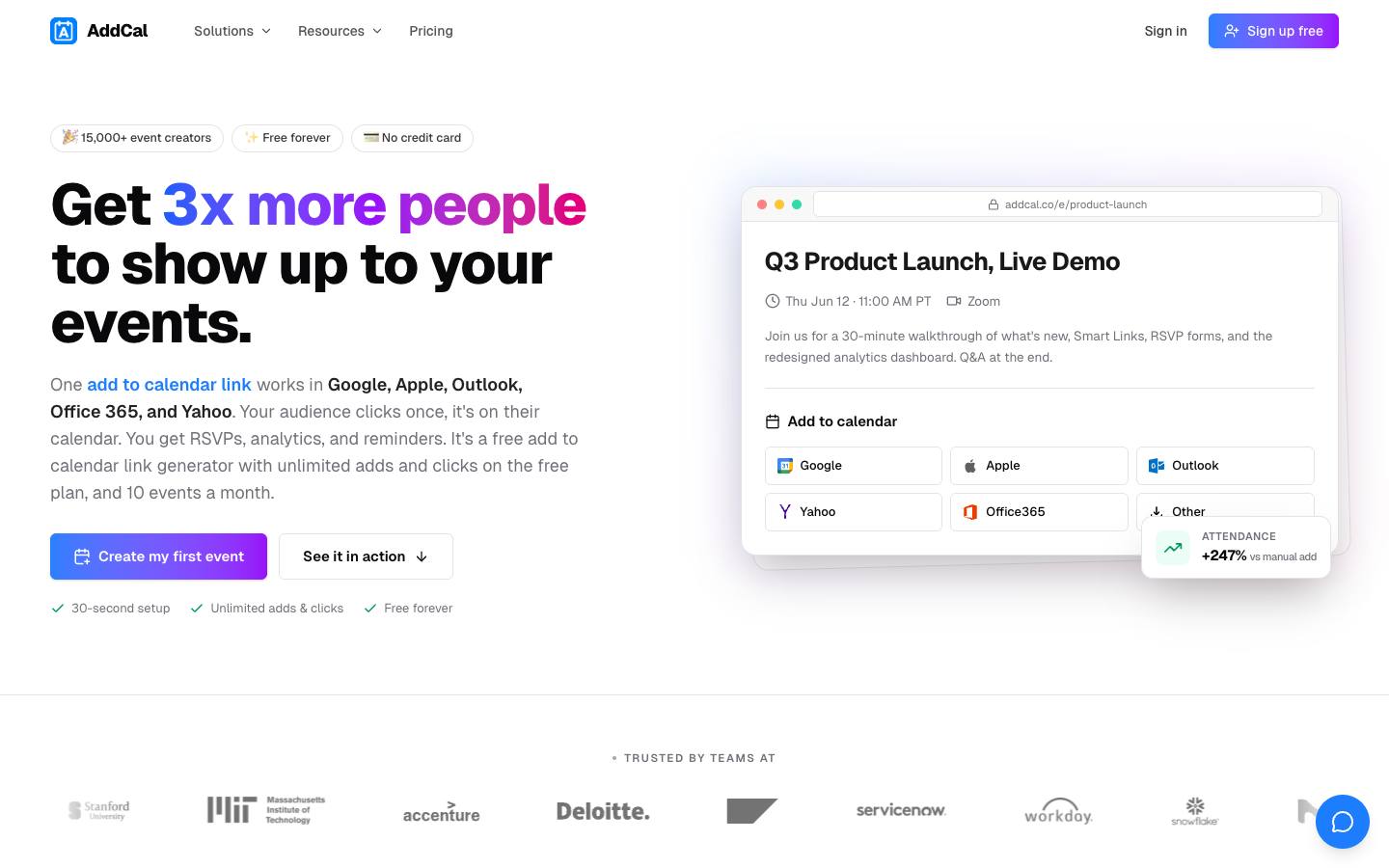
ADDCAL creates one editable link that works across Google, Apple, Outlook, Office 365 and Yahoo and stays editable after it's shared. It focuses on RSVP management with capacity caps and a waitlist, subscription calendar feeds that push updates and cancellations, and Smart Links that generate events from URL parameters. Both promote webinars and events rather than run them, so neither replaces registration software.
Add to Calendar PRO vs ADDCAL pricing
Add to Calendar PRO doesn't state a starting price we can quote, while ADDCAL does. Add to Calendar PRO is freemium: the open-source button is free, and the hosted Hobby, Regular and Enterprise plans are capped by new events per month (5, 35 and 500) with unlimited team members. Billing is monthly, annual or one-time, and there's a 7-day trial. Support is absent on Hobby, basic email on Regular and priority on Enterprise. Plan prices appear in its interactive pricing widget, so check it directly.
ADDCAL has a free plan covering 10 events a month and 50 RSVPs per event, with no free trial. Premium is $12/month billed yearly ($15 billed monthly), and Business is $20/month billed yearly with unlimited RSVPs and subscribers; Enterprise is quoted (checked October 2026). Because Add to Calendar PRO prices by events created and ADDCAL by plan tier, estimate how many events you promote a month before comparing.
Features and integrations
Add to Calendar PRO lists 25 integrations. Native connections include HubSpot and Salesforce, and Zapier, Make, n8n and Pipedream cover Pipedrive, Zoho and Mailchimp. Developers get an API, webhooks, and React, Vue and Angular components; WordPress, Webflow, Wix and Bubble are also listed. It publishes a subprocessor list, DPA language and a status page.
ADDCAL lists 11 integrations: HubSpot, Zoom, Zapier, an MCP server and Squarespace, with Mailchimp and Klaviyo through Zapier and n8n or Make through its REST API. The API is available on every plan, including Free, though webhooks for RSVPs and subscribers are on Business. It publishes a Data Processing Addendum, a sub-processors page, a security page and dated release notes. We didn't find a SOC 2 report for either on their public pages.
Which should you choose?
Choose Add to Calendar PRO if you want hosted landing pages and RSVP with double opt-in, need Salesforce or HubSpot connections, or want to stay close to an open-source button your developers already use. It's a two-to-ten person, Germany-based company, and lists customers such as Publicis Groupe, UCLA and the City of Bratislava.
Choose ADDCAL if you want a free plan to start, predictable tier pricing, subscription calendars, or an easy move from AddEvent (it offers migration help on Business). It's built for marketing, community and education teams promoting recurring webinars. It doesn't name customers on its site, so ask for references if that matters.