 vs
ClickMeeting vs MyOwnConference
Both are in our Virtual, webinar & streaming category. ClickMeeting is best for SMB marketers and trainers running regular webinars without software installs; MyOwnConference is best for small and mid-sized marketing teams running regular lead-gen webinars.
The short answer: ClickMeeting starts at €35/month billed annually for 50 attendees and has native HubSpot and Pipedrive connectors, ISO/IEC 27001 certification and a 14-day trial. MyOwnConference has a free Starter plan for 5 attendees, €11 day passes and €264 a year for 30 attendees. Choose ClickMeeting for regular lead-gen or paid webinars, MyOwnConference for occasional events on a small budget.
Built from each vendor's own website and our research profiles. How we research
Side by side
“Not published” means we couldn't find it on the vendor's own pages.
ClickMeetingMyOwnConferenceStrengths and considerations
ClickMeeting
What stands out
- Strong support for paid webinars with built-in payments
- Fully browser-based for hosts and attendees
- ISO 27001-certified European vendor
Worth checking
- Few native marketing automation or CRM integrations listed on the homepage
- Enterprise scale tops out around 10,000 attendees
- Best fit for webinars rather than multi-track conferences
MyOwnConference
What stands out
- Low-cost entry and per-day passes
- EU hosting with GDPR focus
- Automated webinar capability included
Worth checking
- No native CRM or marketing automation integrations; API on higher tiers and CSV export
- No AI features described
- Not a full event management platform for in-person or hybrid events
Notable customers
Organizations each vendor names on its own website: customer stories first, then testimonials and logos.
MyOwnConference
None found on its website.
The main difference between ClickMeeting and MyOwnConference
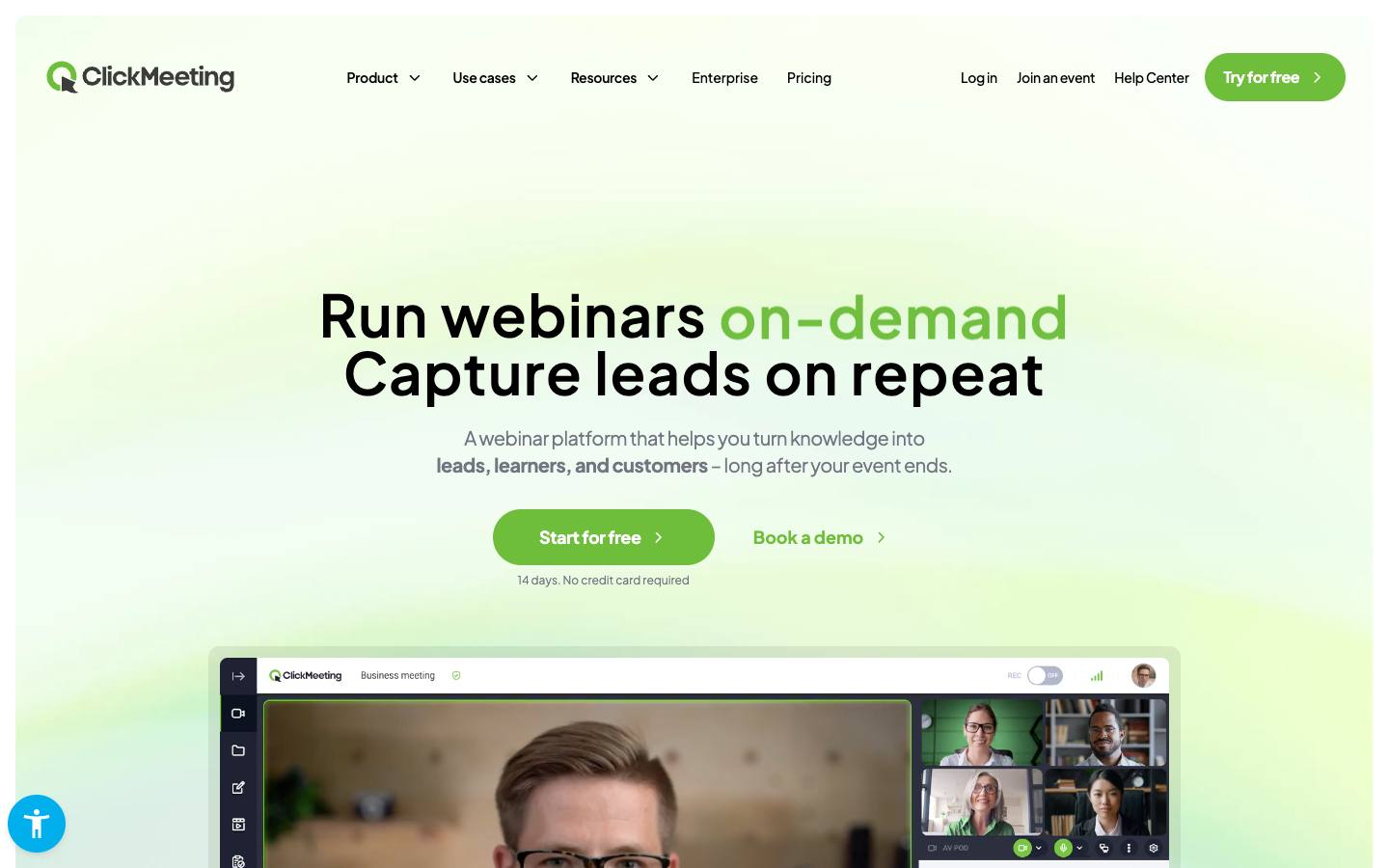
ClickMeeting is a subscription built around steady webinar programs, while MyOwnConference lets you pay for a day, a month or nothing at all. ClickMeeting, from Gdansk, runs live, automated and on-demand webinars with breakout rooms, whiteboards, built-in ticketing through Stripe, PayU or PayPal, and multistreaming. Enterprise events go up to 10,000 attendees.
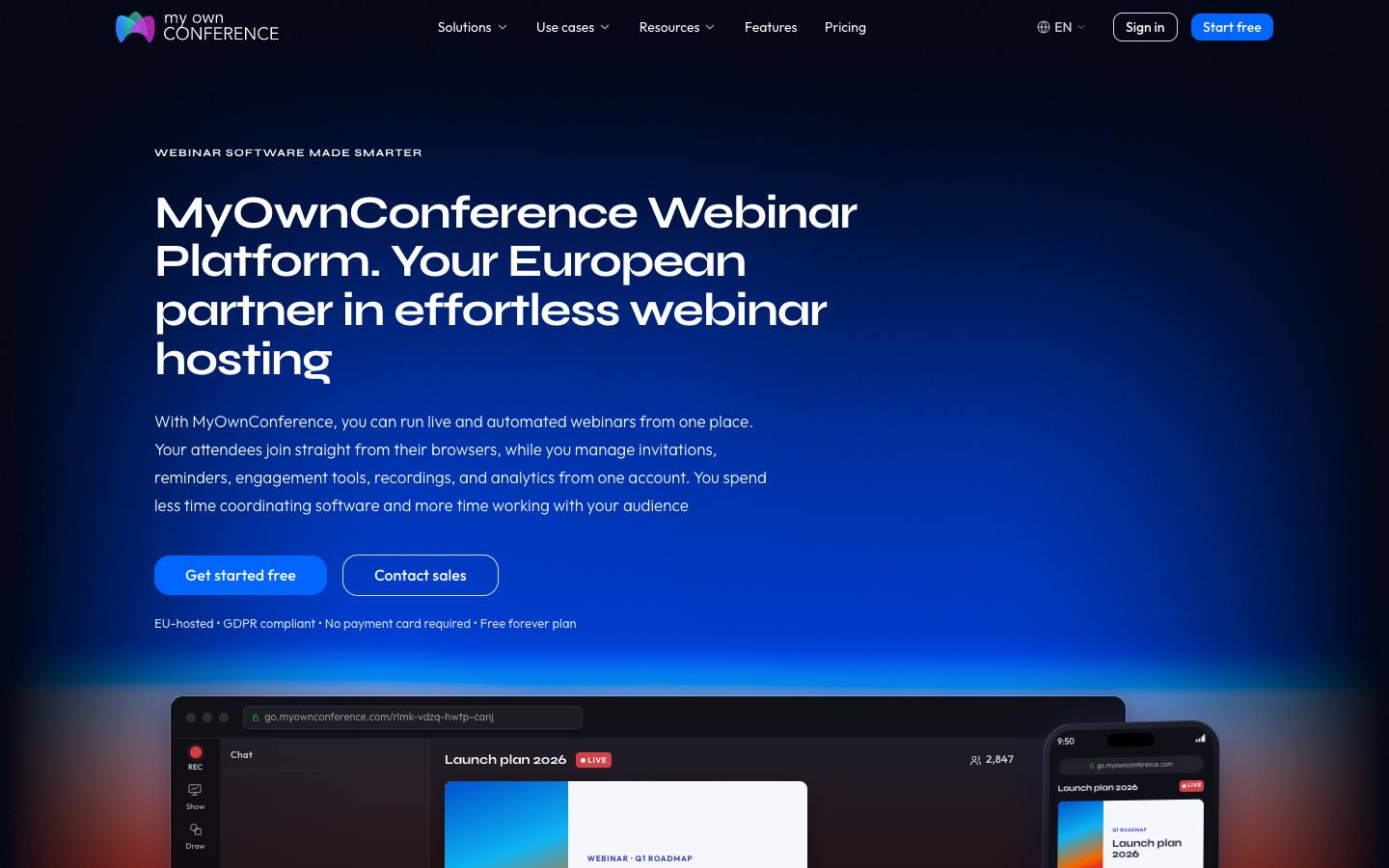
MyOwnConference, from Vilnius and operated by Akovana, UAB, is a browser-based webinar room with polls, Q&A, automated webinars and recordings up to 2160p on higher plans. Enterprise goes up to 5,000 attendees. Both are webinar and virtual only.
ClickMeeting vs MyOwnConference pricing
ClickMeeting prices by audience size. Essential is €35/month billed annually (€39 monthly) for 50 attendees, Standard is €69/month annually for 100 attendees and adds automated and on-demand webinars plus the REST API, and Pro is €175/month annually for 500 attendees. Enterprise is quoted. A 14-day trial needs no card (checked November 2026).
MyOwnConference has a free Starter plan for 5 attendees with a 20-minute recording limit. The Business plan is €264 a year, shown for 30 attendees, and the starting price is quoted as €22/month. One-time 24-hour access starts at €11 for 20 attendees. Enterprise is quoted (checked October 2026). For one or two events a year, a day pass costs far less than any ClickMeeting plan.
Features and integrations
ClickMeeting lists 16 integrations, including HubSpot, Pipedrive, Keap, GetResponse, Moodle, Zapier and Slack, so leads can flow to a CRM. MyOwnConference lists 9, mostly Google Calendar, Outlook, PayPal, YouTube and Telegram, and syncing to a CRM means its API or CSV export. Neither lists Salesforce.
Both host in Europe. ClickMeeting documents an ISO/IEC 27001:2022 certificate, a DPA and a dated subprocessor list. MyOwnConference documents a GDPR DPA, a subprocessor list, storage in Germany and Finland, and a 99.5% monthly availability commitment. We didn't find a SOC 2 report for either.
Which should you choose?
Choose ClickMeeting if webinars are a recurring channel: you need CRM handoff, paid webinars, certificates, 100 to 500 attendees and an interface in eight languages.
Choose MyOwnConference if you run occasional training or lead-gen sessions, want to try a platform free, or need a single day pass. It offers ten interface languages and automated webinars on Business.