 vs

ClickMeeting vs EasyWebinar
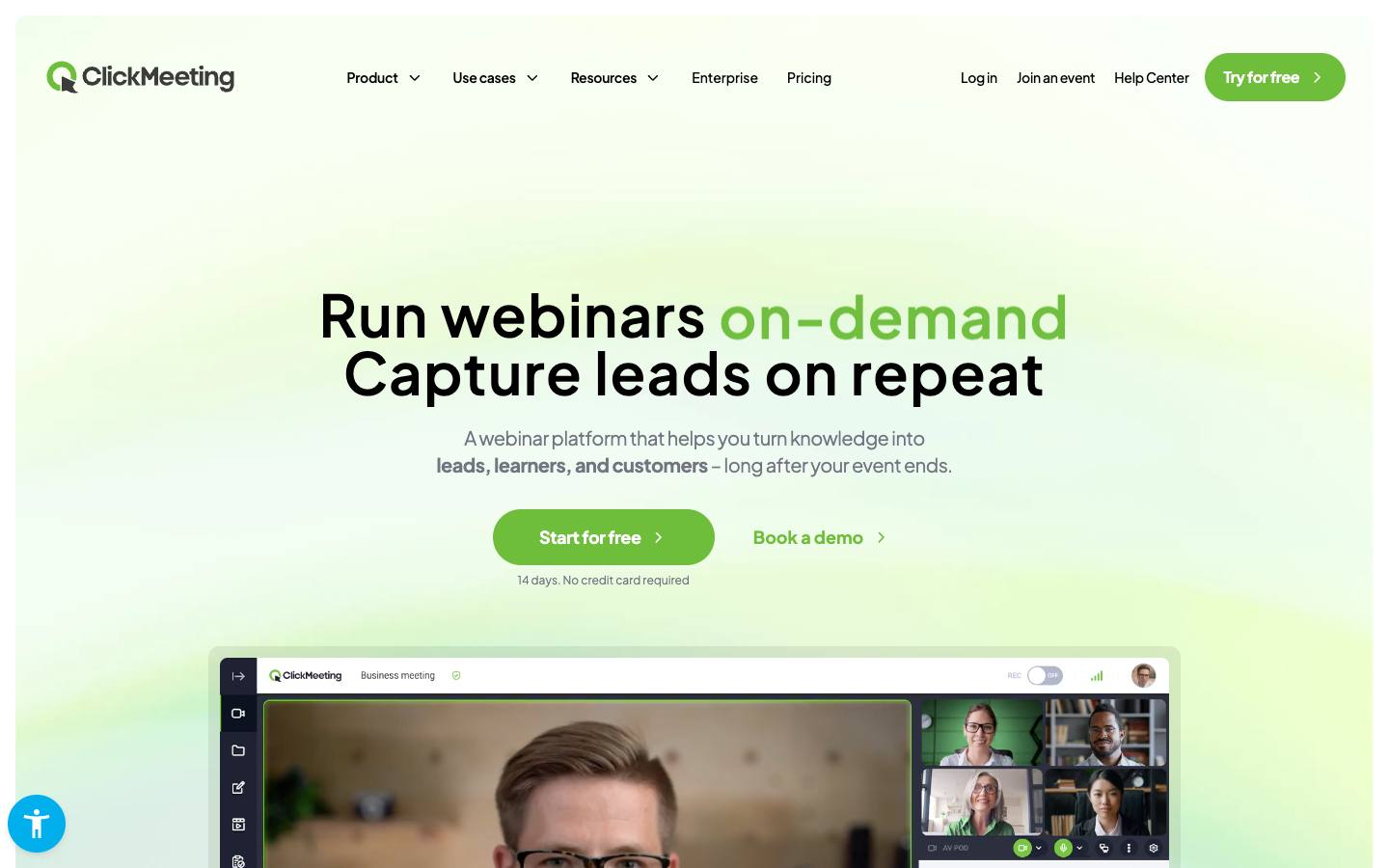
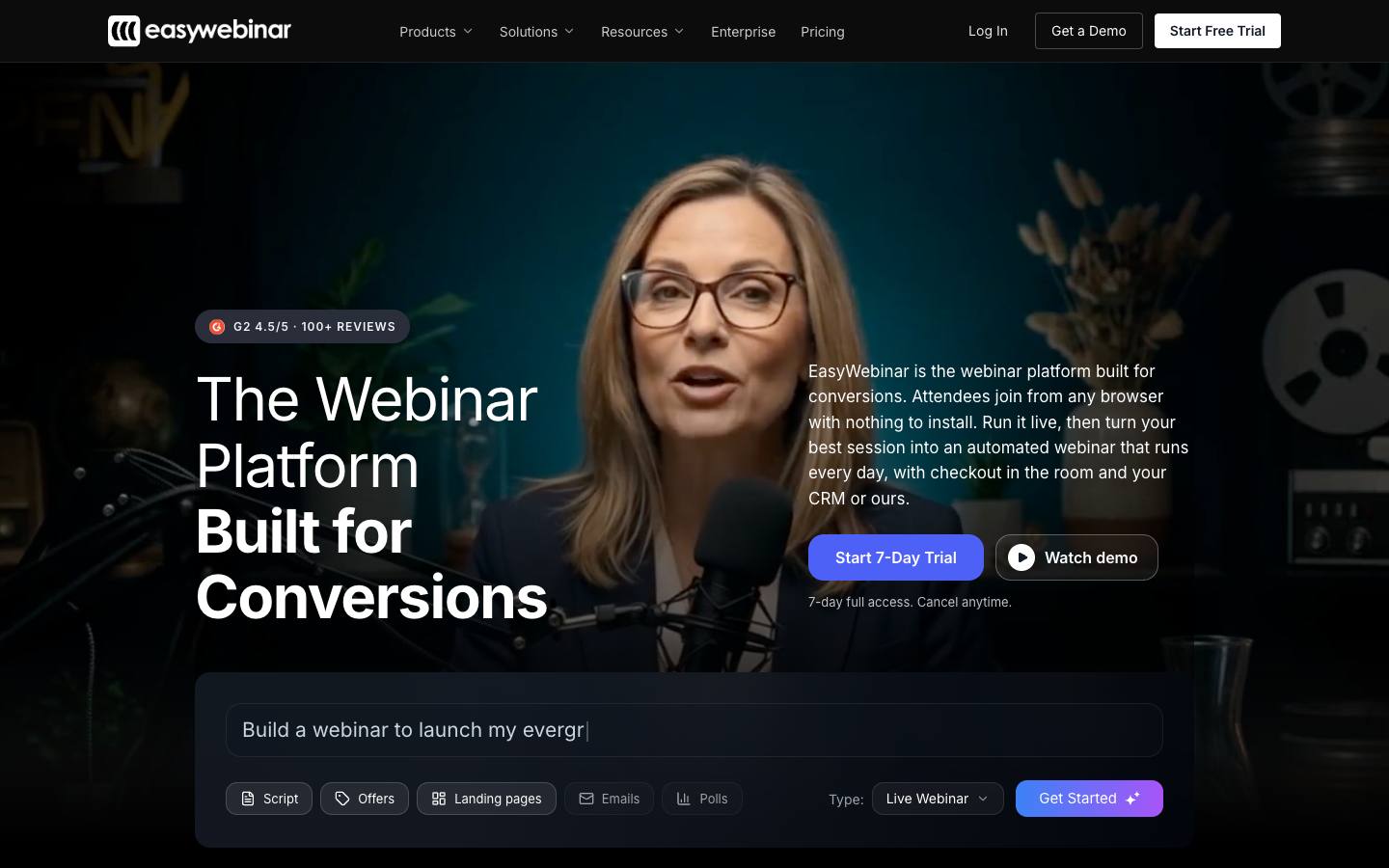
Both are in our Virtual, webinar & streaming category. ClickMeeting is best for SMB marketers and trainers running regular webinars without software installs; EasyWebinar is best for SMB marketing and sales teams running recurring demo or lead-gen webinars.
Built from each vendor's own website and our research profiles. How we research
Quick verdict
Choose ClickMeeting if:
- Its best fit describes you: SMB marketers and trainers running regular webinars without software installs.
- This matters to you: Strong support for paid webinars with built-in payments.
Choose EasyWebinar if:
- Its best fit describes you: SMB marketing and sales teams running recurring demo or lead-gen webinars.
- You need a listed Salesforce integration.
- Your security review asks for a publicly documented SOC 2 Type II report.
- This matters to you: One subscription covers both live and automated/evergreen webinar formats.
Based only on what each vendor publishes. Ask both for a demo with your own event scenario before you decide.
Side by side
“Not published” means we couldn't find it on the vendor's own pages.
FeatureClickMeetingEasyWebinar
ClickMeetingEasyWebinarOverview
CategoryVirtual, webinar & streamingVirtual, webinar & streaming
Company size fitSMB, Mid-marketSMB, Mid-market
Event formatsWebinar, VirtualWebinar, Virtual
Capterra rating––
Product updatesNot publishedNot published
ReliabilityStatus page publishedNot published
Features (Virtual, webinar & streaming)
Multi-session virtual eventsNot publishedNot published
Virtual booths and sponsorsNot publishedNot published
Pricing
Starting price31.92 €/month billed annually (Live, 50 attendees); Automated 42 €/month billed annually (50 attendees) source$44/mo billed monthly (Launch) source
Pricing modelAnnual subscriptionSubscription (monthly or annual)
Free planNoNo
Free trialYes, 14 daysYes, 7 days (card required)
Per-event pricing––
Integrations
CRM & marketing automationHubSpot, PipedriveHubSpot, Salesforce Account Engagement (Pardot), Pardot / Account Engagement
Integrations listed1626
Security & ITWhat each vendor documents on its own public pages. "Not found" means we couldn't find it; many vendors share documents on request.
SOC 2 Type INot foundNot found
CCPA / CPRANot foundNot found
PCI DSSNot foundNot found
HIPAANot foundNot found
Accessibility report (VPAT/ACR)Not foundNot found
Accessibility statementNot foundNot found
Trust centerNot foundNot found
Buying details
Implementationself-serve, browser-based with no install; free 14-day trial without a cardSelf-serve; Scale adds setup assistance
SupportAdvisor support on every plan; dedicated account manager on EnterpriseLive onboarding call per G2 reviews quoted on site; dedicated Slack support on Scale
ContractMonthly or annual (annual saves up to 20%)Month-to-month or annual
Company
Founded20112014
HeadquartersGdansk, PolandLas Vegas, Nevada, USA
Employees51-20011-50
OwnershipIndependent, privately heldIndependent, privately held
Strengths and considerations
ClickMeeting
What stands out
- Strong support for paid webinars with built-in payments
- Fully browser-based for hosts and attendees
- ISO 27001-certified European vendor
Worth checking
- Few native marketing automation or CRM integrations listed on the homepage
- Enterprise scale tops out around 10,000 attendees
- Best fit for webinars rather than multi-track conferences
EasyWebinar
What stands out
- One subscription covers both live and automated/evergreen webinar formats
- Selling tools (offers, checkout) built into the webinar room
- Published, tiered pricing with overage instead of hard attendee cut-offs
Worth checking
- Customer base skews toward creators and small businesses rather than enterprise event programs
- No free plan; trial requires a card
- SSO/SAML is limited to the top Scale plan
Notable customers
Organizations each vendor names on its own website: customer stories first, then testimonials and logos.
ClickMeeting vs EasyWebinar: FAQ
Is ClickMeeting cheaper than EasyWebinar?
ClickMeeting lists pricing from 31.92 €/month billed annually (Live, 50 attendees); Automated 42 €/month billed annually (50 attendees), on a annual subscription model. EasyWebinar lists pricing from $44/mo billed monthly (Launch), on a subscription (monthly or annual) model. The pricing models and what's included differ, so compare quotes for your own event volume and add-ons rather than list prices alone. ClickMeeting offers a free trial (14 days). EasyWebinar offers a free trial (7 days (card required)).
Which integrates with Salesforce, ClickMeeting or EasyWebinar?
EasyWebinar lists a Salesforce integration; ClickMeeting doesn't list one. Both list a HubSpot integration. ClickMeeting lists 16 integrations and EasyWebinar lists 26 on their websites.
Which has SOC 2 Type II, ClickMeeting or EasyWebinar?
We didn't find a SOC 2 Type II report on ClickMeeting's public pages, and EasyWebinar publicly documents a SOC 2 Type II report (checked 2026-10-18). Vendors often share security reports under NDA, so ask both directly.
What's the difference between ClickMeeting and EasyWebinar?
Both are in our Virtual, webinar & streaming category. ClickMeeting is best for SMB marketers and trainers running regular webinars without software installs. EasyWebinar is best for SMB marketing and sales teams running recurring demo or lead-gen webinars.