
ClickMeeting
Browser-based webinar platform for live, automated and paid webinars
Annual subscription · Free trial
Category
Gdansk, Poland
Founded 2011 · 51-200 employees
Webinar, Virtual
Event formats
Startup, Mid-market
Company size fit
Starting price
31.92 €/month billed annually
Annual subscription · Free trial
Plans and what's included ↓ClickMeeting is a Polish browser-based webinar platform for live, automated and on-demand webinars, online meetings and paid online events. It covers registration pages, branded waiting rooms, polls, whiteboards, breakout rooms, multistreaming to social channels and built-in ticketing with payment processors. It's popular with SMBs, trainers and educators, with an enterprise tier for audiences up to 10,000.
clickmeeting.comVisit ↗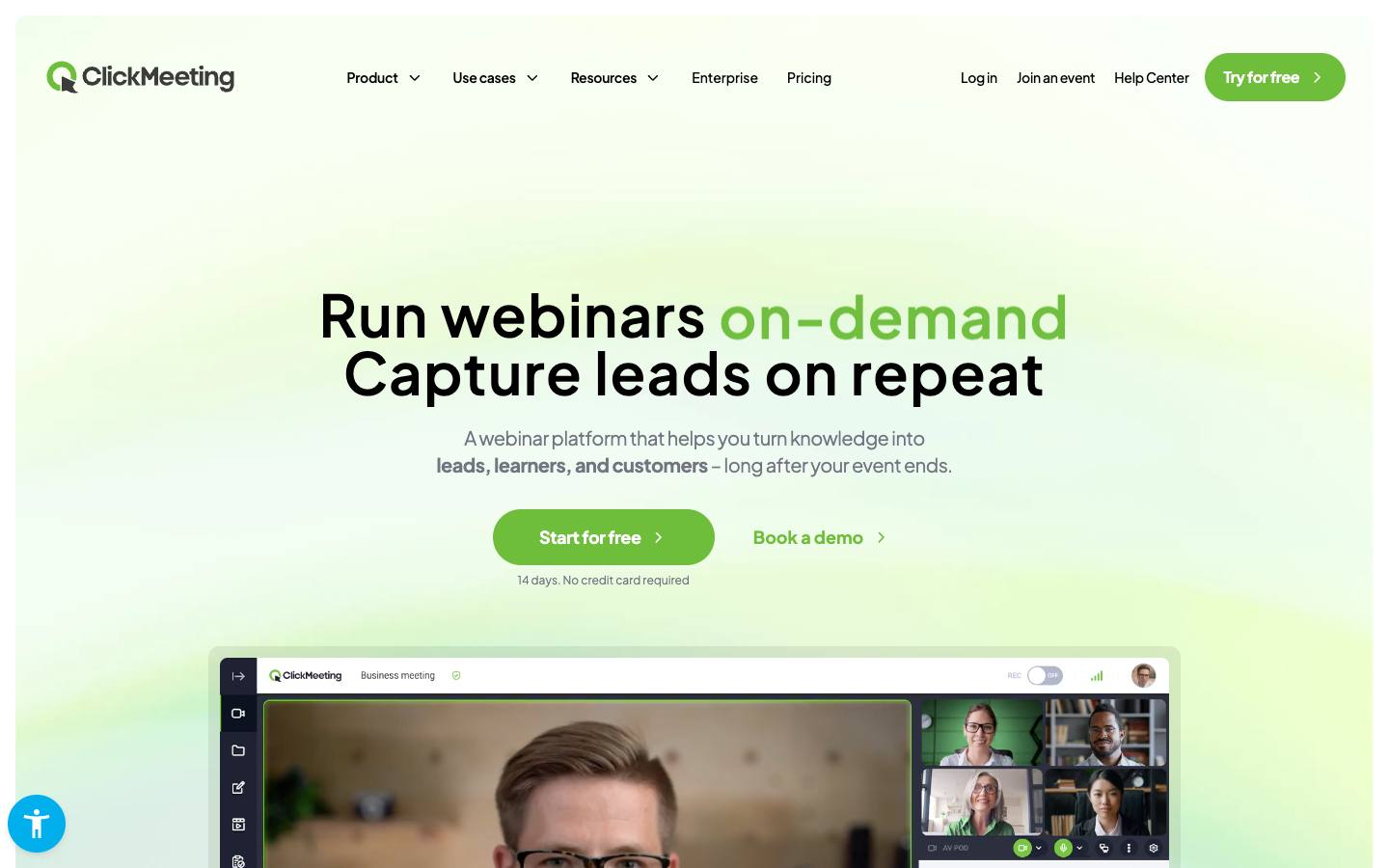
At a glance
- Security
- SOC 2 Type IInot foundISO 27001documentedGDPRdocumentedSAML SSOnot foundDetails
- Reliability
- Status page ↗
Who it's for
- SMB marketers and trainers running regular webinars without software installs
- Educators and experts selling paid webinars and masterclasses
- SMB
- Mid-market
- Webinars
- Virtual events
- Training sessions
How much does ClickMeeting cost?
- Starting price
- 31.92 €/month billed annually (Live, 50 attendees); Automated 42 €/month billed annually (50 attendees)
- Pricing model
- Annual subscription
- Free plan
- No
- Free trial
- Yes, 14 days
Live and Automated plans are priced by audience size (50 to 1,000 attendees) with up to 20% off annually; Enterprise supports up to 10,000 attendees; 14-day trial with no card.
Published plans
- 50 attendees
- Unlimited live meetings and webinars
- 3 additional logins
- 6 hours recording, 1 GB files
- Paid events and donations
- 50 attendees
- Everything in Live
- Automated and on-demand webinars
- Automated reminders and follow-ups
- Certificates of attendance
- Events up to 10,000 attendees
- Dedicated advisor
- White label and reseller options
- SSO
Free trial: 14 days · From ClickMeeting's pricing page, checked 2026-10-18. Prices can change; confirm with the vendor.
Strengths and considerations
What stands out
- Strong support for paid webinars with built-in payments
- Fully browser-based for hosts and attendees
- ISO 27001-certified European vendor
Worth checking
- Few native marketing automation or CRM integrations listed on the homepage
- Enterprise scale tops out around 10,000 attendees
- Best fit for webinars rather than multi-track conferences
Key features
- Live, automated and on-demand webinarsRuns live sessions or schedules pre-recorded and evergreen webinars.
- Engagement toolsPolls, surveys, whiteboard, breakout rooms, chat and screen sharing.
- Lead captureRegistration forms, CTA buttons, branded waiting rooms and automated follow-ups.
- MonetisationTicketing, discount codes, paywalls and donations via Stripe, PayU or PayPal.
- MultistreamingStreams sessions to social media platforms simultaneously.
Integrations
- Stripe
- PayU
- PayPal
- HubSpot
- Pipedrive
- Keap
- GetResponse
- Zapier
- Moodle
- Dropbox
- Slack
- Google Analytics
- Meta Pixel
- YouTube
Native connectors for HubSpot, Pipedrive, Keap, GetResponse, Moodle and payment providers; Salesforce, Marketo and other systems would go through Zapier or the API.
Security & IT pre-check
What ClickMeeting publicly documents on its own website, checked 2026-10-18. "Not found" means we couldn't find it on public pages; many vendors share documents on request or under NDA.
- SOC 2 Type II: not found
- SOC 2 Type I: not found
- ISO 27001: documented · source
- GDPR compliance: documented · source
- Data processing agreement (DPA): documented · source
- CCPA / CPRA: not found
- PCI DSS: not found
- Subprocessor list: documented · source
- EU data hosting: documented · source
- HIPAA: not found
- SAML single sign-on: not found
- SCIM user provisioning: not found
- Public API: documented · source
- Webhooks: not found
- Accessibility report (VPAT/ACR): not found
- Accessibility statement: not found
- Trust center: not found
- Public status page: documented · source
- Published pricing: documented · source
- Public changelog: documented · source
Buying details
From ClickMeeting's own website, checked 2026-10-18.
- Event formats
- Webinar, Virtual
- Implementation
- self-serve, browser-based with no install; free 14-day trial without a card
- Support
- Advisor support on every plan; dedicated account manager on Enterprise
- Contract
- monthly or annual (annual saves up to 20%)
- Languages
- English, French, German, Polish, Russian, Spanish, Portuguese, Italian
Who uses ClickMeeting
Organizations named on ClickMeeting's own website: customer stories, testimonials and logo walls. Evidence type and source are shown for each.
- AGH University of Science and TechnologyHigher education · Enterprise
Its e-learning centre uses ClickMeeting inside its Moodle-based platform to run remote classes, webinars and training for staff and students.
Case study · 2022-02-09 · read the story - ElevelEducation and professional training · SMB
Runs expert-led online training sessions for young professionals, from technical skills to career topics, with hundreds of attendees at a time.
- 100,000+ Young professionals reached
- 3-600 Attendees per session
- 60-65% Attendance rate
Case study · 2024-11-05 · read the story
Also named by ClickMeeting
AI capabilities
- AI transcription of webinar recordings
ClickMeeting feature checklist
16 features checked
ClickMeeting documents 11 of the 16 features buyers compare in virtual, webinar & streaming. ✓ yes · ◐ partly or add-on · ✕ no · – not published. Each ✓ links to the vendor's own page. Checked 2026-10-18.
Host
- YesLive webinars
- PartlySimulive / pre-recordedAutomated webinars from pre-recorded video with real-time chat; needs the Automated plan
- PartlyOn-demand replaysOn-demand webinars with optional paywall; needs the Automated plan
- Not publishedMulti-session virtual events
- YesBreakout rooms
- YesLarge audience capacity
- YesRTMP / stream to social
Engage
Promote & convert
Questions to ask in a ClickMeeting demo
5 questions
Written by our editors from the vendor's public information. Use them to get specific answers before you sign.
- 1. Which CRM and marketing automation tools can receive registrant and attendance data, natively or via API?Why ask: Few native marketing automation or CRM integrations are listed.
- 2. What does the Enterprise tier cost, and what happens if a webinar exceeds 10,000 attendees?Why ask: Enterprise scale tops out around 10,000 attendees. source
- 3. How does paid webinar ticketing handle VAT, invoices and refunds across Stripe, PayU and PayPal?Why ask: Paid webinars with built-in payments are a stated strength.
- 4. Can you share the ISO 27001 certificate scope and explain where end-to-end encryption applies?Why ask: ISO/IEC 27001:2022 and end-to-end encryption for confidential meetings are listed.
- 5. Can the platform run a multi-session, multi-track online conference, or is each session a separate webinar?Why ask: The profile notes it's best for webinars rather than multi-track conferences.
ClickMeeting alternatives
Ranked by how closely each product matches: the problems it solves, company sizes and event programs it serves, and shared integrations.
 BigMarkerVirtual, webinar & streaming
 DemioVirtual, webinar & streaming
 EasyWebinarVirtual, webinar & streaming
 LivestormVirtual, webinar & streaming
 LiveWebinarVirtual, webinar & streaming
 UnividVirtual, webinar & streaming
 WebinarGeekVirtual, webinar & streaming
 WistiaVirtual, webinar & streaming
 Zoom WebinarsVirtual, webinar & streaming
 eWebinarVirtual, webinar & streaming
Company backgroundFunding, leadership, launches and news
Company details
- Regions:
- Global, EMEA
More on ClickMeeting
Featured in buyer's guides
Event programs it fits
Category and key terms
ClickMeeting FAQ
What is ClickMeeting?
How much does ClickMeeting cost?
What does ClickMeeting integrate with?
What are the best ClickMeeting alternatives?
Who uses ClickMeeting?
Is ClickMeeting SOC 2 compliant?
Last verified 2026-10-18. How we research. Sources: clickmeeting.com · pcmag.com · forbes.com