Best Live Captioning Software for Events in 2027: The Buyer's Shortlist
By EventMarketingSoftware.com · Published October 18, 2026 · Updated October 19, 2026 · 11 tools compared
Live captioning turns speech into on-screen text in real time, for deaf and hard-of-hearing attendees, noisy rooms, second-language listeners and anyone following on a phone. Verbit is the most complete pick for events, with AI, human or hybrid captions on venue screens, phones and streams. 3Play Media and AI-Media also pair AI with human captioners, SyncWords and AccessLOOP publish hourly rates, MyClearText supplies human captioners from £175 an hour, and Wordly and Snapsight lead on AI captions with translation.
Our top picks
- 1
 VerbitBest for events that need compliance-grade captions on venue screens, phones and streamsQuote only
- 2
 3Play MediaBest for webinar programs that caption many recurring sessions and then need accessible recordingsQuote only
- 3
 AI-MediaBest for AV and broadcast teams that want captions on venue screens and streams with professional hardwareQuote only
Key takeaways
- Human and AI captions now come from the same vendors. Verbit, 3Play Media, AI-Media, SyncWords and MyClearText supply professional human captioners alongside AI, so you can book people for keynotes and accommodation requests and use AI for breakouts.
- Hourly prices are published more often than you'd expect. SyncWords charges $30 an hour pay as you go for AI captions and as little as $9 an hour on large packages, AccessLOOP £25 an hour per service, MyClearText from £40 an hour for AI and £175 for human captioners, and Snapsight has a free tier (checked October 2026).
- Accessibility rules point to live captions. WCAG 2.1 success criterion 1.2.4 requires captions for all live audio in synchronized media at Level AA, and the US Justice Department's ADA Title II rule adopts WCAG 2.1 AA for state and local government web content, with compliance dates now set for April 2027 and April 2028.
- Accuracy depends on audio and vocabulary as much as the engine. Verbit, SyncWords, AI-Media and Wordly take custom vocabularies or glossaries for names and jargon, spf.io lets an operator correct AI captions live, and every vendor needs a clean feed from the sound desk.
- Delivery matters as much as accuracy. Attendees read captions on their own phones by QR code with Wordly, Snapsight, Verbit, SyncWords, Volo and Subanana, AI-Media's LEXI Viewer and Verbit put them on venue screens, and AI-Media's Falcon, SyncWords and AccessLOOP inject them into streams.
Free tool: Event software RFP builder. Pick the categories you're buying and get a requirements list, security questions and a weighted scoring sheet you can export to a spreadsheet.
Side-by-side comparison
The same criteria for every pick: human, ai or hybrid, accuracy controls, delivery to attendees, platform integrations, published pricing, accessibility and security documents. A dash means the vendor doesn't publish it.
| Tool | Starting price | Free plan / trial | CRM | Capterra | App Store | Security |
|---|---|---|---|---|---|---|
| Verbit | Quote only | – | – | – | – | SOC 2 Type II, ISO 27001, DPA |
| 3Play Media | Quote only | – | – | – | – | SOC 2 Type II |
| AI-Media | Quote only | – | – | – | – | SOC 2 Type II, ISO 27001, DPA |
| SyncWords | From $30/hour | Free trial | – | – | – | – |
| MyClearText | From £40/hour | – | – | – | – | – |
| AccessLOOP | From £5/hour | Free trial | – | – | – | – |
| Wordly | From $1,500/package | – | – | – | – | SOC 2 Type II, ISO 27001 |
| spf.io | Quote only | – | – | – | – | – |
| Snapsight | From $249/session | Free plan | – | – | – | SOC 2 Type II, ISO 27001, SAML SSO, DPA |
| Volo (Blaze Streaming Media) | Quote only | – | – | – | – | – |
| Subanana | From $9/month | Free plan, Free trial | – | – | – | SAML SSO, DPA |
This guide is about captions: text of what's said, mainly in the speaker's language, sometimes translated. If your main need is spoken translation by interpreters or AI voice, see our simultaneous interpretation software guide, which covers Interprefy, KUDO, Interactio and similar platforms. Several vendors appear in both, because many caption tools now translate and many interpretation platforms now caption.
We compared 11 live captioning tools and services using vendor pricing and product pages, accessibility and trust documentation, and our security research, all checked in October 2026.
Who this guide is for. This guide is for event, marketing, production and accessibility teams that need real-time captions for conferences, webinars, town halls, sales kickoffs, customer events and livestreams, whether in the room, online or hybrid. It's also for AV partners choosing a caption layer, and for public-sector, education and association organizers who have accessibility obligations to meet.
Not sure which one fits your team?
Answer a few questions about your events, team and CRM and get a free shortlist of tools that fit, with pricing and security details side by side.
Get a free shortlistThe best live captioning software in 2027
We picked 11 live captioning tools and services and ordered them by fit for the main job: accurate, accessible real-time captions for B2B events and webinars. The first picks offer both human and AI captions for accessibility-critical sessions, followed by managed and pay-as-you-go caption services, then AI-first tools that add translation and content. For each, check who produces the captions, how attendees see them and how pricing scales with sessions and languages.
1. Verbit, best for events that need compliance-grade captions on venue screens, phones and streams
- Price
- Quote only
- Languages
- English
- Security
- SOC 2 Type II, ISO 27001, DPA
- Customers include
- University of Pittsburgh, Banijay Rights, National Education Union
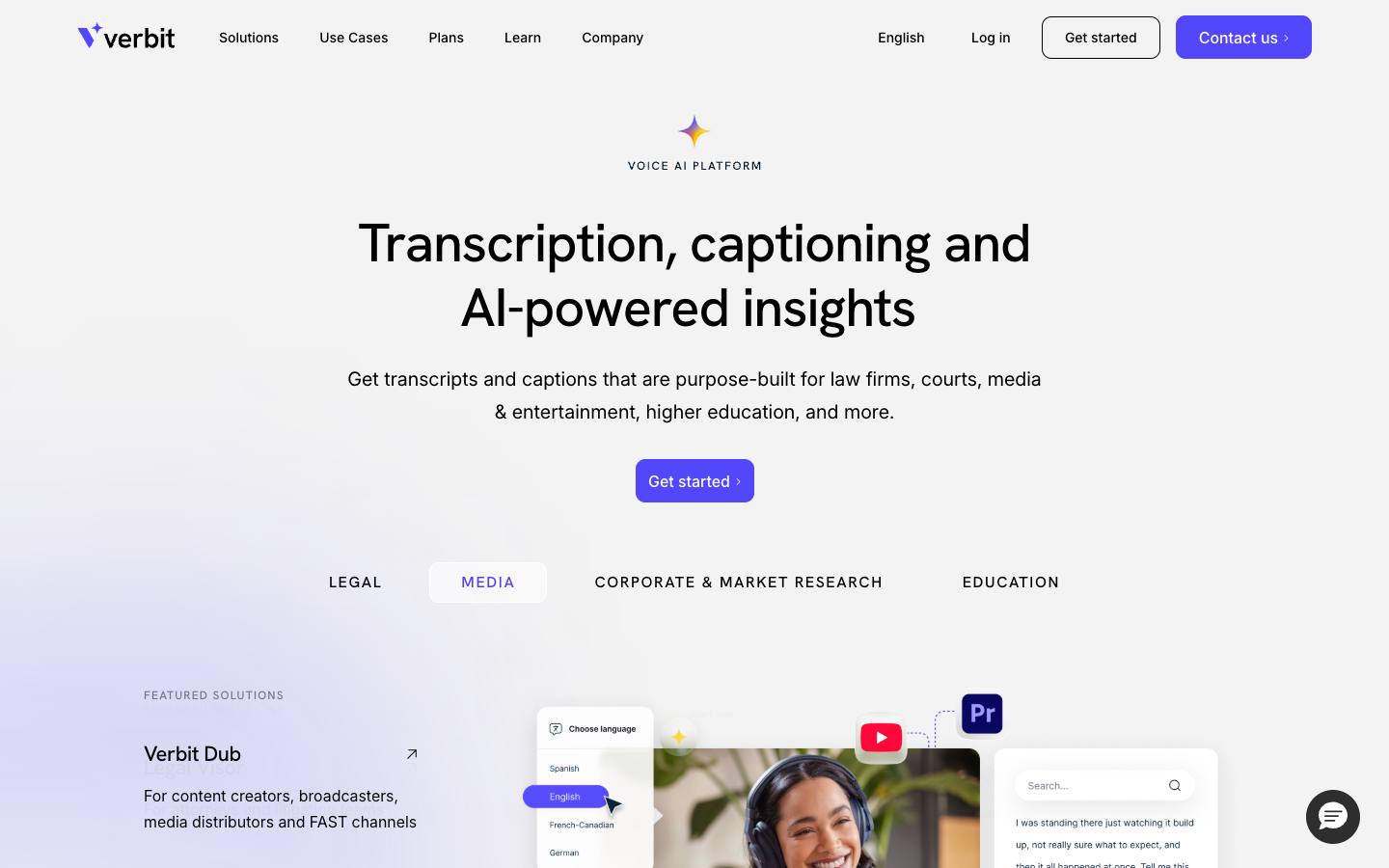
Verbit is a New York transcription and accessibility company, founded in 2017, whose Venue Live product delivers real-time captions, transcripts and translation for conferences, hybrid events, sports and theater. Captions appear on main and side screens, on attendees' phones through a QR code, or inside streaming platforms, and buyers choose AI-only, human or hybrid workflows.
More on VerbitLess on Verbit
Founded: 2017 · HQ: New York, USA · Formats: In-person, Virtual, Hybrid, Webinar
Its Captivate speech engine takes custom vocabularies for speaker names, brands and jargon and can mask unwanted words, while human transcription or an optional expert review raises accuracy for sessions that need it, and Verbit targets 99% accuracy. Live captions and translations are offered in about 30 languages. Verbit says teams use Venue Live to meet ADA, Section 508 and WCAG requirements, and it publishes a VPAT and a trust center. It owns the VITAC captioning brand, and after the event it supplies captions, translation and audio description for recorded session video.
Integrations include Cvent, Zoom, Microsoft Teams, ON24, Kaltura, Adobe Connect, Brightcove and Wistia, with API access on enterprise plans. Plans are organized by industry and priced by demo or quote (checked October 2026). Verbit documents SOC 2 Type II and ISO 27001, and named customers include Google, FOX, Stanford University, Reuters and the Library of Congress. Events are one of many verticals next to legal, media and education, and the company has been through layoffs and a CEO change since 2023, so check account support continuity before a multi-year contract.
- SOC 2 Type II, ISO 27001 and a VPAT
What stands out
- AI, human or hybrid captions per event
- Captions on venue screens, phones by QR code and streams
- Custom vocabularies with a 99% accuracy target
Worth checking
- No published prices
- Restructuring since 2023; confirm support continuity
Best suited for. Verbit fits enterprises, universities and public bodies whose events must meet strict accessibility requirements with human-reviewed captions on screens and streams. Teams that only need AI captions on phones for a few sessions will pay less with Snapsight, Wordly or SyncWords.
2. 3Play Media, best for webinar programs that caption many recurring sessions and then need accessible recordings
- Price
- Quote only
- Languages
- Live translated captions in 100+ languages
- Security
- SOC 2 Type II
- Customers include
- Johns Hopkins University, University of Florida, Georgia Tech
3Play Media is a Boston video accessibility company, founded in 2008, that offers live captioning alongside captions, subtitles, audio description and AI dubbing for recorded video. Live sessions can be captioned by professional human captioners, which 3Play stresses aren't auto-generated or crowdsourced, by automatic speech recognition, or by tuned speech recognition for broadcast clients.
More on 3Play MediaLess on 3Play Media
Founded: 2008 · HQ: Boston, MA · Team: 51-200 people · Formats: Virtual, Hybrid, Webinar
Scheduling is built for teams with many sessions: recurring events can be booked in one click or as a whole captioning calendar, organizers see captioner assignment in real time and get a notification when a captioner is confirmed, and a single persistent link can serve recurring meetings. Live translation covers 100-plus languages, and real-time summaries can run alongside captions, with a toggle between full verbatim and clean summarization. Live chat support is available before and during events.
Rates vary by service, language, turnaround and level of human review, and live captioning is mainly sold on Enterprise plans, so expect a quote (checked October 2026). Integrations focus on video platforms such as Zoom, YouTube, Vimeo, Wistia, Brightcove, Kaltura and Vidyard, plus a REST API, and its Pulse tool audits a video library for accessibility. 3Play documents SOC 2 Type II and HIPAA and names Procter & Gamble, Salesforce, Sephora, T-Mobile and the University of Chicago among customers. Zoom is the only meeting platform named for live captioning, so confirm support for your webinar or event platform.
- SOC 2 Type II and HIPAA documented
What stands out
- Professional human captioners or AI, scheduled as recurring calendars
- Live translation in 100-plus languages
- Captions, audio description and dubbing for recordings
Worth checking
- Live captioning mainly on Enterprise plans
- Zoom is the only meeting platform named for live captions
Best suited for. 3Play Media fits marketing and education teams that caption a steady stream of live webinars and then need accessible recordings for an on-demand library. In-person events that want captions on venue screens should compare Verbit or AI-Media.
3. AI-Media, best for AV and broadcast teams that want captions on venue screens and streams with professional hardware
- Price
- Quote only
- Languages
- Caption translation into dozens of languages (no count published)
- Security
- SOC 2 Type II, ISO 27001, DPA
- Customers include
- Foxtel, Portland Trail Blazers, Seven West Media
AI-Media is an ASX-listed captioning company from Sydney, founded in 2003, that combines its LEXI AI captioning toolkit with premium human captioners and caption encoding hardware. For events, LEXI Viewer puts live captions on venue screens next to presentation content, and Ai-Live streams captions to attendees' own browsers.
More on AI-MediaLess on AI-Media
Founded: 2003 · HQ: Sydney, Australia · Team: 201-500 people · Formats: In-person, Virtual, Hybrid, Webinar
LEXI Text produces automatic live captions with custom topic models for terminology, LEXI Translate and LEXI Voice add caption and voice translation, and Falcon cloud captioning adds captions to RTMP and RTMPS streams without hardware. Premium human captioners cover high-stakes sessions, and SDI and IP caption encoders, including a 4K model, are offered as hardware as a subscription on a minimum 12-month term. LEXI Access brings captions into Microsoft Teams, Zoom and Google Meet, which helps when one team captions both internal meetings and public events.
Prices aren't published, and cloud captioning is sold by online subscription (checked October 2026). AI-Media documents SOC 2 Type II and ISO 27001 with a trust center and status page, has 201 to 500 employees, and names Microsoft, Verizon, the University of Cambridge, the Portland Trail Blazers, Eventage and Human Rights Watch as customers. It's an accessibility layer for your AV and streaming stack rather than an attendee-facing event product, so it works best when an AV or broadcast team runs it.
- SOC 2 Type II and ISO 27001 documented
What stands out
- LEXI Viewer captions on venue screens, Ai-Live on phones
- Falcon cloud captioning for RTMP streams
- AI and premium human captioners from one vendor
Worth checking
- No published prices
- Encoders need a minimum 12-month subscription
Best suited for. AI-Media fits large events, venues and broadcasters whose AV team wants captions on screens and streams with professional encoders. Organizers who just want attendees to follow on phones can start more simply with Wordly or Snapsight.

4. SyncWords, best for livestreams and webinars that want published hourly rates for AI captions
- Price
- From $30/hour
- Try it
- Free trial
- Languages
- 6 languages
- Customers include
- AWS, Euronews, Dow Jones
SyncWords is a New York language service, founded in 2012, that turns a live or recorded video feed into captions, translated subtitles and AI voice dubbing from the cloud, without hardware encoders. Captions can be AI or human CART, chosen per session, and an events app gives in-room attendees a branded URL and QR code to read captions on their own devices.
More on SyncWordsLess on SyncWords
Founded: 2012 · HQ: New York, NY · Team: 11-50 people · Formats: In-person, Virtual, Hybrid, Webinar
Pricing is published and indicative (checked October 2026): live AI captions are $30 an hour pay as you go, and annual packages run from 60 hours for $1,620 ($27 an hour) to 500 hours for $11,250 ($22.50), 2,500 hours for $37,500 ($15) and 9,000 hours for $81,000 ($9). Every language and output counts as a separate hour, so one hour with English captions, Spanish and French subtitles and a French dub uses four hours, or $108 on the 60-hour plan. Human CART pricing isn't listed and goes through sales.
Custom dictionaries handle names, acronyms and technical terms, and broadcast delivery supports SRT, HLS and RTMP with redundant pipelines. Native caption output covers Zoom, Microsoft Teams, Webex, Adobe Connect and PheedLoop, plus streaming infrastructure such as AWS Elemental, Brightcove, Vimeo, YouTube and LinkedIn Live, and ON24, Cvent, SpotMe, Livestorm and Airmeet are listed through an embeddable widget. Customers include AWS, Euronews, Dow Jones and the Texas A&M University System. The site lists no security certifications, so ask for documentation if you need it.
- SRT, HLS and RTMP broadcast delivery
What stands out
- $30 an hour pay as you go, down to $9 on large packages
- AI or human CART captions chosen per session
- QR code events app for in-room attendees
Worth checking
- Each language or output is billed as a separate hour
- No security certifications listed
Best suited for. SyncWords fits production teams captioning many livestreams, webinars and hybrid sessions who want transparent hourly pricing and broadcast delivery. Venues that want captions on screens with dedicated hardware should look at AI-Media.

5. MyClearText, best for organizers who want human captioners booked and managed for them at a published hourly rate
- Price
- From £40/hour
- Languages
- English, French, German, Spanish
- Customers include
- Atos, Barclays, EY
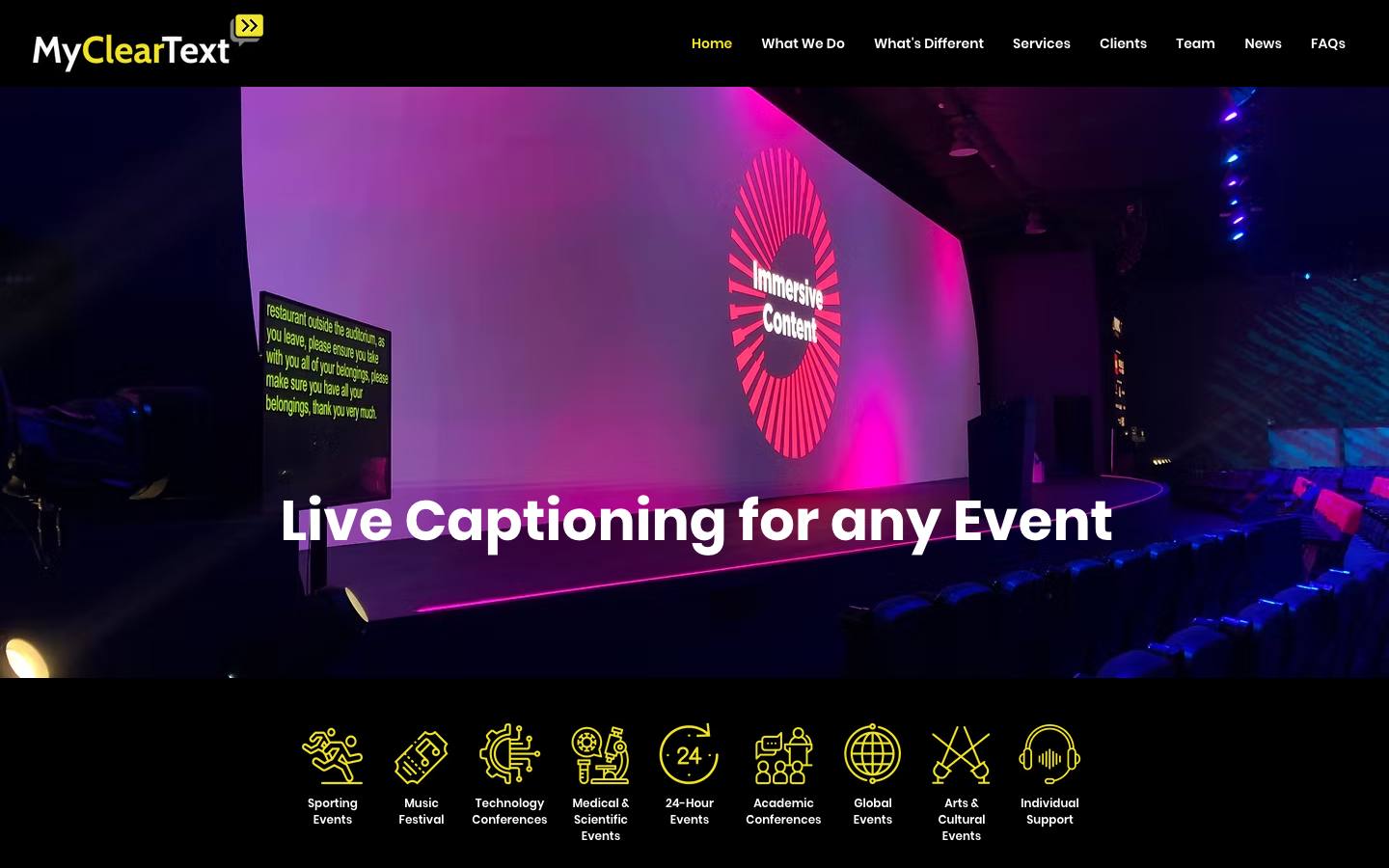
MyClearText is a London live captioning provider that supplies real-time human captioners, lower-cost AI captions and a hybrid of the two for conferences, webinars, festivals and academic and medical events. It's a managed service rather than a self-serve platform, built for organizers who need accessible sessions for deaf, hard-of-hearing and neurodiverse attendees.
More on MyClearTextLess on MyClearText
HQ: London, UK · Team: 2-10 people · Formats: In-person, Virtual, Hybrid, Webinar
Prices are published as starting rates (checked October 2026): human captioning from £175 an hour, AI captioning from £40 an hour, and hybrid human and AI coverage priced to the event. Its human captioners write at up to 300 words a minute, and the company claims 99% accuracy contextually and grammatically and says it has over 50 years of experience. Event types listed include technology conferences, medical and scientific events, academic conferences, 24-hour events and global events, and it delivers in any time zone.
Delivery is fully managed: the team needs an audio or RTMP feed, destination details and agenda updates, then captions go out over the internet to any platform, overlaid on streams, embedded on a webpage or sent as 608 or 708 closed captions through AccessLOOP, the delivery tool its founders also run. Bookings can include an on-call technician during the event, and languages include English, French, German and Spanish. No platform integrations or customers are named on the homepage, so ask for references from events like yours.
- Optional on-call technician during events
What stands out
- Human captioning from £175 an hour, AI from £40
- Captioners write at up to 300 words a minute
- Fully managed delivery to any platform
Worth checking
- A service, not a self-serve platform
- No platforms or customers named on the homepage
Best suited for. MyClearText fits UK and international organizers who need human captioners for accessibility-critical sessions and want the booking and delivery handled. Teams that want to run AI captions themselves on many sessions will pay less with SyncWords or AccessLOOP.

6. AccessLOOP, best for production teams that want pay-as-you-go caption delivery to any stream with no hardware
From £5/hour
- Price
- From £5/hour
- Try it
- Free trial
- Languages
- AI caption translation into 100 languages
- Customers include
- Oxford Deaf Festival
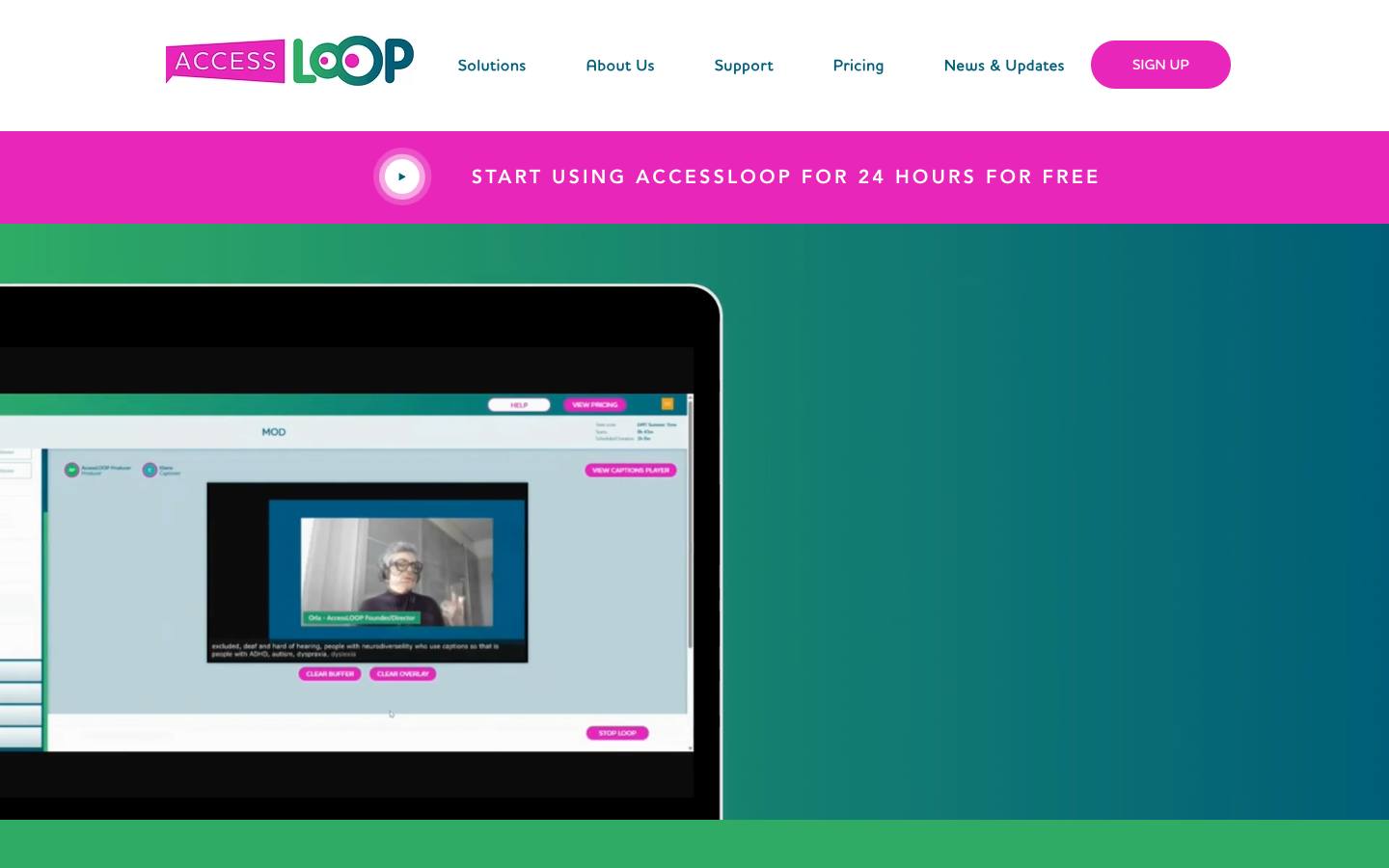
AccessLOOP is a UK browser-based platform from Streameasy Ltd that delivers human or AI live captions, plus machine-translated caption streams, to attendees' own devices or to streaming destinations. It needs no hardware: you paste its RTMP URL and key into your encoder, and the vendor says it adds under half a second of latency.
More on AccessLOOPLess on AccessLOOP
HQ: UK · Formats: In-person, Virtual, Hybrid
Pricing is pay as you go with no subscription or upfront cost (checked October 2026): human caption delivery, AI captions and each translated language each cost £25 an hour excluding VAT, and extra destinations cost £5 an hour. Human captioners aren't included and come from recommended suppliers such as MyClearText, whose co-founders also run AccessLOOP. New users get 24 hours of free use, which is enough to test a full event day before paying.
It works with standard encoders and streaming tools, including vMix, OBS, Wirecast, StreamYard and Restream, and outputs to Zoom, YouTube, Twitch and Facebook, with human captions coming in through StreamText. AI caption translation covers 100 languages, and the vendor positions it around accessibility expectations such as the European Accessibility Act. Named users are few, such as the Oxford Deaf Festival, and no security certifications, CRM links or API are described, so it suits production teams more than procurement-heavy enterprises.
- Works with vMix, OBS, StreamYard and Restream
What stands out
- £25 an hour per service, no subscription
- 24 hours of free use
- Human and AI captions in one workflow
Worth checking
- Human captioners must be booked separately
- Few named customers and no security certifications described
Best suited for. AccessLOOP fits event producers and AV teams who run their own streams and want cheap, flexible caption delivery by the hour. Organizers who want everything handled for them should book MyClearText or Verbit instead.

7. Wordly, best for conferences that want AI captions and translation in every room on attendees' phones
From $1,500/package
- Price
- From $1,500/package
- Languages
- 61 speaker languages and 67 attendee languages listed
- Security
- SOC 2 Type II, ISO 27001
- Customers include
- University of Southern California, City of Sunnyvale, City of Modesto
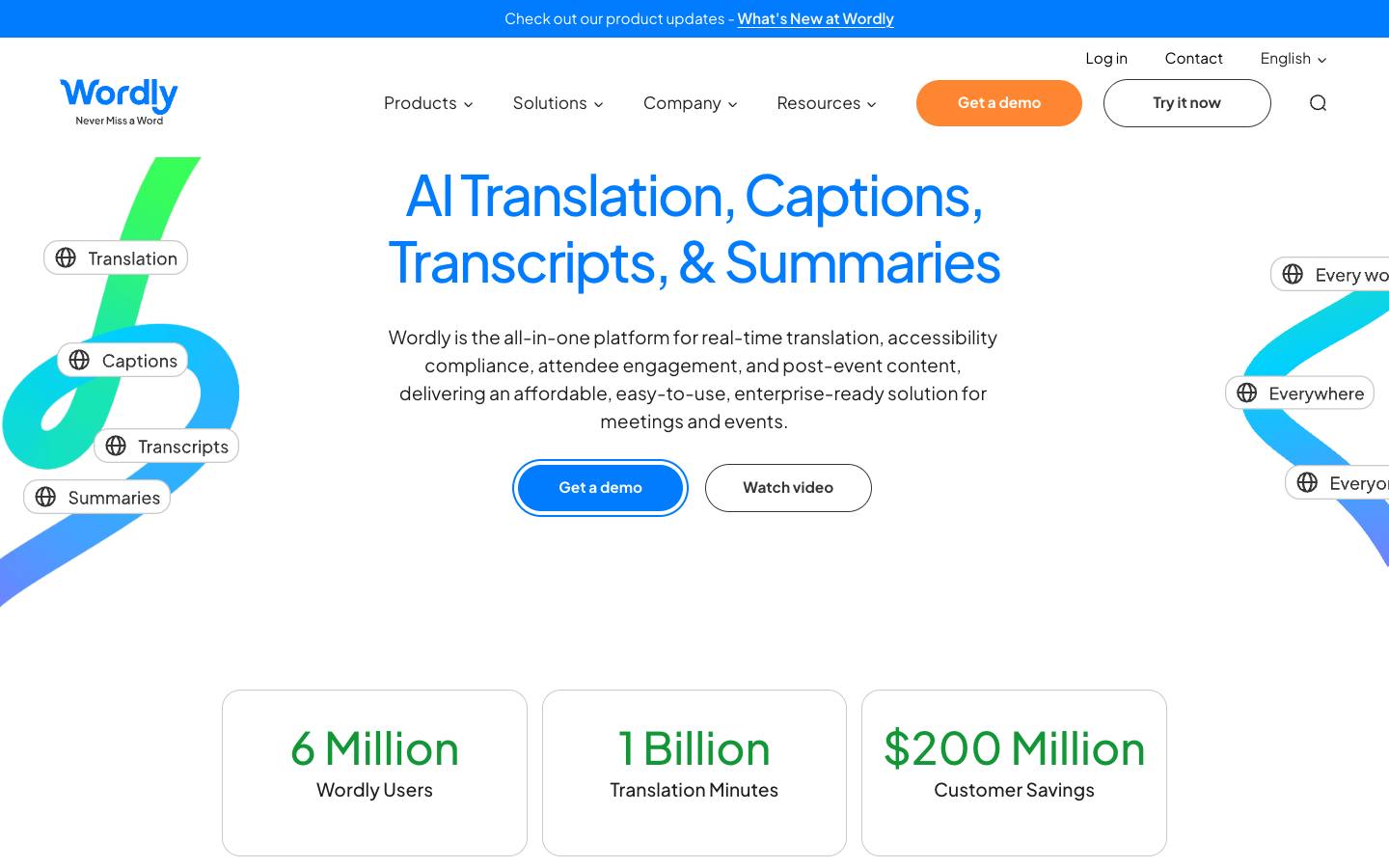
Wordly, founded in 2017 in Los Altos, California, provides AI real-time captions and translation that attendees open on their own phones or laptops through a QR code or link, with no app download. It lists 61 speaker languages and 67 attendee languages, delivered as captions or synthesized audio, and supports two-way sessions where speakers use different languages.
More on WordlyLess on Wordly
Founded: 2017 · HQ: Los Altos, CA · Team: 51-200 people · Formats: In-person, Virtual, Hybrid, Webinar
It's sold as prepaid annual hour packages starting at about $1,500 for 10 hours a year, billed only for minutes used with no rounding, and usable in any increment over a 12-month term (checked October 2026). Larger packages take 10% to 30% or more off, multi-year terms save more, and nonprofits and education get an extra 10% off from the 25-hour Pro package. Every tier includes in-person, virtual, hybrid and webinar support, audio and caption output, session transcripts, glossaries and blocklists, platform integrations and setup support, though summaries and transcript translation start above the Starter package.
Wordly integrates with Zoom, Teams, Google Meet, Webex, Cvent, Bizzabo, RainFocus, SpotMe, Stova, Swoogo, vFairs and Whova, and works through AV partners such as Encore and Freeman. It documents SOC 2 Type II, ISO 27001 and HIPAA, publishes a VPAT and names Adobe, Autodesk, IMEX Group, MPI and ICCA as customers. It's AI only, with no human captioners, so accommodation requests that require CART should be booked with a human captioning provider.
- SOC 2 Type II, ISO 27001 and a VPAT
What stands out
- From about $1,500 for 10 hours a year
- Captions and translation by QR code, no app
- Integrations with Cvent, Bizzabo, RainFocus and Swoogo
Worth checking
- AI only, with no human captioners
- Hour packages must be sized in advance
Best suited for. Wordly fits conferences and association meetings that want affordable captions and translation in every room without hardware. Sessions with formal accommodation requests should add human captioners from MyClearText, Verbit or 3Play Media.

8. spf.io, best for events that want supervised AI captions plugged into many streaming and event platforms
Quote only
- Price
- Quote only
- Languages
- 100+ languages for captions, 70+ for speech-to-speech translation
- Customers include
- City of Elgin, Christianity Today Indonesia, T4 Education
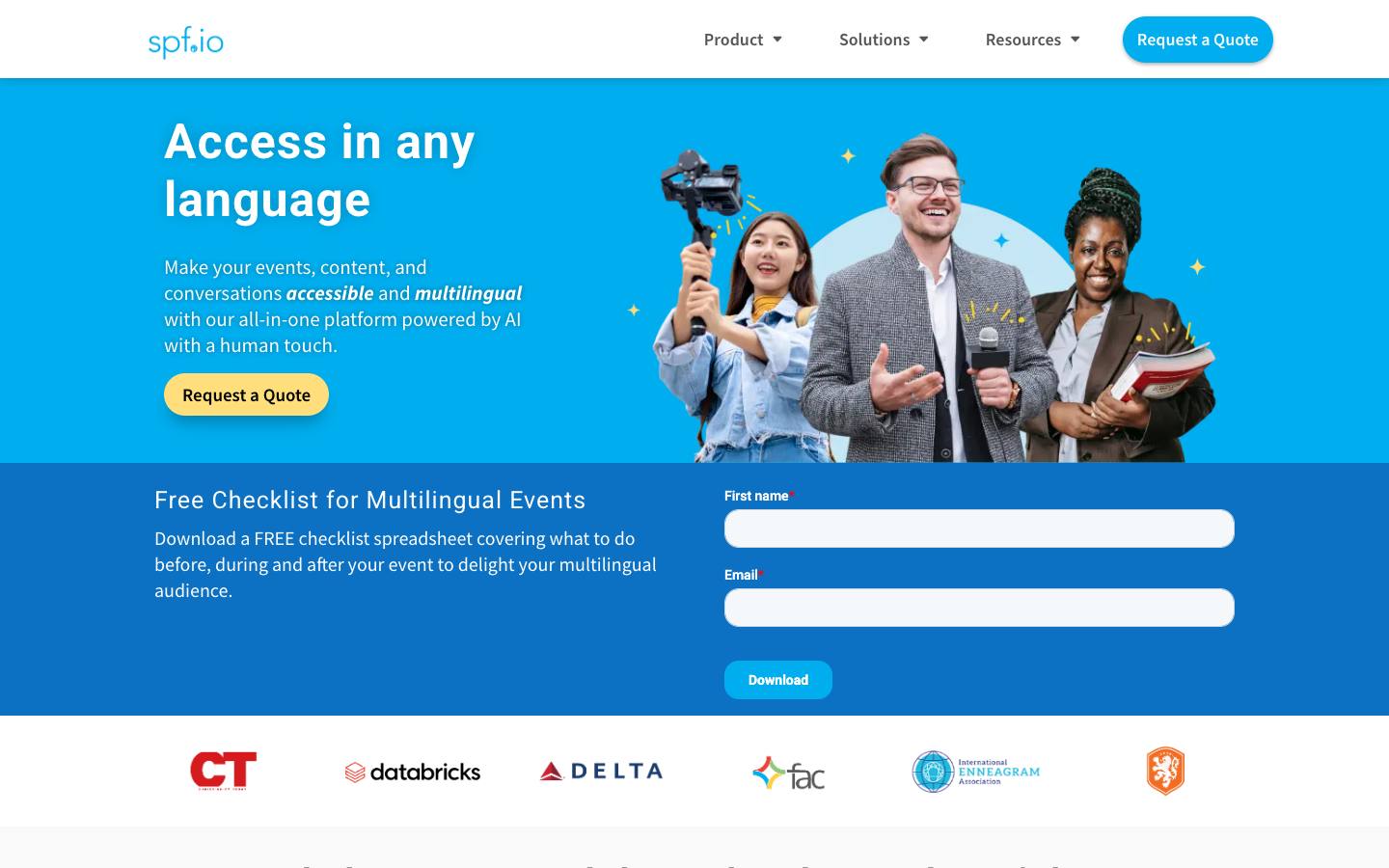
spf.io provides real-time AI captions, translated subtitles and interpretation audio for in-person, virtual and hybrid events, from TheoTech LLC. Its distinguishing feature is supervised AI: an operator can run captions fully automatic or watch and correct them live, a middle ground between raw speech recognition and a human captioner.
More on spf.ioLess on spf.io
Formats: In-person, Virtual, Hybrid, Webinar
Captions and translated subtitles cover 100-plus languages, and speech-to-speech translation covers 70-plus, with AI voice or human interpretation streamed through the platform. It also offers multilingual audience polls, video subtitles and document translation with custom terminology training. Its connector list is among the broadest for captioning: Zoom, Microsoft Teams, Google Meet, Webex and GoToWebinar; streaming tools such as YouTube, OBS, StreamYard, Restream and Vimeo; and event platforms including Cvent, Swoogo, EventsAir, Webex Events, vFairs, Airmeet and BigMarker.
Pricing isn't published and runs through a quote request (checked October 2026). Named customers include Volvo, Accenture, CES, Databricks, Delta Air Lines, Panasonic and Smartsheet. The site doesn't publish security certifications beyond GDPR and CCPA statements or disclose company location and leadership, which some procurement teams will want before signing, and custom integrations are arranged through sales rather than a public API or Zapier connector. Ask whether supervision is done by your team or theirs, since that changes cost and accuracy.
- Multilingual audience polls
What stands out
- Supervised AI with live human correction
- Captions and subtitles in 100-plus languages
- Very broad meeting, streaming and event platform connectors
Worth checking
- No published prices
- No security certifications published
Best suited for. spf.io fits events that stream through a mix of tools and want AI captions with an operator checking quality live. Buyers whose security review requires SOC 2 or ISO 27001 should look at Wordly, Snapsight or Verbit.

9. Snapsight, best for conferences that want free AI captions and translation plus takeaways and recaps
From $249/session
- Price
- From $249/session
- Try it
- Free plan
- Languages
- 99 languages for live text (per a case study); free plan allows 10 per session
- Security
- SOC 2 Type II, ISO 27001, SAML SSO, DPA
- Customers include
- Economist Impact, Freeman, Informa Tech
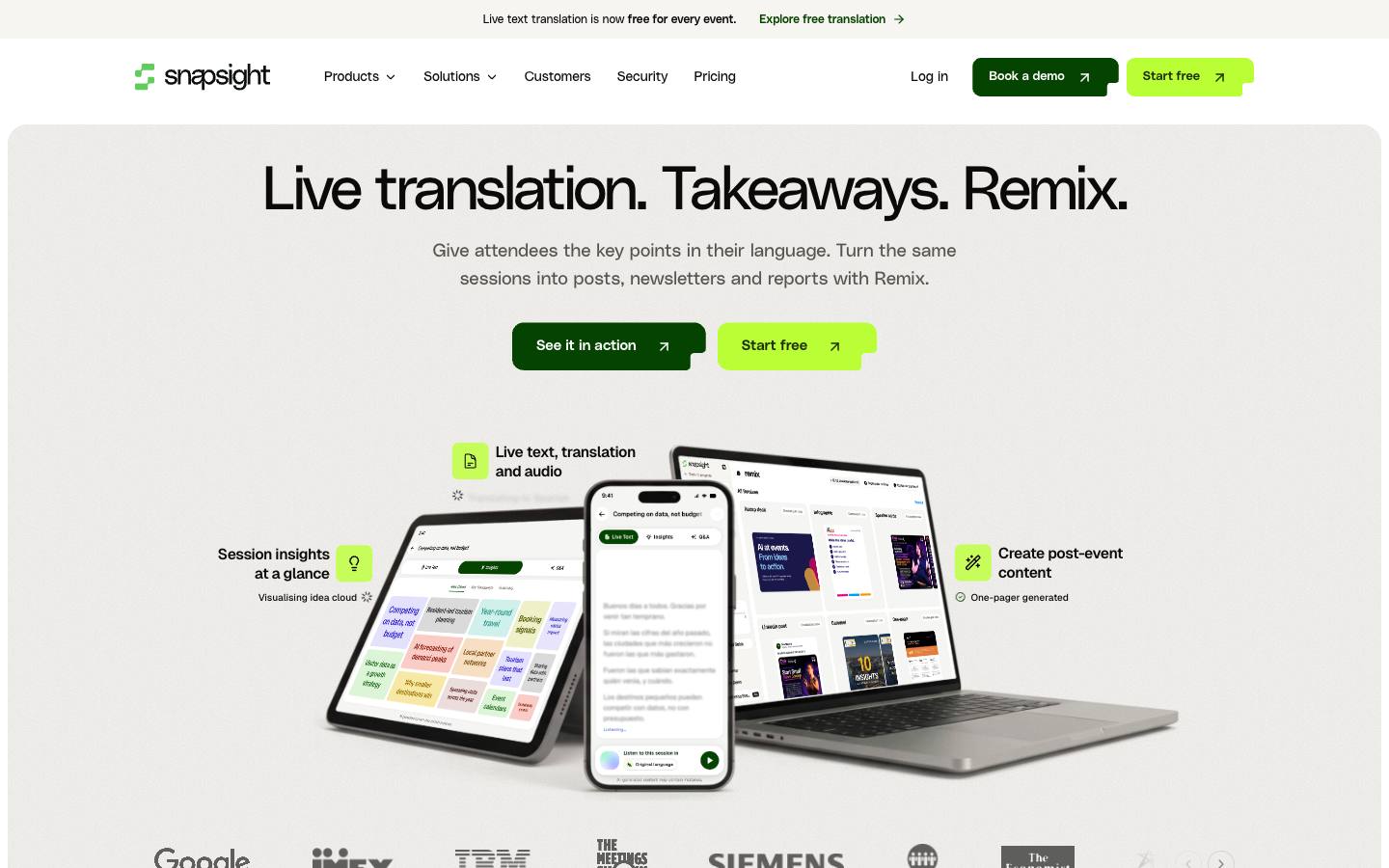
Snapsight is an AI tool for live events, launched in 2024 by Singapore event technology company Gevme, that takes a session's audio feed and delivers live captions, text translation and key takeaways to attendees' phones through a QR code. Its Remix feature then turns sessions into recaps, decks, social posts and speaker cards.
More on SnapsightLess on Snapsight
Founded: 2024 · HQ: Singapore · Formats: In-person, Hybrid, Virtual
It's the only pick here with a permanent free tier for live captions (checked October 2026): live transcription and text translation for up to 100 sessions a year and up to 10 languages per session, with basic Q&A and polls and no card required. Engage costs $299 per event for every session with custom branding and sponsor logos. Pro costs $249 per session of up to two hours, or $199, $149 and $99 a session in packs of 20, 50 and 100, adding takeaways, summaries, transcript and subtitle downloads, Remix and API and MCP access. Voice translation is $10 per language per session on any plan.
Event apps embed it by link, and it lists Swapcard, Cvent, Bizzabo, Whova, Grip, Brella, EventsAir and Stova, along with Zoom, Teams and Google Meet. Snapsight documents SOC 2 Type II, ISO 27001, WCAG 2.1 and EU data hosting, and names Freeman, Economist Impact, the European Respiratory Society, UN Global Compact and ICC Sydney as customers. It's AI only, the vendor notes AI output can contain errors, and per-session pricing adds up across multi-track events.
- SOC 2 Type II and ISO 27001 documented
What stands out
- Free tier: 100 sessions a year, 10 languages per session
- Pro from $249 per session, packs down to $99
- AI takeaways and Remix post-event content
Worth checking
- AI only, with no human captioners
- Per-session pricing adds up across many tracks
Best suited for. Snapsight fits conferences and trade shows that want captions and translated text in every room at little or no cost, plus content afterward. Sessions that need human-accurate captions for accessibility should use Verbit, 3Play Media or MyClearText.
10. Volo (Blaze Streaming Media), best for conferences that want captions, assistive listening and overflow access run by their streaming crew
Quote only
- Price
- Quote only
- Languages
- 5 languages
- Customers include
- Data Center World (Informa), GDC (Game Developers Conference), Gainsight
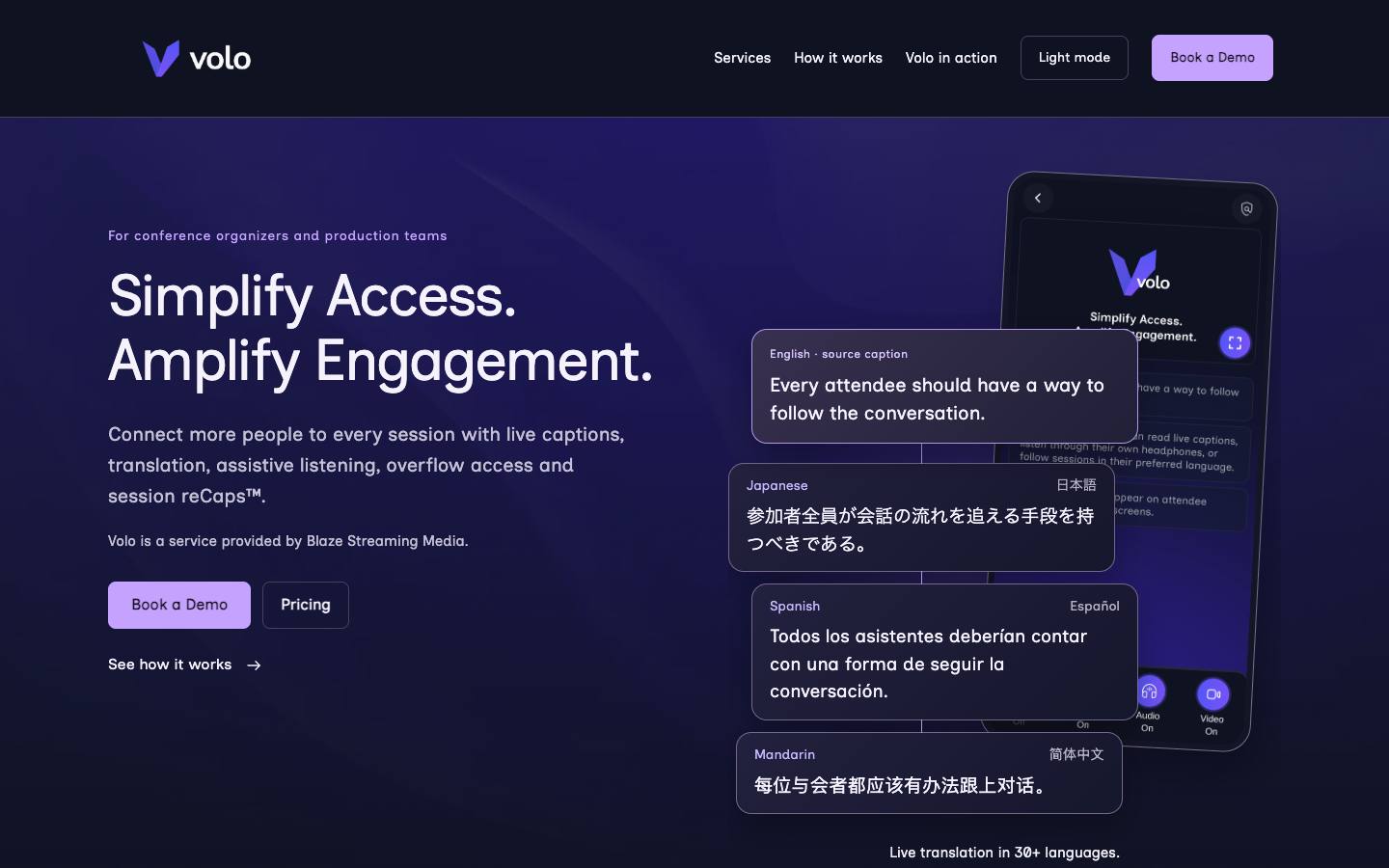
Volo is a conference accessibility service from Blaze Streaming Media, an event streaming production company in Portland, Oregon. It delivers live captions on attendees' own devices or venue screens, translated captions or audio in 30-plus languages, assistive listening to attendees' own headphones, and overflow-room access, all through a QR code and a browser.
More on Volo (Blaze Streaming Media)Less on Volo (Blaze Streaming Media)
HQ: Portland, Oregon · Formats: In-person, Hybrid
Overflow Anywhere extends a full room to attendees' devices with live audio, slides and video, plus captions and translation, which solves a common problem at popular breakouts. After sessions, Session reCaps share summaries, transcripts and key takeaways through branded session links. Because Blaze's production crews have run it onsite at named conferences, it suits organizers who want captioning delivered as part of their AV and streaming production rather than as software their own team operates on show days.
Named events include Gainsight Pulse, which combined Volo live translation with recording and post-event delivery, Data Center World, GDC and SecTor. Pricing depends on the event and the services needed and isn't published; the pricing page leads to an inquiry form (checked October 2026). No integrations are listed, and there's little public detail on security certifications or whether human captioners are available, so ask how accuracy is handled for technical content and whether CART can be added for accommodation requests.
- Delivered by an event streaming production company
What stands out
- Captions, translation, assistive listening and overflow in one service
- Translated captions or audio in 30-plus languages
- Session reCaps with summaries and transcripts
Worth checking
- No published prices or integrations
- Human captioning options aren't described
Best suited for. Volo fits tech and industry conferences that already need streaming production and want accessibility and overflow handled by the same crew. Teams that want to run captions themselves across many webinars should look at SyncWords or Wordly.

11. Subanana, best for small events and meetups that want low-cost self-serve AI captions with translation
From $9/month
- Price
- From $9/month
- Try it
- Free plan, Free trial
- Languages
- English
- Security
- SAML SSO, DPA
- Customers include
- Amazon, Coinbase, Deloitte
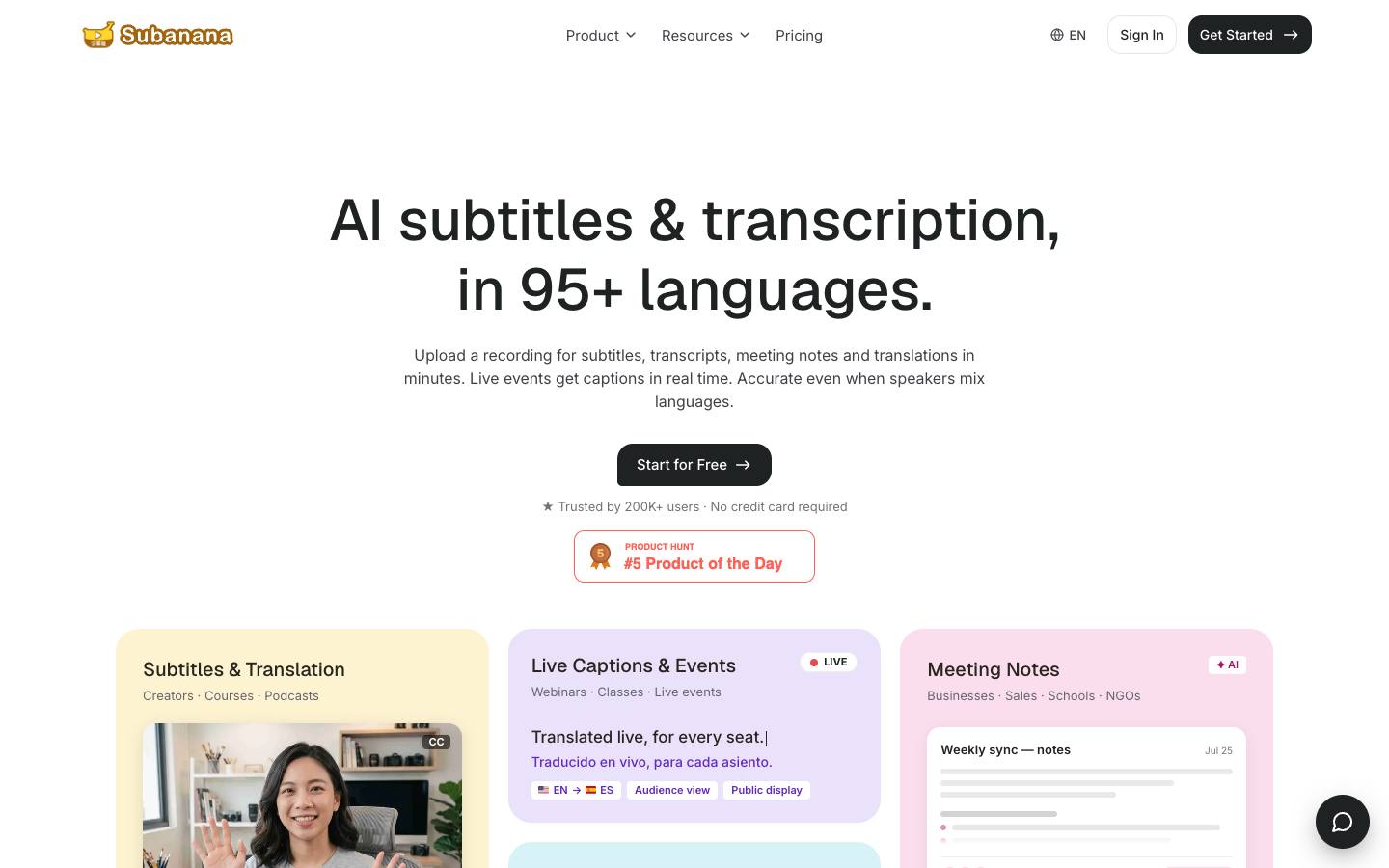
Subanana is an AI subtitling and transcription service from Datax AI Solutions that also runs live event captions with real-time translation into up to five languages at once. Attendees follow captions on their phones through a QR code or link, while organizers can project them or feed them into OBS, vMix or ProPresenter as a browser source.
More on SubananaLess on Subanana
Formats: In-person, Virtual, Hybrid
Pricing is self-serve and published (checked October 2026). The Free plan gives 15 minutes per project with a five-minute live event captions trial, and Lite ($9 a month billed yearly at $108) and Pro ($18 a month, $216 a year) add transcription minutes but keep the event captions trial. Max, at $50 a month billed yearly at $600 or $75 month to month, is the plan that lists live event captions as included, with 7,200 transcription minutes a year and unlimited glossary lists, and Team plans with SSO are quoted. The comparison table on the pricing page is inconsistent about Max, so confirm before buying.
After the event, the same account produces subtitles, transcripts and meeting notes in 95-plus languages, and it connects with Zoom, Microsoft Teams, Google Meet and YouTube. Glossary lists help with names and jargon, which matters because accuracy depends heavily on room audio and microphones. The legal entity and security certifications aren't stated on the site, and customer logos aren't tied to event use, so it's best for small events, internal meetings and meetups rather than accessibility accommodations that need human-level accuracy.
- Post-event subtitles and transcripts in 95-plus languages
What stands out
- Self-serve plans from $9 a month
- Live captions translated into up to five languages at once
- Browser source for OBS, vMix and ProPresenter
Worth checking
- Live event captions only fully included on Max
- No security certifications or legal entity stated
Best suited for. Subanana fits meetups, small conferences and internal events that want cheap self-serve AI captions with a few translated languages. Larger events with security reviews or accessibility obligations should use Wordly, Snapsight or Verbit.
Picks 6 to 11 are folded to keep the list short. Open any of them, or compare them all in the table above.
Also worth considering
The best live captioning software by use case
| If you need | Company size | Look at |
|---|---|---|
| University or public body that must meet WCAG 2.1 AA for a livestreamed conference | Mid-market, Enterprise | Verbithuman or hybrid captions with a VPAT |
| Marketing team running 100 live webinars a year with an on-demand library | Mid-market, Enterprise | 3Play Mediarecurring scheduling plus recorded captioning |
| Large venue event with captions on main stage screens | Enterprise | AI-MediaLEXI Viewer and caption encoders |
| Production agency captioning hybrid streams for several clients | Startup, Mid-market | SyncWords$30 an hour, down to $9 on packages |
| Deaf attendee requests CART for a two-day conference | Startup, Mid-market, Enterprise | MyClearTexthuman captioners from £175 an hour |
| In-house AV team running its own vMix or OBS streams | Startup, Mid-market | AccessLOOP£25 an hour, no subscription |
| Association conference wanting captions and translation in every breakout | Startup, Mid-market, Enterprise | WordlyQR code access from about $1,500 |
| Trade show seminar theaters on a zero budget | Startup, Mid-market | Snapsightfree tier for 100 sessions a year |
What results look like
Figures customers report in the vendors' own published case studies. They describe one customer each, not what every buyer should expect.
35
Viewing countries
University of Pittsburgh with Verbit · Case study
11
Fully online master's degrees
Johns Hopkins University with 3Play Media · Case study
25%+
International students share
University of Southern California with Wordly · Case study
How to choose
Background on what these tools do, how we ranked them and what to check before you buy. Open any topic.
What live captioning software actually is (and what it isn't)
Live captioning software and services turn spoken session audio into text that appears within moments, on a venue screen, an attendee's phone, a webinar player or a livestream. There are two ways to produce it. AI captioning uses automatic speech recognition, often tuned with a custom vocabulary of speaker names, product terms and acronyms. Human captioning, often called CART (Communication Access Realtime Translation), uses a trained captioner who writes in real time at high accuracy, and hybrid services have humans review or correct AI output. Many tools also translate captions into other languages.
Live captioning isn't simultaneous interpretation, which delivers spoken translation through human interpreters or AI voice, although many vendors now do both. It isn't post-event transcription or subtitling of recordings, which several vendors here also sell. And it's different from the built-in automatic captions in meeting tools, which usually lack custom vocabularies, venue screen output and human backup.
For B2B event teams, live captions do four jobs: make sessions accessible to deaf and hard-of-hearing attendees and meet accessibility requirements, help everyone follow in loud halls or a second language, support hybrid and on-demand audiences, and create transcripts that feed summaries and content repurposing after the event.
How we ranked these live captioning software tools
We checked each tool against the jobs an event team needs from a live caption layer, using vendor pricing and product pages, accessibility and trust documentation and our security research, checked in October 2026.
1. Human, AI or hybrid
Whether the vendor supplies human captioners (CART), AI captions or both, from vendor product pages.
2. Accuracy controls
Custom vocabularies, glossaries, live correction or human review, and any published accuracy target, from product pages.
3. Delivery to attendees
Venue screens, attendees' phones by QR code or link, meeting and webinar platforms, or stream injection over RTMP, from vendor pages.
4. Platform integrations
Named connections to Zoom, Teams, Webex, webinar platforms and event platforms such as Cvent, from integration pages.
5. Published pricing
Whether hourly, per-session or package prices are published and what they include, from vendor pricing pages.
6. Accessibility and security documents
Whether a VPAT, WCAG statement, SOC 2 or ISO 27001 is documented, from trust pages and our procurement research.
More on our process in the methodology.
AI captions vs human CART captioning
Decide session by session. Human captioning, often called CART, is still the safer choice when a deaf or hard-of-hearing attendee has requested an accommodation, for keynotes with heavy jargon, and for legal, medical or regulated content. MyClearText, Verbit, 3Play Media, AI-Media and SyncWords supply human captioners, and MyClearText publishes a starting rate of £175 an hour. AI captioning is far cheaper and scales to every breakout, which is why Wordly, Snapsight, SyncWords and AccessLOOP price it by the hour or session.
Hybrid options sit in between: Verbit offers AI with human review, and spf.io lets an operator correct AI captions live. Many events now book humans for main stage sessions and use AI in breakouts.
What live captioning costs
Published prices in our data (checked October 2026): SyncWords charges $30 an hour pay as you go for AI captions and $27 to $9 an hour on annual packages, with each language or output billed as its own hour. AccessLOOP charges £25 an hour per service plus £5 per extra destination, and MyClearText starts at £40 an hour for AI and £175 an hour for human captioners. Wordly starts at about $1,500 for 10 hours a year, Snapsight is free for up to 100 sessions a year with Pro sessions from $249, and Subanana's Max plan is $50 a month billed yearly.
Verbit, 3Play Media, AI-Media, spf.io and Volo quote. To compare fairly, multiply session hours by languages and outputs, and ask about minimum booking lengths, cancellation terms and technician fees.
Accuracy, latency and languages
Accuracy depends on three things: the engine or captioner, the vocabulary it knows and the audio it hears. Send speaker names, product terms and acronyms ahead of time; Verbit, SyncWords, AI-Media's topic models, Wordly's glossaries and Subanana's glossary lists all use them. Get a direct feed from the sound desk instead of a room microphone, and test with a real speaker before the day.
Ask about latency, too. AccessLOOP says its delivery adds under half a second, while human captioners naturally trail the speaker slightly. For languages, check source and target languages separately: Wordly lists 61 speaker and 67 attendee languages, Verbit about 30 for live captions and translation, and 3Play Media and spf.io 100-plus for translated captions.
Live captions and accessibility requirements
WCAG 2.1 success criterion 1.2.4 requires captions for all live audio content in synchronized media, such as a livestreamed or webcast session, at Level AA, and its guidance notes captions should identify speakers and meaningful sounds, not just dialogue. In the US, the Justice Department's ADA Title II rule adopts WCAG 2.1 Level AA for state and local government web content and mobile apps, and an April 2026 interim rule moved compliance to April 26, 2027 for governments serving 50,000 or more people and April 26, 2028 for smaller ones.
For procurement, ask vendors for a VPAT or accessibility conformance report and a WCAG statement; Verbit and Wordly publish VPATs, and Snapsight documents WCAG 2.1. Confirm that the caption player itself is accessible, not just the captions.
Live captioning vs simultaneous interpretation
Captioning gives attendees text of what's said, mainly for accessibility, while interpretation gives them spoken translation in their own language. AI caption tools such as Wordly, Snapsight and spf.io now translate captions and even voice, which blurs the line, but human interpretation for keynotes and negotiations still runs on remote simultaneous interpretation platforms. Our simultaneous interpretation software guide covers Interprefy, KUDO, Interactio, Boostlingo and LiveVoice. If you need both, check whether one vendor can deliver captions and interpretation in the same player.
Questions to ask live captioning vendors
Are captions produced by AI, a human captioner or both, and can we choose per session? How do we load a custom vocabulary, and how far ahead? What accuracy do you target, and how do you measure it? How do captions reach attendees: venue screens, phones, our webinar platform or the stream? Which event and meeting platforms do you support natively? What's the typical latency? How is billing calculated for extra languages and outputs, and what are the minimum booking and cancellation terms? Can you share a VPAT, SOC 2 report or ISO 27001 certificate, and do you train models on our content?
Where this fits in your event tech stack
Live captioning sits on top of the event's audio and video. For in-person sessions, it takes a feed from the sound desk and sends captions to venue screens or to attendees' phones by QR code. For webinars and hybrid sessions, it connects to the meeting, webinar or event platform, such as Zoom, Teams, ON24 or Cvent, or injects captions into the stream over RTMP. Afterward, transcripts and caption files feed the on-demand library, translated subtitles, session summaries and content repurposing, and accessibility documents such as a VPAT go into the vendor file for procurement.
FAQ
What is live captioning?
What is CART captioning?
How much does live captioning cost?
What's the difference between live captioning and closed captioning?
How accurate is AI live captioning?
How do in-person attendees see live captions?
Do live events and webinars need captions for ADA or WCAG compliance?
What's the difference between live captioning and simultaneous interpretation?
Match captions to each session
List your sessions, formats and languages.
Mark which need human captioners and which can use AI.
Check how captions reach screens, phones and streams.
Send vocabulary and test with a real speaker.
Then price the mix, including extra languages.
Ready? Build your shortlist in two minutes, or try the free event software RFP builder.
Get a free shortlistKeep reading
Key terms in this guide
Ratings link to their source and are shown as published on the date of our last check. Read our methodology.