Best Event Check-In Apps in 2027: The Buyer's Shortlist
By EventMarketingSoftware.com · Published October 17, 2026 · Updated October 18, 2026 · 12 tools compared
Fredo is the strongest event check in app for B2B conferences and expos that already run registration elsewhere: it ships printers and phones with their own mobile data, prints a badge in about 15 seconds and syncs from about 20 platforms. Eventpack and Validar are the closest alternatives for onsite badging. For VIP dinners, zkipster and Diobox fit better, and for tight budgets Eventleaf, Guest Manager and CodeREADr publish prices from free.
Our top picks
- 1
 Fredo (formerly Ticketbutler)Best for conference and expo teams that want a shipped badge-printing kit with its own mobile dataQuote only
- 2
 EventpackBest for associations and agencies that want check-in-first software with published annual pricing and unlimited eventsFrom $6,000/year
- 3
 ValidarBest for enterprise tech user conferences that want onsite engagement data fed back to marketing systemsQuote only
Key takeaways
- Only 7 of the 12 picks publish prices. Entry points run from free (Diobox for 25 guests, Eventleaf for 100 attendees a year) to $6,000 a year for Eventpack Core, while managed onsite providers such as Fredo, Validar, Noodle Live and Wicket quote per event.
- Decide first whether you need a full platform or an onsite layer. If registration already lives in Cvent, Swoogo or Bizzabo, an onsite specialist that syncs from it is usually simpler than switching platforms.
- Offline mode is the feature that saves an event when venue Wi-Fi fails. Eventpack, zkipster, Diobox, Guest Manager and CodeREADr all store check-ins locally, and Fredo ships phones with their own mobile data.
- Attendance data is only useful if it reaches your CRM. Salesforce and HubSpot connectors are listed for Fredo, Eventpack, CrowdPass, Eventleaf and Jomablue, while zkipster, Diobox, Guest Manager and CodeREADr rely on an API or Zapier.
- Security documentation varies a lot. CrowdPass, Wicket and Jomablue document SOC 2 Type II, Wicket and zkipster document ISO 27001, and several smaller tools publish neither, so ask before attendee data leaves your registration system.
Free tool: Registration and no-show forecaster. Estimate turnout from registrations by event type and price, see how many to register to hit a headcount and plan catering with fewer surprises.
Side-by-side comparison
The same criteria for every pick: offline check-in, on-demand badge printing, registration platform connectors, crm sync, published entry price, security documents. A dash means the vendor doesn't publish it.
| Tool | Starting price | Free plan / trial | CRM | Capterra | App Store | Security |
|---|---|---|---|---|---|---|
| Fredo (formerly Ticketbutler) | Quote only | – | Salesforce, HubSpot | – | – | DPA |
| Eventpack | From $6,000/year | – | Salesforce, HubSpot | ★ 4.7 (3) | ★ 5.0 (1) | – |
| Validar | Quote only | – | Salesforce | – | ★ 5.0 (4) | – |
| Wicket | Quote only | – | – | ★ 4.5 (4) | ★ 5.0 (6) | SOC 2 Type II, ISO 27001, DPA |
| CrowdPass | From $99/month | – | Salesforce, HubSpot | ★ 4.3 (13) | – | SOC 2 Type II |
| zkipster | From €141/month | – | – | ★ 4.6 (78) | ★ 4.8 (697) | ISO 27001, SAML SSO |
| Diobox | From $149/month | Free plan | – | ★ 4.4 (9) | ★ 4.4 (62) | DPA |
| Guest Manager | From $1/ticket | Free trial | – | ★ 4.0 (2) | ★ 4.8 (203) | DPA |
| Eventleaf | From $1/attendee | Free plan, Free trial | Salesforce, HubSpot, Marketo | ★ 4.8 (185) | ★ 4.2 (6) | – |
| CodeREADr | From $28.99/month | Free plan | – | ★ 5.0 (4) | ★ 4.5 (21) | SAML SSO, DPA |
| Noodle Live | Quote only | – | – | – | – | – |
| Jomablue | Quote only | – | Salesforce, HubSpot, Dynamics, Marketo | – | – | SOC 2 Type II, DPA |
The market splits into three groups. Onsite specialists such as Fredo, Noodle Live, Validar and Wicket sit on top of the registration platform you already use. Guest management tools such as zkipster, Diobox and Guest Manager are built for invitation-led dinners, launches and receptions. All-in-one platforms such as Eventpack, Eventleaf, CrowdPass and Jomablue bundle registration with check-in and badging. We matched 12 options to the buyer each one fits best.
Who this guide is for. This guide is for B2B event marketers, event operations leads and agencies choosing event check in software or badge printing software for conferences, user conferences, trade shows, field marketing events and executive dinners. It covers teams that already have a registration platform and need an onsite layer, as well as smaller teams that want registration and check-in in one tool.
Not sure which one fits your team?
Answer a few questions about your events, team and CRM and get a free shortlist of tools that fit, with pricing and security details side by side.
Get a free shortlistThe best event check-in apps in 2027
We picked 12 event check-in apps and ordered them by fit for the most common B2B job: checking in conference and trade show attendees quickly and printing badges on demand. Managed onsite specialists come first, then guest management tools for invite-only events, then budget and scan-only options. For each pick, look at how it connects to your registration platform, whether it works offline, and what it costs for your real event calendar.
1. Fredo (formerly Ticketbutler), best for conference and expo teams that want a shipped badge-printing kit with its own mobile data
- Price
- Quote only
- Syncs with
- Salesforce, HubSpot
- Security
- DPA
- Customers include
- CAP Partner, Optimeet, Insurtech Insights
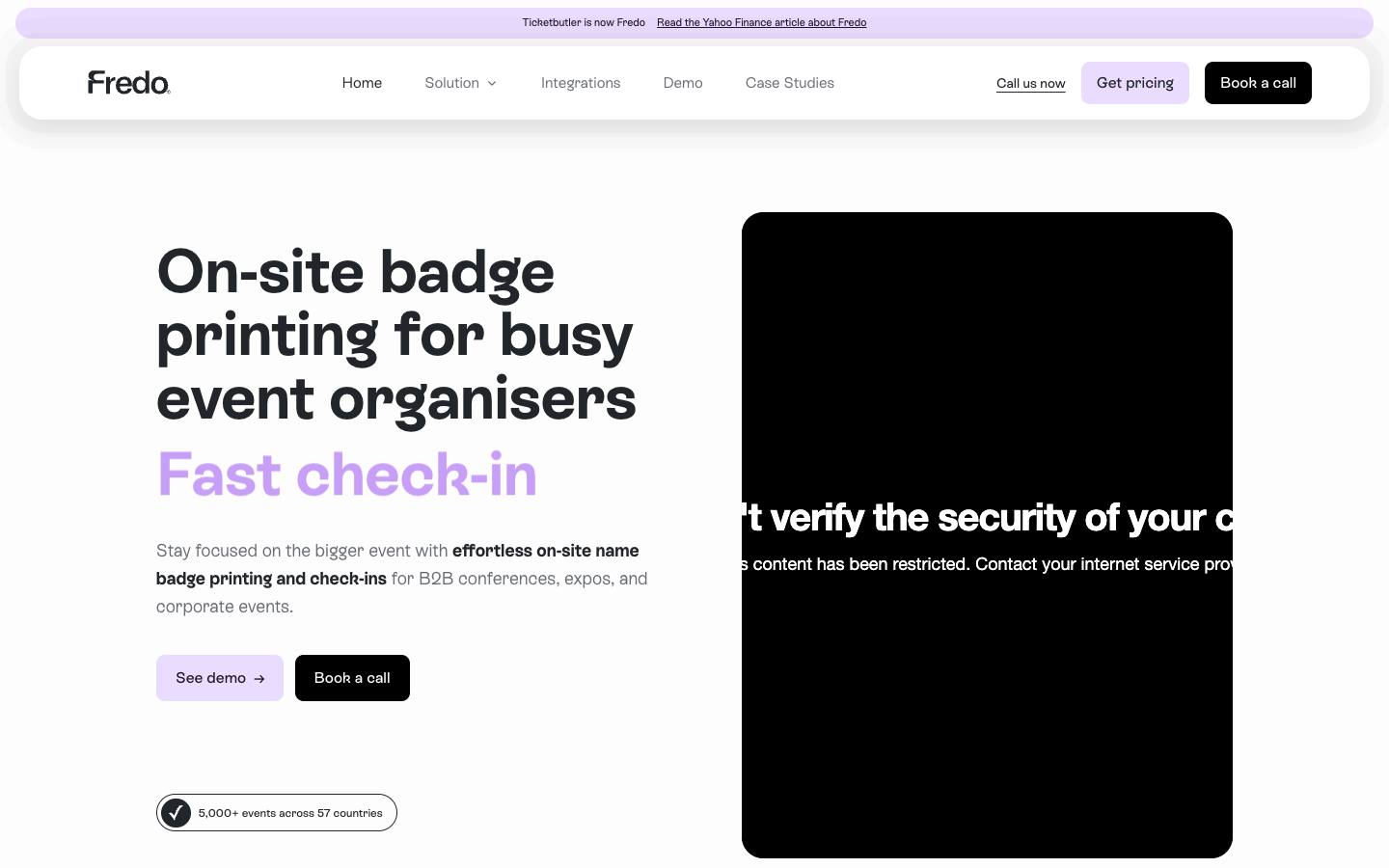
Fredo, the renamed Ticketbutler, is a Copenhagen-based check-in and on-demand badge printing provider for B2B conferences, expos and corporate events. It ships portable printers and check-in phones with mobile data worldwide, syncs attendee lists from many registration platforms, and handles walk-ins and name corrections at the desk. It targets events of roughly 50 to 15,000 attendees.
More on Fredo (formerly Ticketbutler)Less on Fredo (formerly Ticketbutler)
Founded: 2015 · HQ: Copenhagen, Denmark · Team: 11-50 people · Formats: In-person
Founded in 2017 and employing 11 to 50 people, Fredo says it has supported more than 5,000 events in 57 countries. Its check-in flow prints a badge in roughly 15 seconds, and every kit ships with portable printers and phones that carry their own mobile data, so the desk doesn't depend on the venue network. Hardware can be leased for one event or across a program, and support is available 24/7 by phone and email before and during events.
Its integration list covers about 20 tools, including Cvent, Swoogo, Bizzabo, Eventbrite, Stova, EventsAir, Luma, Tito, Brella and Lyyti, plus Salesforce, HubSpot and Zapier. Named customers include Semrush, SAE Media Group, GlobalData, LeadDev and NDC Conferences. Pricing comes from an online calculator that quotes software, printers, phones, badges and shipping in EUR, USD, GBP or DKK. Fredo relies on its infrastructure providers' certifications rather than its own SOC 2 or ISO 27001.
- Hardware can be leased for one event or across a program
What stands out
- Self-contained kits avoid dependence on venue Wi-Fi
- Syncs attendees from Cvent, Swoogo, Bizzabo, Eventbrite, Luma, Tito, Stova and others
- Badge scanning for exhibitor leads and session attendance at the same event
Worth checking
- A point solution for check-in and badging, not a full event platform
- Pricing comes only from a per-event quote calculator
Best suited for. Fredo fits conference and expo organizers running events of about 50 to 15,000 attendees, especially across several countries, who want a shipped kit rather than local staff. Choose Validar or Noodle Live if you want a staffed onsite team, or Eventpack if you'd rather own a self-serve annual plan.
2. Eventpack, best for associations and agencies that want check-in-first software with published annual pricing and unlimited events
- Price
- From $6,000/year
- Capterra
- 4.7/5 from 3 reviews
- App Store
- 5.0/5 from 1 ratings
- Syncs with
- Salesforce, HubSpot
- Customers include
- MMS, Alpha Kappa Psi, Event Tech Live
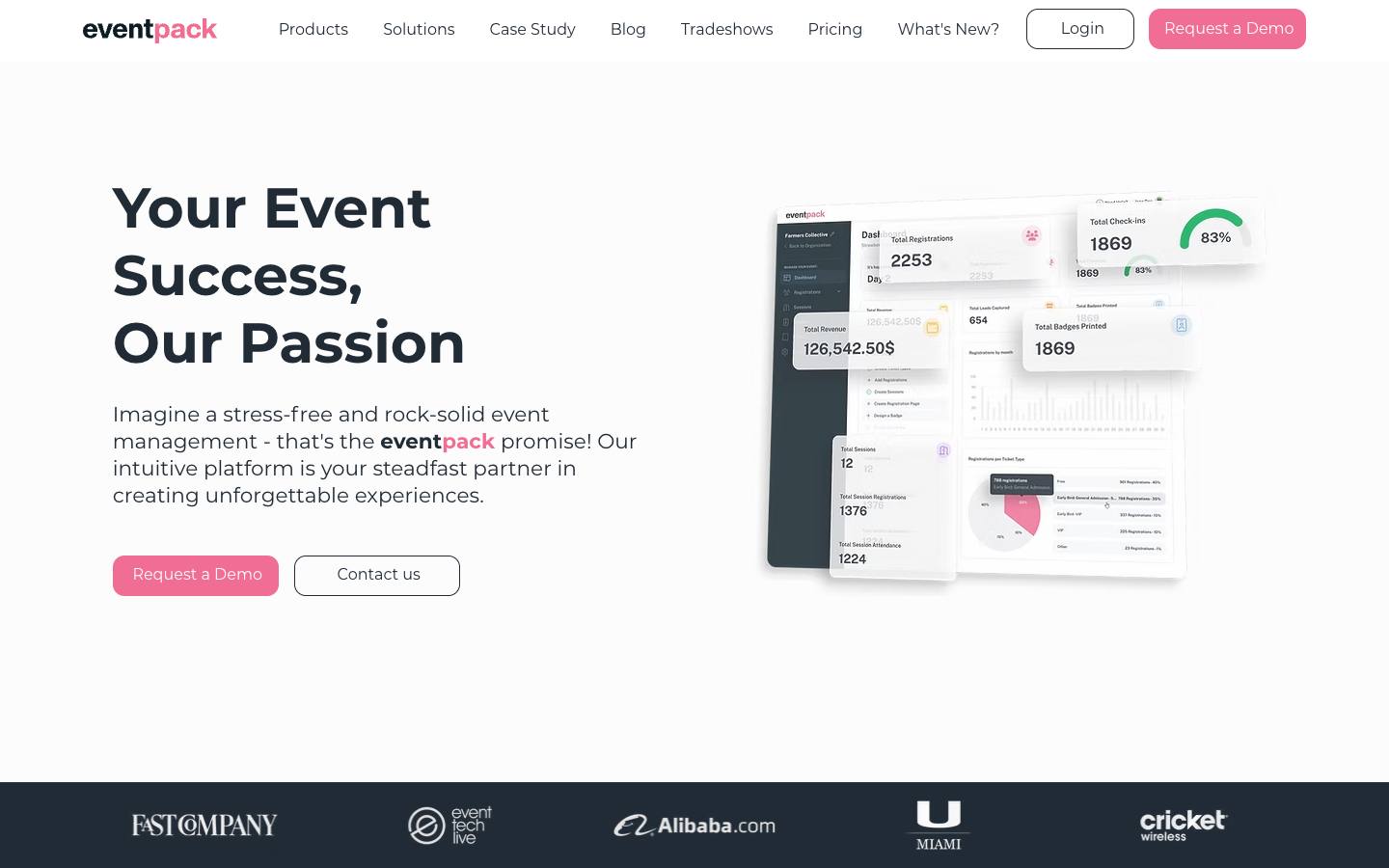
Eventpack was built by the team behind Boomset, the check-in platform later acquired by Hopin. Its Onsite Hub, included in both base plans, provides a native iOS check-in app with on-demand badge printing, kiosk mode and offline mode. Registration, sessions, sponsors and an attendee app are available as paid hubs.
More on EventpackLess on Eventpack
HQ: Miami, FL · Formats: In-person
Eventpack publishes its prices, which is rare in this category. Core costs $6,000 a year with unlimited events and registrations, 1,500 check-in credits, three admin seats and email support. Enterprise costs $12,000 a year with unlimited admins, 3,000 check-in credits, 24/7 support and a dedicated customer success manager. Extra check-ins cost $2 each and an exhibitor lead retrieval license costs $300, according to its pricing page checked in October 2026.
The Onsite Hub is included in both plans, so badge printing, kiosk mode and offline check-in don't cost extra. Registration, sessions, sponsors and the attendee app are separate paid hubs. Integrations include HubSpot, Salesforce, Swoogo, Zapier and Stripe, with an API and webhooks. Named customers include Fast Company, Event Tech Live, the University of Miami and Cricket Wireless. It has 3 Capterra reviews averaging 4.67 out of 5, so independent feedback is still thin. Onsite help at events is available for an extra fee.
- Session tracking and per-licence exhibitor lead retrieval
What stands out
- Core plan listed at $6,000 per year with unlimited events, 1,500 check-in credits and three admin seats; Enterprise at $12,000
- No ticketing fees and no per-event charges on annual plans
- Connects to HubSpot, Salesforce, Swoogo and Zapier, with API and webhooks
Worth checking
- Check-ins are metered by credits, with overage charged per check-in
- Printing hardware is rented or bought separately
Best suited for. Eventpack fits associations, agencies and small B2B teams that run many in-person events a year and want check-in software with a predictable annual price. Pick Fredo or Validar if you need onsite delivery handled for you, or Eventleaf if your attendee volume is low enough for per-attendee pricing to be cheaper.
3. Validar, best for enterprise tech user conferences that want onsite engagement data fed back to marketing systems
- Price
- Quote only
- App Store
- 5.0/5 from 4 ratings
- Languages
- English
- Syncs with
- Salesforce
- Customers include
- AWS, Salesforce, Red Hat
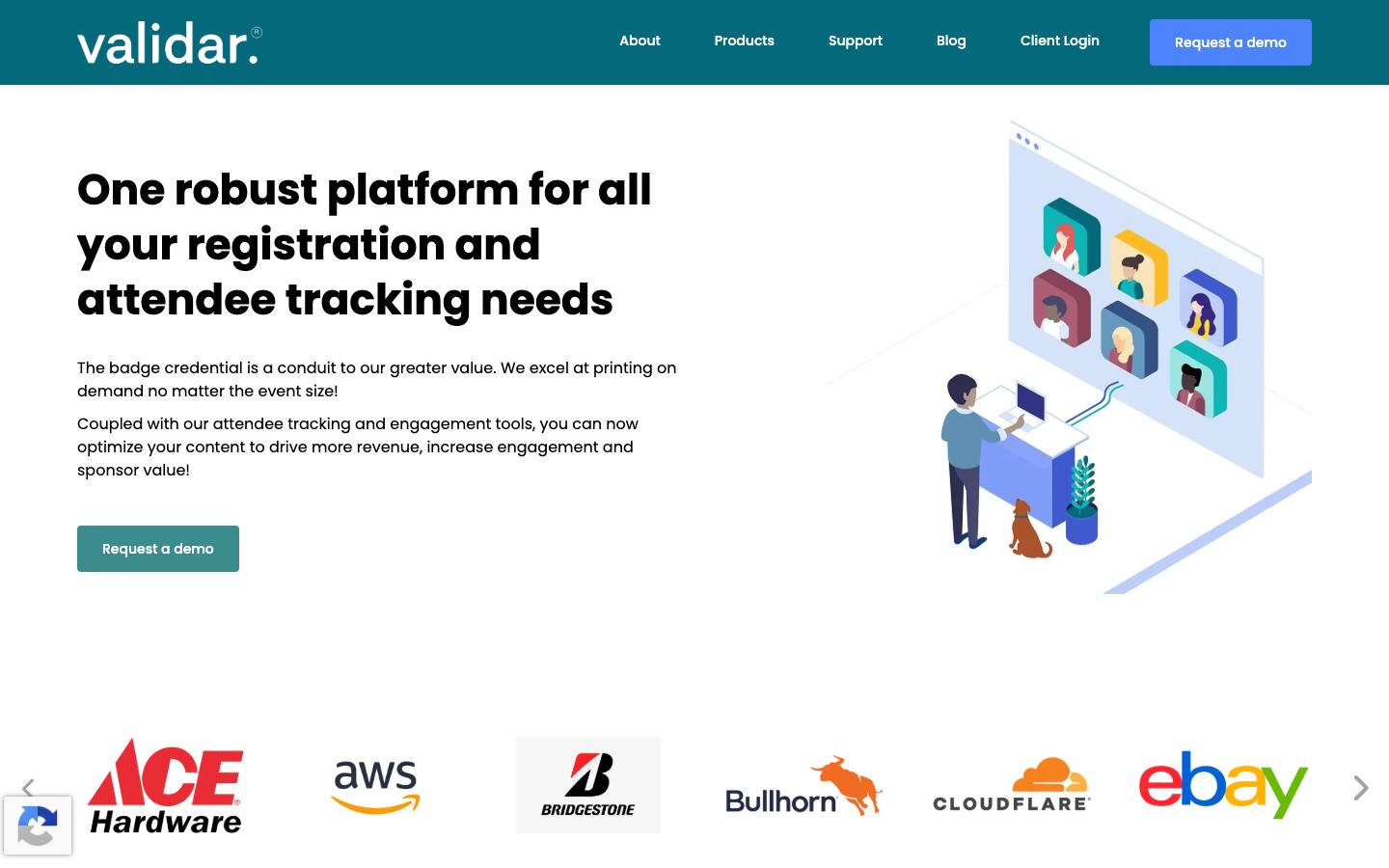
Validar provides the onsite data layer for corporate events: vCheckin for registration and on-demand badge printing, vCapture lead retrieval, session and activity tracking, and a gamified browser-based attendee hub. It's designed to sit beside an existing registration platform and push engagement data into marketing systems after the event. Its customer list leans heavily toward large technology companies.
More on ValidarLess on Validar
Founded: 2005 · HQ: Seattle, United States · Formats: In-person
Founded in 2005 and based in Seattle, Validar runs as a full-service vendor: its staff operate check-in and badge printing at each serviced event. vCheckin handles onsite registration and badging, vCapture handles lead retrieval at your own events and at third-party trade shows, and EventHub and EventScore add a browser-based attendee hub with gamified engagement scoring. Engagement data, including session attendance, meetings, sponsor visits and demos, is pushed into marketing systems after the event.
Named customers include AWS, Salesforce, Red Hat, Splunk, Twilio, Cloudflare, Nutanix and Stripe, which makes it one of the most enterprise-tech-heavy vendors here. The vCapture app has 4 App Store ratings averaging 5.0. Salesforce is the only CRM it names, and specific registration connectors aren't listed on its site, so confirm both during evaluation. Pricing isn't published; its FAQ refers to license packs. Our procurement research found CCPA documentation but no SOC 2 or ISO 27001 on its pages.
What stands out
- Named customers include AWS, Salesforce, Red Hat, Splunk, Twilio and Cloudflare
- Tracks sessions, meetings, sponsor visits, demos and feedback in real time
- Lead retrieval covers both your own events and third-party trade shows
Worth checking
- Specific connectors aren't listed on its site; confirm your registration platform and CRM
- No published pricing, and site content appears dated, so confirm the current roadmap
Best suited for. Validar fits enterprise tech companies running large user conferences that care most about getting session and engagement data back into marketing systems. Pick Fredo if you need a long, documented list of registration connectors, or Eventpack if you want to run check-in yourself.

4. Wicket, best for very large conferences that want opt-in facial check-in to shorten lines and stop badge sharing
- Price
- Quote only
- Capterra
- 4.5/5 from 4 reviews
- App Store
- 5.0/5 from 6 ratings
- Security
- SOC 2 Type II, ISO 27001, DPA
- Customers include
- Salesforce, University of Florida, Mercedes-Benz Stadium
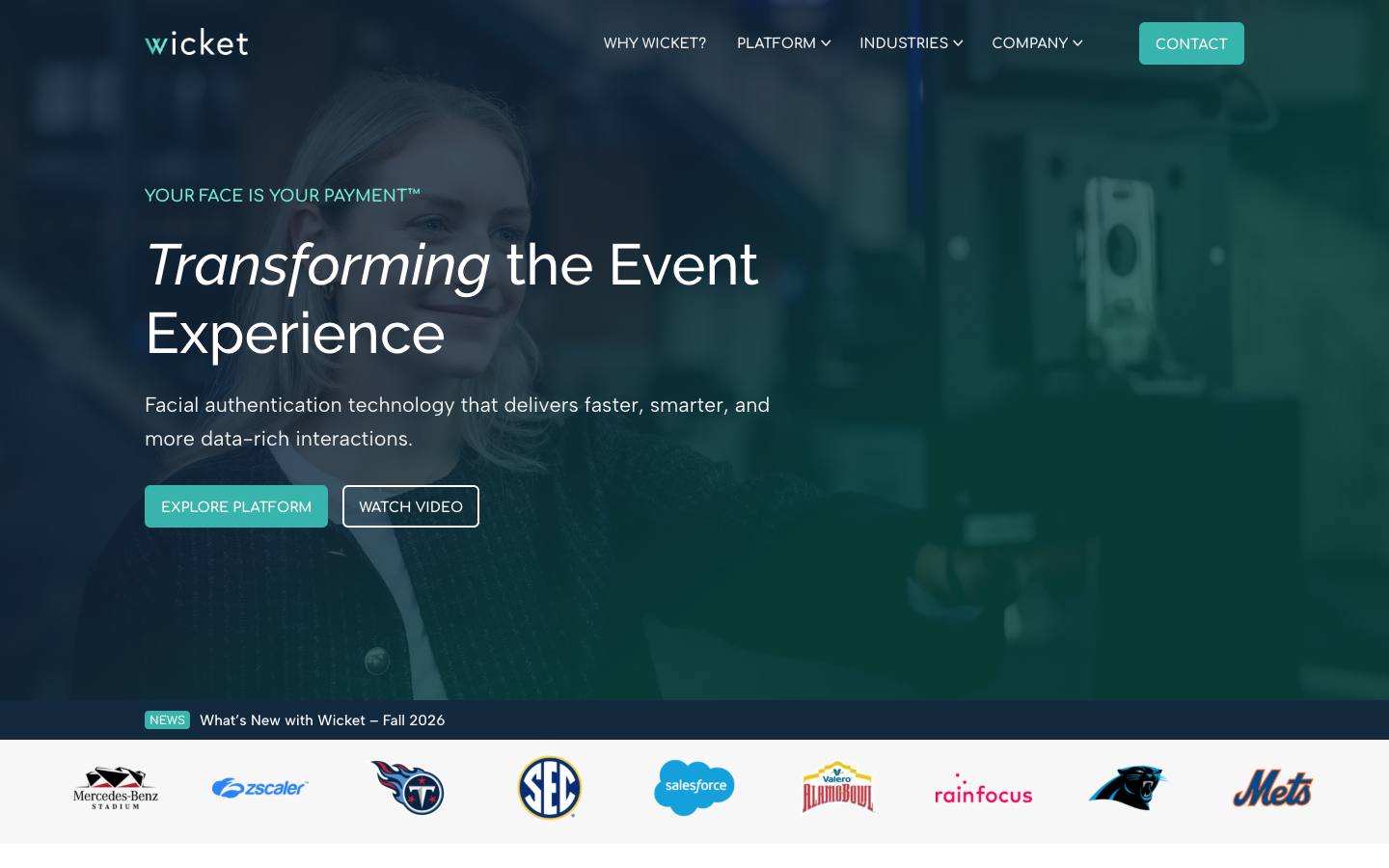
Wicket provides opt-in facial authentication for event entry, conference check-in with automatic badge printing, session scan-in and scan-out, credentialing and payments. Attendees enroll with a selfie in advance, optionally linked to a government ID, and organizers control how long biometric data is kept. It's used at large tech conferences as well as pro and college sports venues.
More on WicketLess on Wicket
Founded: 2020 · HQ: Doylestown, Pennsylvania · Team: 11-50 people · Formats: In-person
Founded in 2020 in Cambridge, Massachusetts, Wicket runs express facial check-in lanes that print a badge automatically when an enrolled attendee walks up. The same technology handles scan-in and scan-out for capacity-limited sessions, with timestamps for continuing-education reporting, and ticketless entry for events of 1,000 to 100,000 attendees. Attendees can link their face to a government ID at enrollment, which removes onsite ID checks.
Named users include NVIDIA GTC, Salesforce Dreamforce, PCMA and RainFocus, alongside sports teams such as the Cleveland Browns and Major League Soccer. Capterra lists 4 reviews averaging 4.5, and Wicket doesn't publish pricing. The Wicket Edge app has 6 App Store ratings averaging 5.0. Its security page says it holds a SOC 2 Type II attestation and ISO 27001 certification, first granted in April 2023, with reports in its trust center, and its privacy policy covers CCPA rights. It complements a registration platform rather than replacing it.
What stands out
- Named users include NVIDIA GTC, Salesforce Dreamforce and PCMA
- Timestamped session entry and exit records for CE reporting
- ID verification at enrollment removes onsite ID checks
Worth checking
- Biometric collection needs legal review in some jurisdictions and attendee opt-in
- Complements a registration platform rather than replacing it; pricing isn't published
Best suited for. Wicket fits enterprise conferences with very long morning lines, badge-sharing concerns or session capacity limits, and a legal team ready to review biometric consent. Most mid-market events don't need it; Fredo, Eventpack or Diobox cover QR and name lookup check-in at lower cost.

5. CrowdPass, best for brand and experiential teams that need NFC wristbands and zone-level access control with published pricing
- Price
- From $99/month
- Capterra
- 4.3/5 from 13 reviews
- Syncs with
- Salesforce, HubSpot
- Security
- SOC 2 Type II
- Customers include
- Amazon Music, Coors Light, Fontainebleau Miami
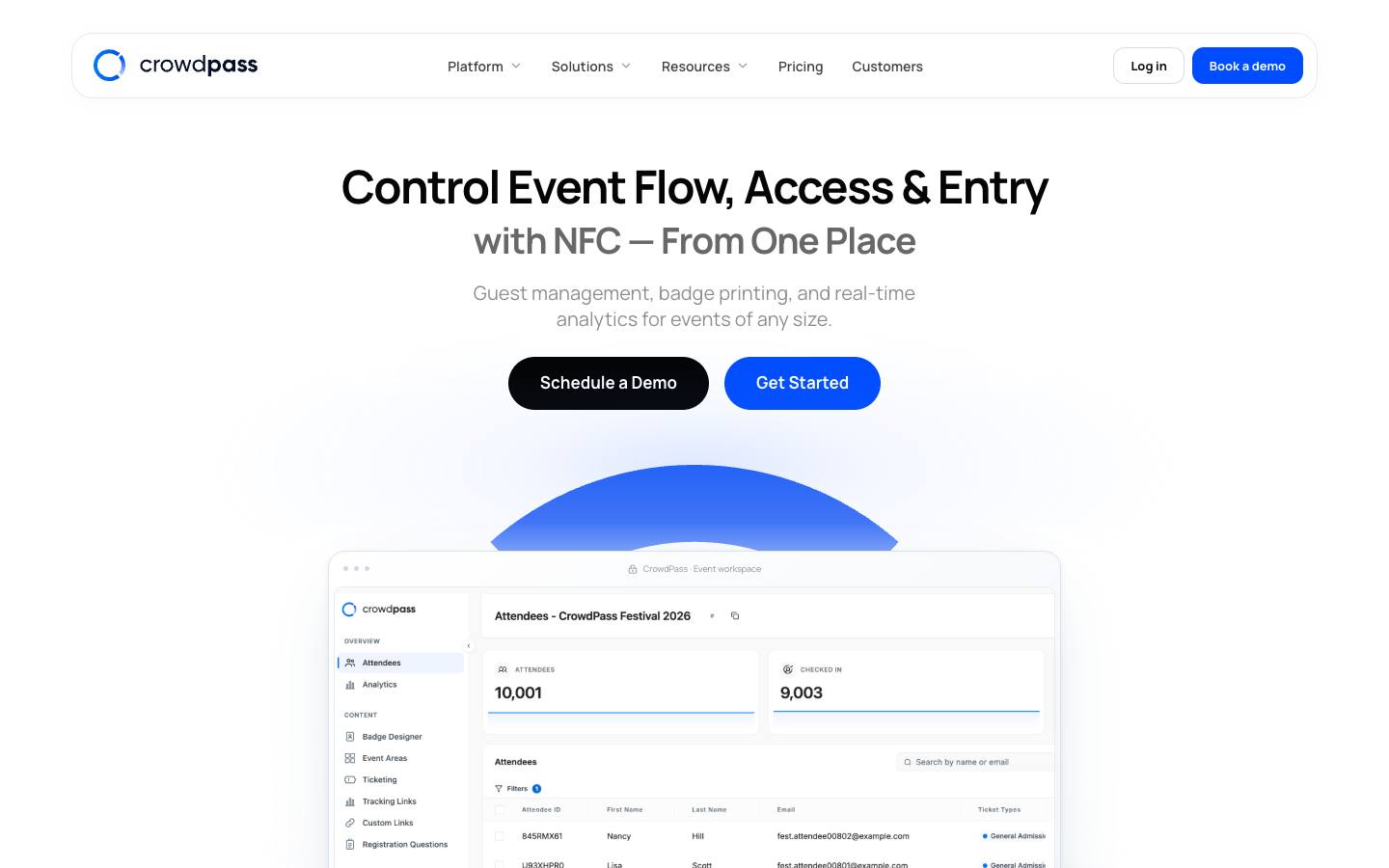
CrowdPass focuses on onsite operations: registration and ticketing, badge printing, QR and NFC entry, zone-level access control, lead retrieval and live attendance analytics. It pairs its software with NFC hardware such as wristbands and readers. It can run on its own or on top of registration tools such as Cvent and Eventbrite.
More on CrowdPassLess on CrowdPass
Founded: 2015 · HQ: New York, US · Team: 11-50 people · Formats: In-person
Founded in 2015 in New York, CrowdPass publishes three plans on its pricing page, checked October 2026. Starter costs $99 a month with unlimited attendees, two users, registration, check-in and QR access control. Pro costs $999 a month with five users, full access control, badge printing, NFC pairing, API access and an account manager. Enterprise is custom with a $10,000 annual minimum, annual billing saves 10%, and single-event pricing is available on request.
It lists 14 integrations, including Salesforce, HubSpot, Cvent, Eventbrite, Mailchimp, Pipedrive, Zapier and Slack, so it can sit on top of an existing registration tool. Named customers include Google, Coca-Cola, Audi, Adidas, Harvard and JLL. It has 13 Capterra reviews averaging 4.31 out of 5. Our procurement research found SOC 2 Type II, a public API, webhooks and a status page. NFC readers and wristbands are add-ons whose prices aren't published. Support is by email on Starter, with an account manager on Pro and premium support on Enterprise.
- SOC 2 Type II
What stands out
- Published plans: Starter at $99 per month and Pro at $999 per month, both with unlimited attendees
- Integrations with Salesforce, HubSpot, Cvent, Eventbrite and Mailchimp
- Event SMS plus iOS and Android apps for staff and guests
Worth checking
- NFC readers and wristbands are add-ons with unpublished costs
- Little pre-event marketing functionality compared with full event marketing suites
Best suited for. CrowdPass fits brand, experiential and university teams that need zone-level access control or NFC wristbands with a published monthly price. Pick a guest management tool such as zkipster for seated VIP dinners, or Fredo for shipped conference check-in kits.

6. zkipster, best for brand, PR and executive events teams running invite-only dinners, launches and VIP hospitality
From €141/month
- Price
- From €141/month
- Capterra
- 4.6/5 from 78 reviews
- App Store
- 4.8/5 from 697 ratings
- Security
- ISO 27001, SAML SSO
- Customers include
- MATCH Hospitality, British Council, Lincoln Center
zkipster is a Swiss guest management platform for invitation-only events, covering guest lists, branded invitations and RSVPs, seating plans, wallet passes, payments, badge printing and a mobile check-in app. The app supports QR scanning, kiosk mode, offline mode and guest facesheets so door staff can greet VIPs by name. A companion Audience product manages the contact database.

More on zkipsterLess on zkipster
Founded: 2009 · HQ: Zürich, Switzerland · Team: 11-50 people · Formats: In-person
Founded in 2009 in Zurich, zkipster says its software has checked in more than 25 million guests in over 100 countries. Prices are published in euros on its pricing page, checked October 2026: Essentials starts at €229 a month billed yearly (€2,750 a year) with 60 events a year, Professional starts at €371 a month billed yearly (€4,450 a year) with 80 events, seating and name badges, and Enterprise adds 100 events, SSO and audit logs on request.
The check-in app is one of the most reviewed in this guide, with 697 App Store ratings averaging 4.82, and it has 78 Capterra reviews averaging 4.63. Named customers include Christie's, MoMA PS1, Porsche, Microsoft and Estée Lauder. Our procurement research found ISO 27001, GDPR documentation, Swiss or EU hosting on Microsoft Azure and SAML SSO. CRM connectivity depends on the REST API add-on or the zkipster MCP connector, as there are no native Salesforce or HubSpot connectors.
What stands out
- Check-in app used at more than 35,000 events a year, according to the vendor
- Invitations by email, SMS and WhatsApp, with visual seating charts for dinners and galas
- ISO 27001 certified with data hosted in Switzerland
Worth checking
- CRM connectivity depends on the REST API add-on
- Plans cap events per year, and it's not designed for large ticketed conferences
Best suited for. zkipster fits brand, PR and executive events teams that run invitation-only dinners, launches and hospitality where guest recognition at the door matters. Pick a conference tool such as Fredo or Eventpack for large badge-driven events, and expect to use the API add-on for CRM sync.

7. Diobox, best for small marketing teams that want self-serve guest check-in, seating and badges with a free starting tier
From $149/month
- Price
- From $149/month
- Try it
- Free plan
- Capterra
- 4.4/5 from 9 reviews
- App Store
- 4.4/5 from 62 ratings
- Security
- DPA
- Customers include
- Bosch, Netflix, Saint Laurent
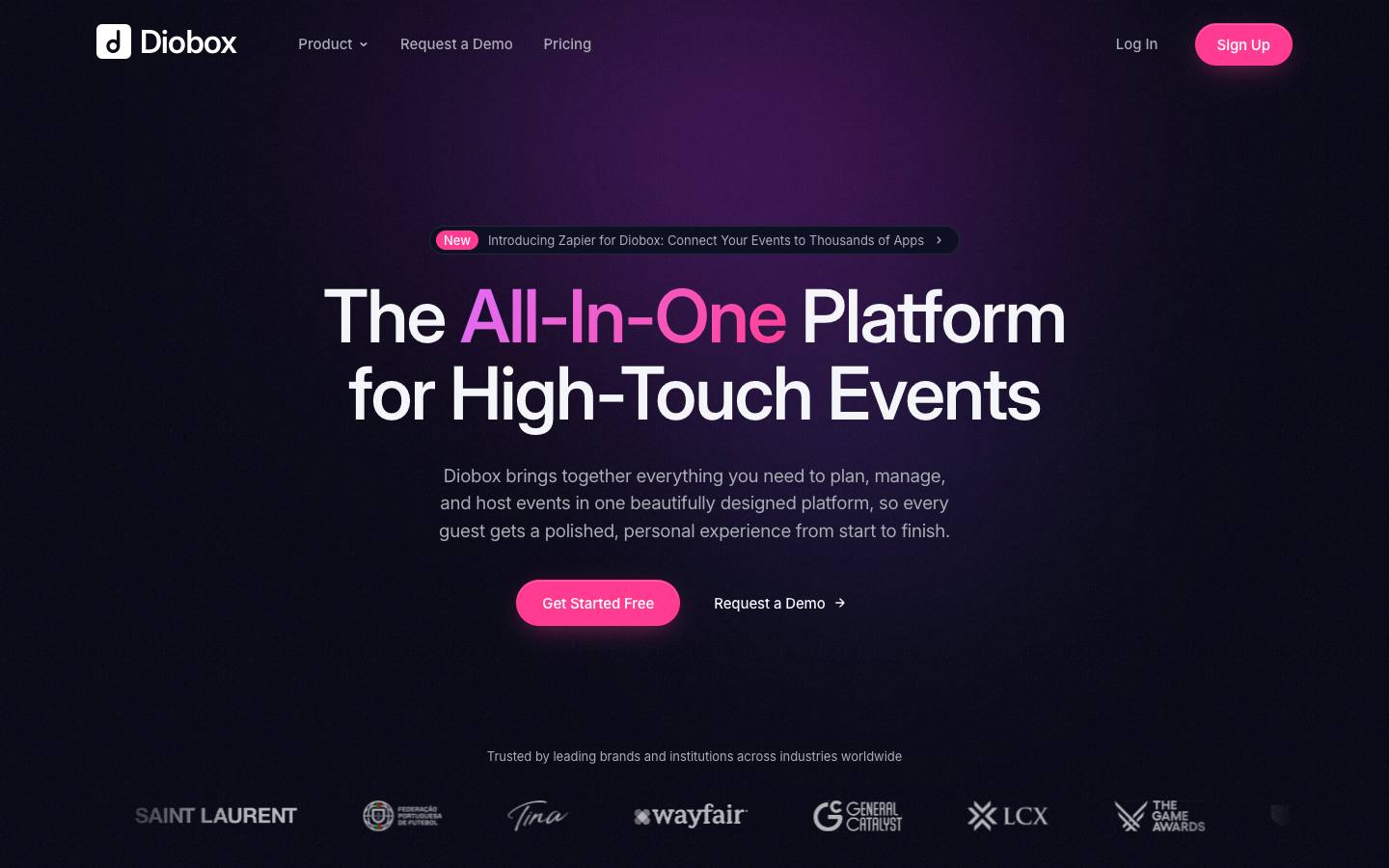
Diobox is a New York-based platform for guest lists, invitations, RSVPs, QR check-in, seating, badges and ticketing for dinners, launches, galas and conferences. The check-in app uses time-based QR codes, VIP alerts and offline mode, with iPad self check-in on higher tiers. An exhibitor app for scanning and rating leads is also available.
More on DioboxLess on Diobox
Founded: 2014 · HQ: New York, NY · Formats: In-person
Founded in 2014 in New York, Diobox publishes four plans on its pricing page, checked October 2026. Free covers one active event with 25 guests. Professional costs $149 a month billed yearly ($249 monthly) with five licenses and 500 guests per event. Corporate costs $299 a month with 10 licenses, 5,000 guests per event and badge printing, and Enterprise costs $449 a month with 15,000 guests, SMS and WhatsApp, kiosk mode and lead retrieval. Ticket sales carry a 2.5% plus $0.70 fee on top of Stripe.
Its check-in app has 62 App Store ratings averaging 4.44, and it has 9 Capterra reviews averaging 4.44. Named customers include Netflix, Saint Laurent, Wayfair, General Catalyst and Bosch. Integrations are limited to Stripe, Zapier, Apple and Google Wallet and WhatsApp, so CRM sync runs through Zapier. Our procurement research found GDPR and CCPA documentation and a public changelog, but no security certifications.
What stands out
- Free plan for up to 25 guests, with Professional listed at $149 per month
- SMS and WhatsApp messaging plus Apple and Google Wallet passes
- Seating charts with drag-and-drop assignment and live tracking
Worth checking
- No native CRM integrations beyond Zapier
- No formal security certifications advertised
Best suited for. Diobox fits small marketing and brand teams that want self-serve guest check-in, seating and badges with a free plan to start. Pick zkipster if you need ISO 27001 and Swiss hosting, or CrowdPass or Eventleaf if you want native CRM connectors.
8. Guest Manager, best for teams running occasional events that want pay-as-you-go check-in credits and scanner rentals
From $1/ticket
- Price
- From $1/ticket
- Try it
- Free trial
- Capterra
- 4.0/5 from 2 reviews
- App Store
- 4.8/5 from 203 ratings
- Security
- DPA
- Customers include
- Levi's Stadium Family Day, Lululemon, Eventvibe
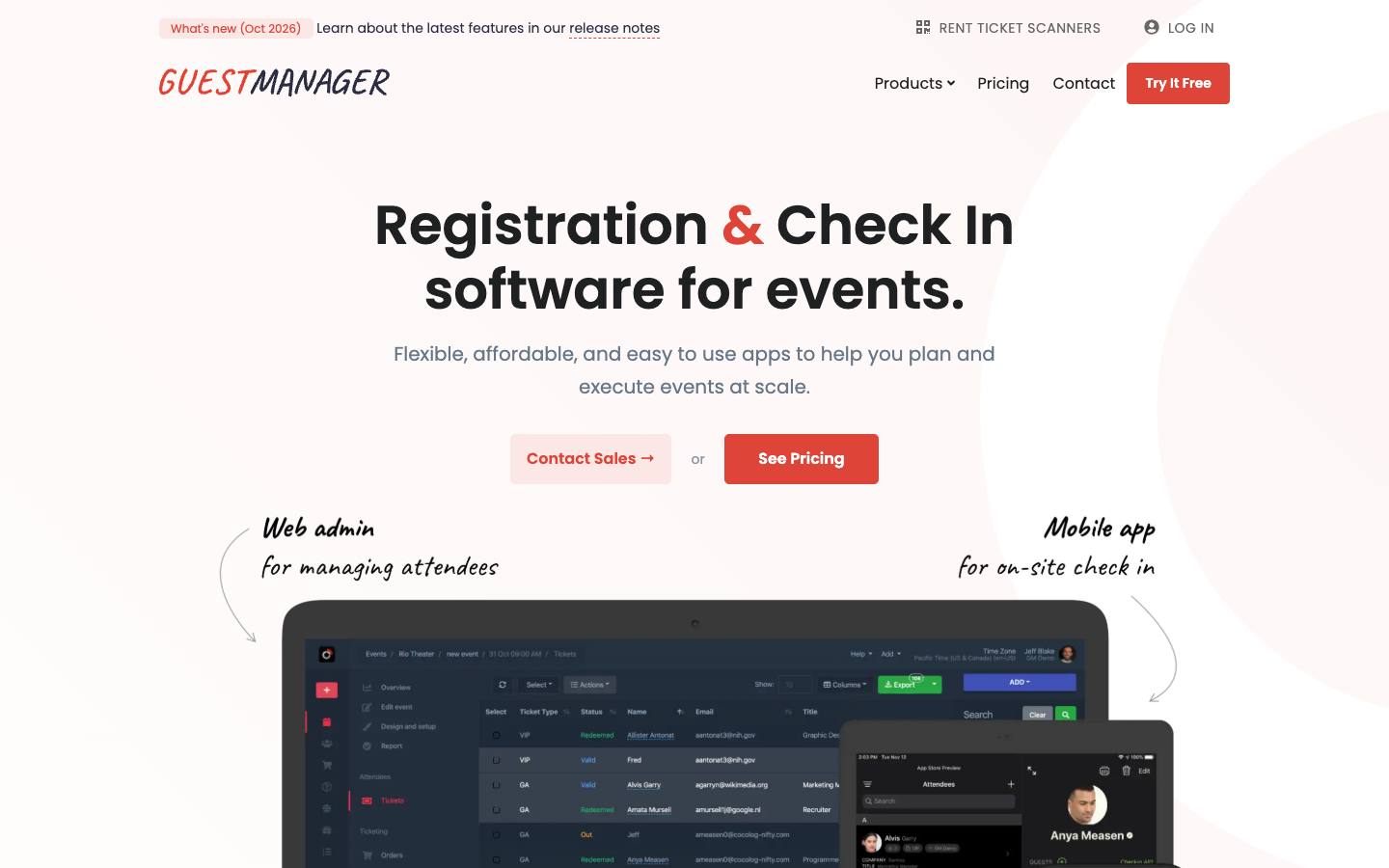
Guest Manager has offered event check-in and ticketing since 2011 for corporate events, conferences and galas. It covers guest list imports, invitations and RSVPs, ticket sales, Apple Wallet tickets, an offline-capable iPad check-in app synced across unlimited devices, badge printing and rentable laser scanners.
More on Guest ManagerLess on Guest Manager
HQ: Zephyr Cove, NV · Formats: In-person
Based in Zephyr Cove, Nevada, Guest Manager prices by credits that are used per check-in, email, badge or SMS. The first 50 check-ins are free, credit packs start at $30 for 100 credits, and credits don't expire. Annual plans include Planner at $39 a month ($468 a year, 3,600 credits, four devices), Professional at $79 a month (9,600 credits, eight devices) and Concierge at $199 a month (24,000 credits, unlimited devices), according to its pricing page checked October 2026. Online ticket sales add $0.50 to $1.00 per ticket by plan.
Every plan includes all features and unlimited events. The iPad check-in app has 203 App Store ratings averaging 4.75. Named customers include Lululemon, the CMA Awards, TBA Global and QuintEvents. Integrations are a Shopify ticketing app, Stripe, Apple Wallet and a REST API, with no named CRM connectors. Our procurement research found a GDPR data processing agreement, a subprocessor list and a status page.
What stands out
- Planner plan listed at $39 per month billed annually, with credit packs from $30 and the first 50 check-ins free
- Credits don't expire, so infrequent organizers pay only for guests they check in
- Open API and a Shopify ticketing app
Worth checking
- No named CRM or marketing automation integrations
- The dashboard locks if the credit balance goes negative
Best suited for. Guest Manager fits teams that run a handful of events a year and want to pay only for the guests they actually check in. Pick Eventpack or CrowdPass if you need native CRM connectors, or Fredo if you need shipped badge printing kits.

9. Eventleaf, best for education, public-sector and association teams that need low-cost registration with onsite badging
From $1/attendee
- Price
- From $1/attendee
- Try it
- Free plan, Free trial
- Capterra
- 4.8/5 from 185 reviews
- App Store
- 4.2/5 from 6 ratings
- Syncs with
- Salesforce, HubSpot, Marketo
- Customers include
- Columbia University, Sysco, Accenture
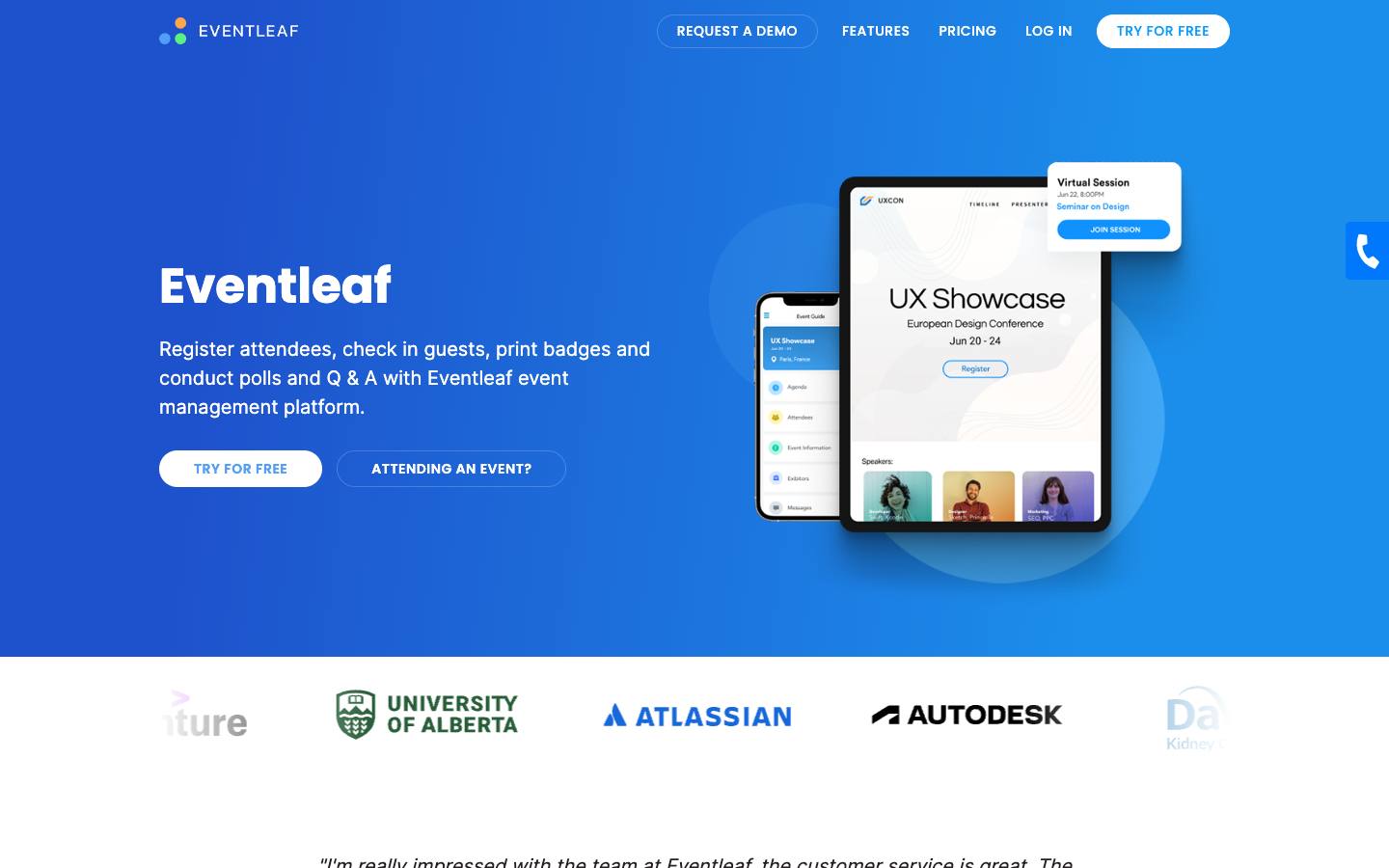
Eventleaf, from Jolly Technologies, covers registration websites, payments, check-in by name or barcode, self-service kiosks and a badge designer with session QR codes, plus surveys, abstracts, CE credits and exhibitor booth sales. It's used by universities, school districts, associations, government bodies and corporations.
More on EventleafLess on Eventleaf
Founded: 2012 · HQ: Redwood City, CA · Formats: In-person, Hybrid, Virtual
Founded in 2012 and based in Redwood City, California, Eventleaf publishes per-attendee pricing on its pricing page, checked October 2026. Starter is free for up to 100 attendees a year with badge printing. Basic costs $1 per attendee from 500 attendees, and Professional costs $2 per attendee from 1,000 attendees and adds session check-in, live polls and Q&A and the attendee app. Ultimate is quote-based and adds lead retrieval, abstracts, SSO and Salesforce, HubSpot and Marketo connectors. Registration sales carry a 1% fee with your own processor or 4% with Eventleaf's.
It has 185 Capterra reviews averaging 4.8 out of 5, the highest count in this guide. Every plan includes unlimited events and users with no contract. Named customers include Columbia University, MIT, Sysco and Worldpay. Our procurement research found PCI DSS and GDPR documentation; ISO 27001 is listed as in progress and SOC 2 isn't mentioned. Email support comes with Starter, paid plans add phone support, and 24/7 priority support is an Ultimate add-on. Its parent, Jolly Technologies, also makes the Lobbytrack visitor management system.
What stands out
- Free up to 100 attendees a year, then from $1 per attendee; onsite badging is in the $2-per-attendee Professional plan
- Unlimited events and users on every plan, with no contract requirement
- Tracks continuing-education credits and issues certificates
Worth checking
- Salesforce, HubSpot and Marketo integrations, SSO and lead retrieval are reserved for the quote-based Ultimate plan
- ISO 27001 is still in progress and SOC 2 isn't mentioned
Best suited for. Eventleaf fits universities, associations and small corporate teams that want registration, badging and CE credits in one tool at a low, published price. Pick Eventpack or Jomablue if you need CRM sync without moving to a quote-based tier.

10. CodeREADr, best for organizers who already have badges or tickets and just need inexpensive scanning on their own devices
From $28.99/month
- Price
- From $28.99/month
- Try it
- Free plan
- Capterra
- 5.0/5 from 4 reviews
- App Store
- 4.5/5 from 21 ratings
- Security
- SAML SSO, DPA
- Customers include
- Eastern Michigan University, Norwegian Refugee Council, Physical Security LLC
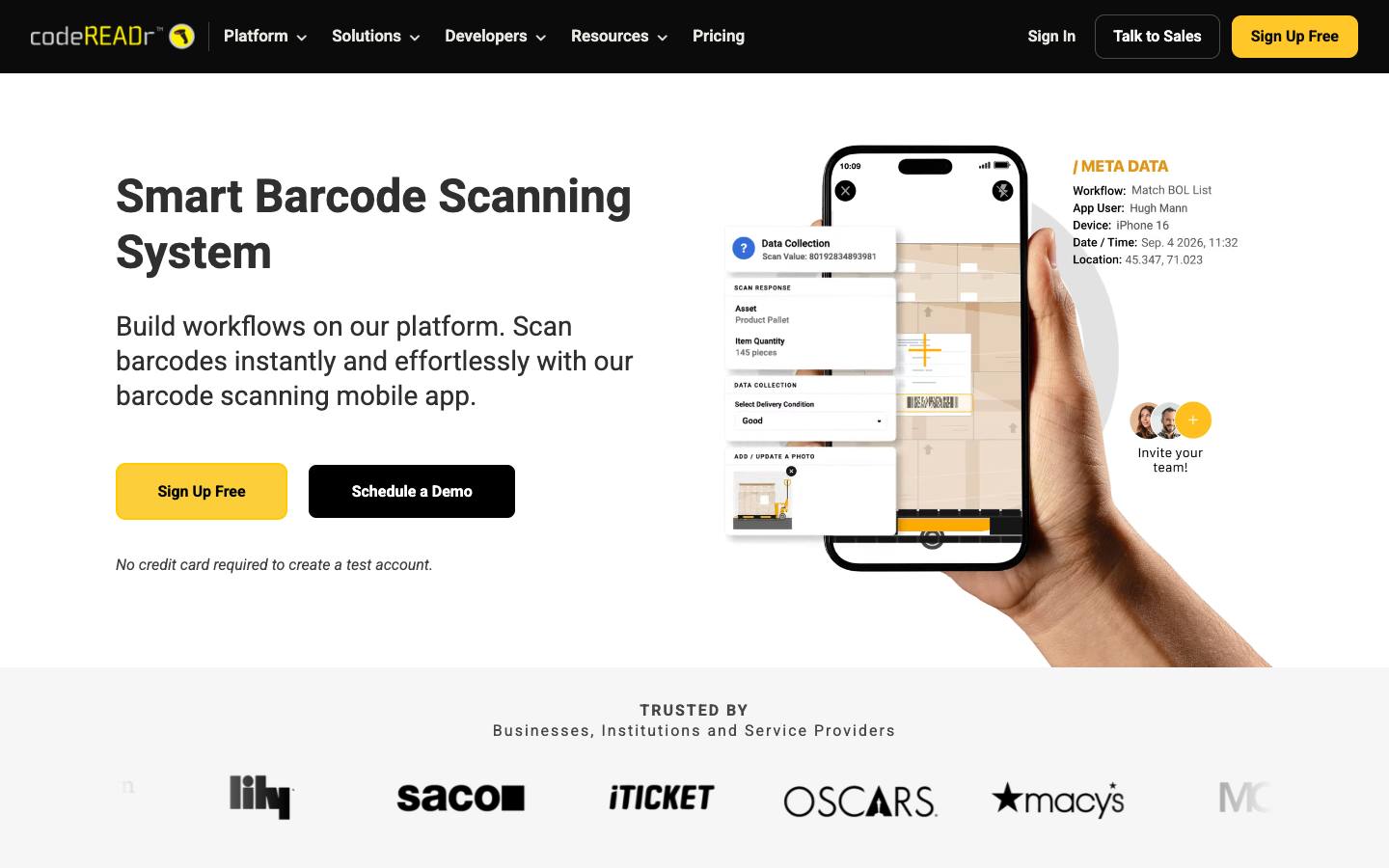
CodeREADr is a general-purpose barcode scanning app and cloud portal that turns phones, tablets and rugged scanners into validation devices. Event teams use it for ticket validation with duplicate blocking, session attendance tracking, access control at multiple entrances and simple exhibitor lead retrieval. Scans are saved offline and sync when connectivity returns.
More on CodeREADrLess on CodeREADr
Founded: 2009 · HQ: Boston, MA · Team: 11-50 people · Formats: In-person
Founded in 2009 in Boston, CodeREADr prices by scanning device with unlimited scans, per its pricing page checked October 2026. Business Starter costs $28.99 a month billed annually for two devices, the 5 Device Plan costs $57.90 a month, the 10 Device Plan $107.90 and the 25 Device Plan $249.90, and a free account needs no credit card. Monthly billing costs more, from $34.99 for two devices.
It isn't an event platform, so registration and badge printing come from elsewhere, but it validates tickets against a cloud or on-device list, blocks duplicate entries and saves scans offline. It works with phone cameras, Bluetooth scanners, scan sleds and Chromebooks. Integrations include Zapier, Make, Google Sheets, Okta, webhooks and a REST API, with no native registration or CRM connectors. Named customers include The Oscars, Macy's and Northwestern University. Our procurement research found SAML SSO, a GDPR data processing agreement and a subprocessor list.
What stands out
- Business Starter listed at $28.99 per month billed annually for two devices, with unlimited scans and a free plan
- Works with phone cameras, Bluetooth scanners, scan sleds and Chromebooks
- Webhooks, REST API, Zapier and Make for routing scan data
Worth checking
- Not an event platform; registration and badge printing come from elsewhere
- No native registration or CRM integrations
Best suited for. CodeREADr fits teams that already have badges or tickets and just need cheap, reliable scanning at doors and sessions on their own devices. Pick a full check-in tool such as Eventpack or Diobox if you also need badge printing and walk-in registration.
11. Noodle Live, best for UK and European organizers who need RFID or NFC badges and access control on top of Cvent or Swoogo
Quote only
- Price
- Quote only
- Customers include
- Economist Impact, Biba Medical, Swiss Arbitration Association
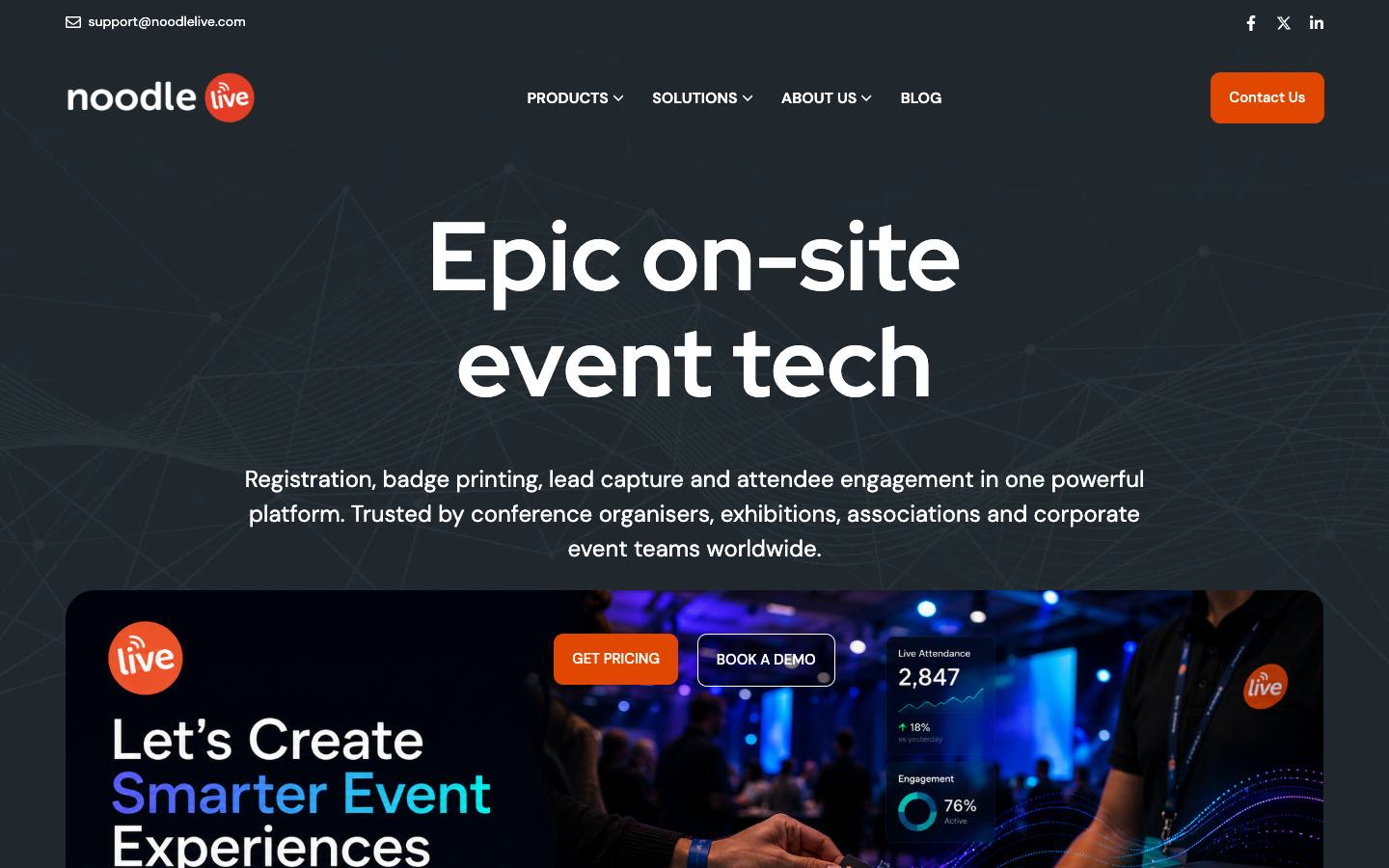
Noodle Live is a London-based onsite provider covering self-service and on-demand badge printing with QR, RFID or NFC credentials, session scanning, room occupancy, exhibitor lead capture and digital passes. It can be run self-service or with managed onsite staff and hardware, and usually sits on top of a separate registration platform.
More on Noodle LiveLess on Noodle Live
Founded: 2012 · HQ: London, England · Team: 11-50 people · Formats: In-person
Founded in 2012 and based in London, Noodle Live employs 11 to 50 people and supports events in EMEA and North America with phone lines in both regions. Its onsite layer covers badges with QR, RFID or NFC credentials, digital passes, session scanning with live room occupancy, exhibitor lead capture and a live dashboard of registrations and attendance. Teams can run it self-service with training materials or book managed delivery with hardware and onsite staff through partners.
Its named integrations are Cvent, Swoogo, Brella and Luma, plus Excel attendee import. Named customers include Economist Impact, Biba Medical and the Swiss Arbitration Association. Pricing is offered on subscription or per-event terms and is quoted on request. Our procurement research found a public changelog but no security certifications, data processing agreement or integration documentation on its pages, so ask for these before sharing attendee data. Live chat support is available to all users, and onsite technical teams can be booked for larger events.
What stands out
- Integrations with Cvent, Swoogo, Brella and Luma
- Real-time session attendance and room occupancy tracking
- Subscription or per-event terms
Worth checking
- Registration and virtual delivery generally come from a partner platform
- No published pricing, security certifications or integration documentation
Best suited for. Noodle Live fits UK and European organizers who want RFID or NFC credentials and session occupancy tracking layered on Cvent or Swoogo. Pick Fredo if you need a longer connector list and shipped self-contained kits, or Jomablue for documented SOC 2 Type II.

12. Jomablue, best for enterprise and association teams in APAC and EMEA that want check-in software plus in-house onsite delivery and BI data flows
Quote only
- Price
- Quote only
- Syncs with
- Salesforce, HubSpot, Dynamics, Marketo
- Security
- SOC 2 Type II, DPA
- Customers include
- Australian Water Association, Modern Teaching Aids, B2B Marketing Leaders Forum
Jomablue is a Sydney-founded platform whose longest-standing strength is onsite check-in and badging, now extended to registration, session and CPD tracking, lead capture, event apps, streaming and sponsor management. An in-house professional services team handles setup and onsite delivery in 60+ countries, and the company opened a London office in 2024.
More on JomablueLess on Jomablue
Founded: 2001 · HQ: Sydney, Australia · Team: 51-200 people · Formats: In-person, Virtual, Hybrid, Webinar
Founded in 2001 in Sydney and employing 51 to 200 people, Jomablue started with onsite check-in and badging and now covers registration, session and CPD tracking, lead capture, microsites, event apps, streaming and a sponsor and exhibitor manager. Its in-house professional services team handles setup and onsite delivery in more than 60 countries, and it opened a London office in 2024.
Integrations are among the strongest here: Salesforce, HubSpot, Marketo and Microsoft Dynamics 365 on the CRM side, and Snowflake, Power BI, Tableau and Airtable for reporting, plus Stripe, Vimeo and Slido. Our procurement research found SOC 2 Type II, a GDPR data processing agreement, a public API, webhooks and a status page, and it offers SLAs of 99.9% uptime or higher. Named customers include TEDxSydney, the Australian Water Association and the Financial Planning Association of Australia. Pricing isn't published. Bespoke integrations are scoped as separate projects, and support runs through a customer portal.
What stands out
- Connects to Salesforce, HubSpot, Marketo and Microsoft Dynamics 365, plus Snowflake, Power BI and Tableau
- SOC 2 Type II with SSO, MFA and audit logs
- Session scanning used by associations to track professional development credits
Worth checking
- Customer references are mostly Australian
- Pricing isn't published
Best suited for. Jomablue fits enterprise and association teams in APAC and EMEA that want check-in software backed by an in-house onsite team and data that flows into BI tools. Pick Fredo or Noodle Live if you want to keep your current registration platform and add only the onsite layer.
Picks 6 to 12 are folded to keep the list short. Open any of them, or compare them all in the table above.
Also worth considering
fielddrive, Cvent OnArrival, Certain Arrive, Gevme Onsite, Canapii Kiosk, RefTech, Expo Logic, Check-in Pax, GuestDay, LiveBuzz, Eventdex, Accredit Solutions
The best event check-in apps by use case
| If you need | Company size | Look at |
|---|---|---|
| Enterprise tech user conference that wants session and engagement data pushed to marketing systems | Enterprise | Validarfull-service onsite team plus engagement tracking |
| Expo organizer running events in several countries without reliable venue Wi-Fi | Startup, Mid-market | Fredo (formerly Ticketbutler)ships printers and phones with their own mobile data |
| Association or agency running many in-person events a year on a fixed budget | Startup, Mid-market | Eventpackunlimited events on a published annual plan |
| Tech user conference with 10,000+ attendees and long morning lines | Enterprise | Wicketopt-in facial check-in used at Dreamforce and GTC |
| Executive dinners and VIP launches with seating plans | Mid-market, Enterprise | zkipsterguest facesheets, seating and offline check-in |
| University or association conference that needs badges and CE credits cheaply | Startup, Mid-market | Eventleafper-attendee pricing from $1 with CE tracking |
| Team that already prints badges and just needs session scanning on phones | Startup, Mid-market | CodeREADrper-device plans from $28.99 a month |
| APAC enterprise team that wants check-in data in Snowflake or Power BI | Enterprise | JomablueBI connectors plus an in-house onsite team |
What results look like
Figures customers report in the vendors' own published case studies. They describe one customer each, not what every buyer should expect.
6,000
Attendees
CAP Partner with Fredo (formerly Ticketbutler) · Case study
8,500 in 3 days
Leads captured
MMS with Eventpack · Case study
30k+
Opted in at registration
Salesforce with Wicket · Case study
1,472
New leads
Amazon Music with CrowdPass · Case study
967
Events powered since 2016
MATCH Hospitality with zkipster · Case study
1,500
Attendees
Levi's Stadium Family Day with Guest Manager · Case study
How to choose
Background on what these tools do, how we ranked them and what to check before you buy. Open any topic.
What event check-in apps actually are (and what they aren't)
Event check-in apps confirm that a registered attendee has arrived. Staff or the attendee search by name or scan a QR code on a phone, tablet or kiosk, the record is marked as attended, and in most tools a badge prints on the spot. Good tools also register walk-ins, fix typos at the desk, track who enters each session or zone, and keep working when the venue network drops.
Check-in is not the same as event registration software, which handles the forms, payments and confirmation emails before the event. It's also narrower than badge printing software, which focuses on badge design, printers and stock, and different from lead retrieval apps, which exhibitors use to scan visitors at their own booth. Many products in this guide touch all three, so the useful question is which job a tool was built for first.
For B2B event teams, a check-in app does four jobs. It keeps the first impression fast, which matters most at 8 a.m. on day one of a user conference. It produces a clean list of who actually showed up, which drives no-show follow-up and pipeline attribution. It controls access to sessions, VIP areas and executive dinners. And it gives sponsors and sales teams real attendance data instead of the registration list, which always overstates the room.
How we ranked these event check-in apps
We looked for tools where check-in and onsite badging are a core job, not a side feature, and checked each one against the criteria below.
1. Offline check-in
We checked each vendor's product pages for a documented offline mode or self-contained connectivity.
2. On-demand badge printing
We confirmed on vendor pages whether badges print at check-in and which credential types (paper, PVC, RFID or NFC) are supported.
3. Registration platform connectors
We counted the registration platforms each vendor names on its integrations pages, such as Cvent, Swoogo and Eventbrite.
4. CRM sync
We recorded native Salesforce or HubSpot connectors from vendor pages and noted tools that rely on an API or Zapier instead.
5. Published entry price
We read each vendor's pricing page in October 2026 and recorded the lowest published plan or noted quote-only pricing.
6. Security documents
We used our procurement research to record SOC 2 Type II, ISO 27001 and GDPR documentation on vendor pages.
More on our process in the methodology.
What to look for in an event check in app
Speed and resilience come first. Test how fast staff can find a registrant by name, QR code or barcode, whether walk-ins and name corrections can be handled at the desk, and what happens when connectivity drops: the stronger tools in this guide keep checking people in offline and sync across devices afterwards. Then look at self-service kiosks, VIP alerts and session scanning, and at what data comes out, from live arrival dashboards to attendance records your CRM or marketing automation can use for follow-up.
Event check in software: standalone layer or all-in-one platform?
If you already run registration in Cvent, Swoogo, Bizzabo or Eventbrite, a standalone onsite layer such as Fredo, Noodle Live or Validar can sync attendees from it, so check that your platform is on the vendor's integration list and how often data syncs. If you're choosing registration at the same time, all-in-one tools such as Eventpack, Eventleaf or Jomablue avoid a sync step but tie both decisions together. For invitation-led events, guest management tools such as zkipster and Diobox add seating and VIP handling that conference tools rarely cover.
Onsite badging: hardware, formats and staffing
On-demand badging at check-in removes pre-printing and lost-badge tables, but it adds hardware. Ask which printers are supported, whether the vendor rents or ships kits, which badge formats it prints (paper, sticker, PVC, or RFID and NFC credentials), and whether onsite staff are included. Managed providers bundle staff and hardware into the quote; self-serve tools expect your team to set up printers and kiosks. For a deeper look at printers and badge stock, see our guide to badge printing software.
How event check-in apps are priced
Pricing models vary widely. Some vendors publish per-device pricing (CodeREADr), per-attendee pricing (Eventleaf), monthly plans (CrowdPass, Diobox, Guest Manager) or annual plans with check-in credits (Eventpack). Managed onsite providers such as Fredo, Validar, Noodle Live and Wicket quote per event based on attendee count, kiosks, badge type and staffing. Compare total cost for your real event calendar, including hardware rental, shipping and credit overages.
Facial recognition check-in and privacy
Facial check-in, offered by Wicket among our picks and by fielddrive, can shorten lines and stop badge sharing at large events, but it requires attendee opt-in and legal review in some jurisdictions. Ask how biometric data is enrolled, how long it's retained, who can delete it, and what fallback lane exists for attendees who decline.
Where this fits in your event tech stack
Check-in sits between registration and post-event follow-up in a B2B event stack. Onsite layers pull attendee lists from the registration platform (Fredo, Noodle Live and CrowdPass list Cvent; Fredo, Noodle Live and Eventpack list Swoogo) and the attendance, session and lead data they capture should flow onward to the CRM and marketing automation: our profiles show Salesforce and HubSpot connectors for Fredo, Eventpack, CrowdPass, Eventleaf and Jomablue, and Marketo for Eventleaf and Jomablue. Several of these tools also scan badges for exhibitor lead retrieval and session attendance at the same event, so one vendor's badge codes often drive both entry and lead capture.
FAQ
What is the best event check in app for B2B conferences?
What does event check-in software do?
How much does an event check-in app cost?
How does on-demand badge printing work at check-in?
How do check-in apps connect to Cvent or Swoogo?
What happens if the venue Wi-Fi goes down during check-in?
Is facial recognition check-in legal for events?
Get a free event check-in apps shortlist
Reading reviews only gets you so far. The right pick depends on your events, your team and the systems it has to sync with.
Our shortlist finder asks a few questions and matches you with tools that fit, using the same verified data as this guide.
You'll see published prices, security documents and CRM integrations side by side, and you can save tools to compare later.
It's free, there's no sign-up, and no vendor gets your details.
Ready? Build your shortlist in two minutes, or try the free registration and no-show forecaster.
Get a free shortlistKeep reading
How-to guides
Key terms in this guide
Ratings link to their source and are shown as published on the date of our last check. Read our methodology.