
WebinarPress
WordPress plugin for hosting live, automated and paid webinars on your own site
Freemium · Free plan
Category
Unknown
Headquarters
Webinar, Virtual
Event formats
Startup
Company size fit
WebinarPress is a WordPress plugin that lets site owners run live, evergreen and automated webinars from their own domain, including paid and members-only sessions. It includes registration forms, chat, polls, Q&A, reminder emails and attendance certificates. A free version is available, with paid single-site and agency licences.
webinarpress.comVisit ↗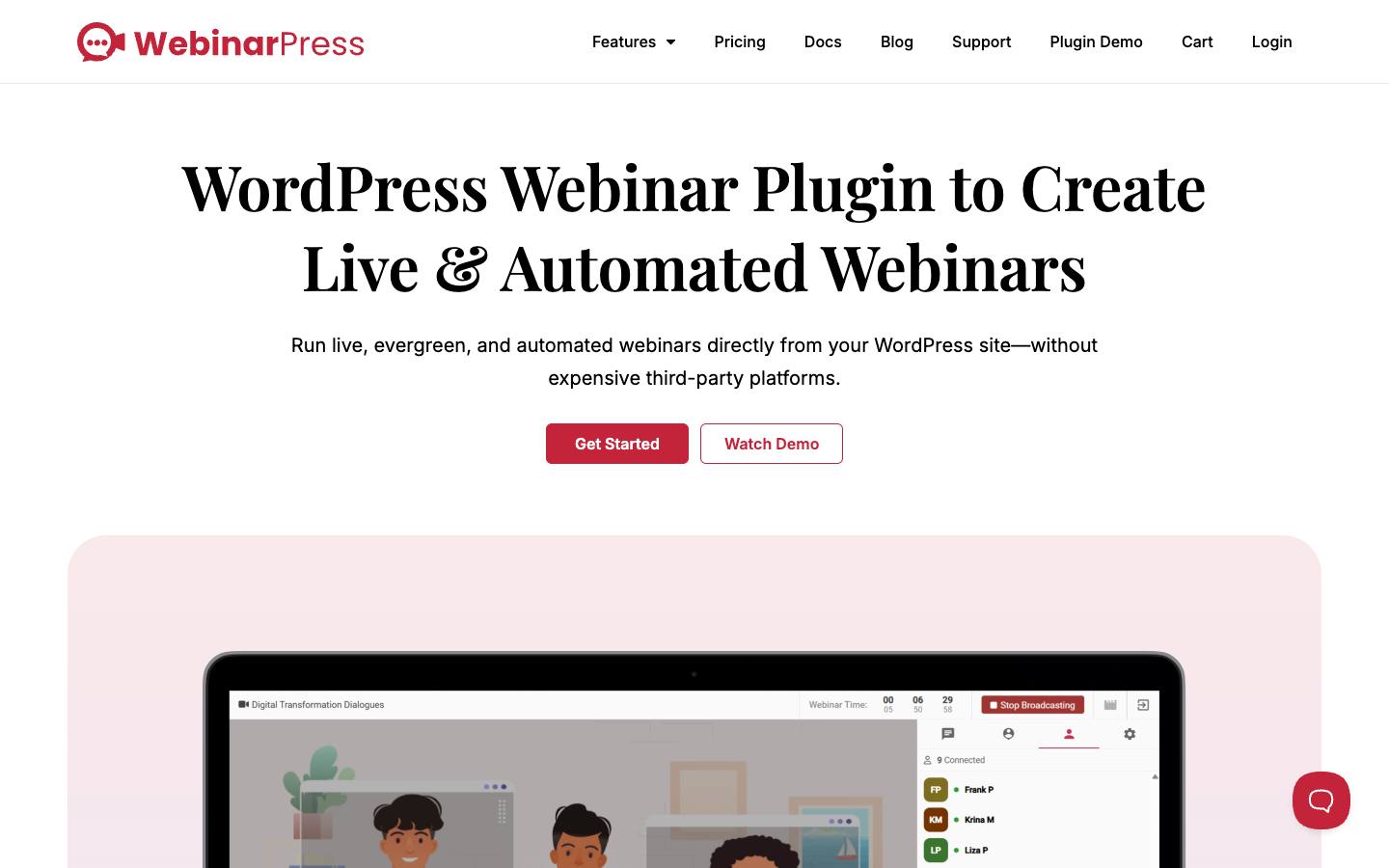
At a glance
- CRM
- –
- Security
- SOC 2 Type IInot foundISO 27001not foundGDPRdocumentedSAML SSOnot foundDetails
Who it's for
- WordPress-based businesses, trainers and membership sites that want webinars on their own website
- SMB
- Webinars
How much does WebinarPress cost?
- Starting price
- $197/yr (Single Site)
- Pricing model
- Freemium
- Free plan
- Yes
- Free trial
- No
Free version for one site; Single Site is $197/yr and the white-label Agency licence $497/yr, with a 14-day refund window.
Strengths and considerations
What stands out
- Runs inside WordPress so registrations and sessions stay on the customer's site
- Low-cost licence with a free tier
Worth checking
- Requires a self-managed WordPress site
- Not suited to large enterprise webinar programs or B2B marketing-automation integrations
- Free version support is limited to the WordPress.org forum
Key features
- Live and automated webinarsRuns live, evergreen and scheduled automated sessions with replays.
- Registration pagesCustom registration forms and fields embedded in WordPress pages.
- Engagement toolsChat, polls, Q&A and raise-hand for attendees.
- Paid and member webinarsCharge for access or restrict sessions to members.
- Email notificationsAutomatic confirmations, reminders and replay notices.
- CertificatesAttendance certificates for training use cases.
Integrations
- WordPress
- Zapier
- Webhooks
- Google Pixel
- Facebook Pixel
- MailerLite
- AWeber
- Drip
Mailing-list providers connect natively in paid plans; anything else goes through Zapier, a registration webhook or the plugin's PHP API.
Security & IT pre-check
What WebinarPress publicly documents on its own website, checked 2026-10-18. "Not found" means we couldn't find it on public pages; many vendors share documents on request or under NDA.
- SOC 2 Type II: not found
- SOC 2 Type I: not found
- ISO 27001: not found
- GDPR compliance: documented · source
- Data processing agreement (DPA): not found
- CCPA / CPRA: not found
- PCI DSS: not found
- Subprocessor list: not found
- EU data hosting: not found
- HIPAA: not found
- SAML single sign-on: not found
- SCIM user provisioning: not found
- Public API: documented · source
- Webhooks: documented · source
- Accessibility report (VPAT/ACR): not found
- Accessibility statement: not found
- Trust center: not found
- Public status page: not found
- Published pricing: documented · source
- Public changelog: documented · source
Buying details
From WebinarPress's own website, checked 2026-10-18.
- Event formats
- Webinar, Virtual
- Implementation
- Self-serve WordPress plugin install
- Support
- WordPress.org forum on the free plan; email support on Single Site; priority email support on Agency
- Contract
- annual license
AI capabilities
- AI generator for webinar titles and descriptions
Questions to ask in a WebinarPress demo
4 questions
Written by our editors from the vendor's public information. Use them to get specific answers before you sign.
- 1. What server resources and hosting setup do we need on our WordPress site to support a live webinar with several hundred attendees?Why ask: WebinarPress requires a self-managed WordPress site.
- 2. Where is the video stream itself hosted and delivered from - our server or a third-party service?Why ask: Registrations and sessions stay on the customer's WordPress site.
- 3. Can webhooks send registrant and attendance data to our CRM in real time, and is there documentation for the payload?Why ask: Integrations are WordPress, Zapier, webhooks and pixels; no B2B CRM is named.
- 4. What support is included in the Single Site and Agency licences versus the free version?Why ask: Free version support is limited to the WordPress.org forum. source
WebinarPress alternatives
Ranked by how closely each product matches: the problems it solves, company sizes and event programs it serves, and shared integrations.
 LiveWebinarVirtual, webinar & streaming
 Stealth SeminarVirtual, webinar & streaming
 BigMarkerVirtual, webinar & streaming
 DemioVirtual, webinar & streaming
 EasyWebinarVirtual, webinar & streaming
 eWebinarVirtual, webinar & streaming
 WebinarJamVirtual, webinar & streaming
 ContrastVirtual, webinar & streaming
 GetResponse WebinarsVirtual, webinar & streaming
 LivestormVirtual, webinar & streaming
More on WebinarPress
Event programs it fits
WebinarPress FAQ
What is WebinarPress?
How much does WebinarPress cost?
What does WebinarPress integrate with?
What are the best WebinarPress alternatives?
Is WebinarPress SOC 2 compliant?
Last verified 2026-10-18. How we research. Sources: webinarpress.com