 vs

OpusClip vs Uchop
Both are in our Content repurposing & event video category. OpusClip is best for event and content marketers repurposing session recordings into social clips; Uchop is best for conference organizers wanting fast social video content for speakers and sponsors.
The short answer: OpusClip is a self-serve AI tool that cuts recorded webinars, keynotes and podcasts into short captioned clips, with a free plan and paid plans from $15/month (Starter). Uchop, based in Geneva, taps the live AV feed at conferences and produces speaker and sponsor highlight videos, often as a managed service, with quote-only pricing. Pick OpusClip to clip recordings yourself, Uchop to have highlights ready during the event.
Built from each vendor's own website and our research profiles. How we research
Side by side
“Not published” means we couldn't find it on the vendor's own pages.
OpusClipUchopStrengths and considerations
OpusClip
What stands out
- Very low cost of entry with a free tier
- Purpose-built for turning long recordings into vertical social clips
- Large user base and SoftBank-backed product investment
Worth checking
- Not an event platform: no registration, streaming or attendee data
- Built mainly for creators; enterprise governance sits in the custom Business plan
- Clip quality depends on recording quality and may need manual editing
Uchop
Worth checking
- Very little product detail is published; the website is a single-page app with minimal text
- Functions more as a managed content service than self-serve software
- Pricing not published
Notable customers
Organizations each vendor names on its own website: customer stories first, then testimonials and logos.
OpusClip
Uchop
None found on its website.
The main difference between OpusClip and Uchop
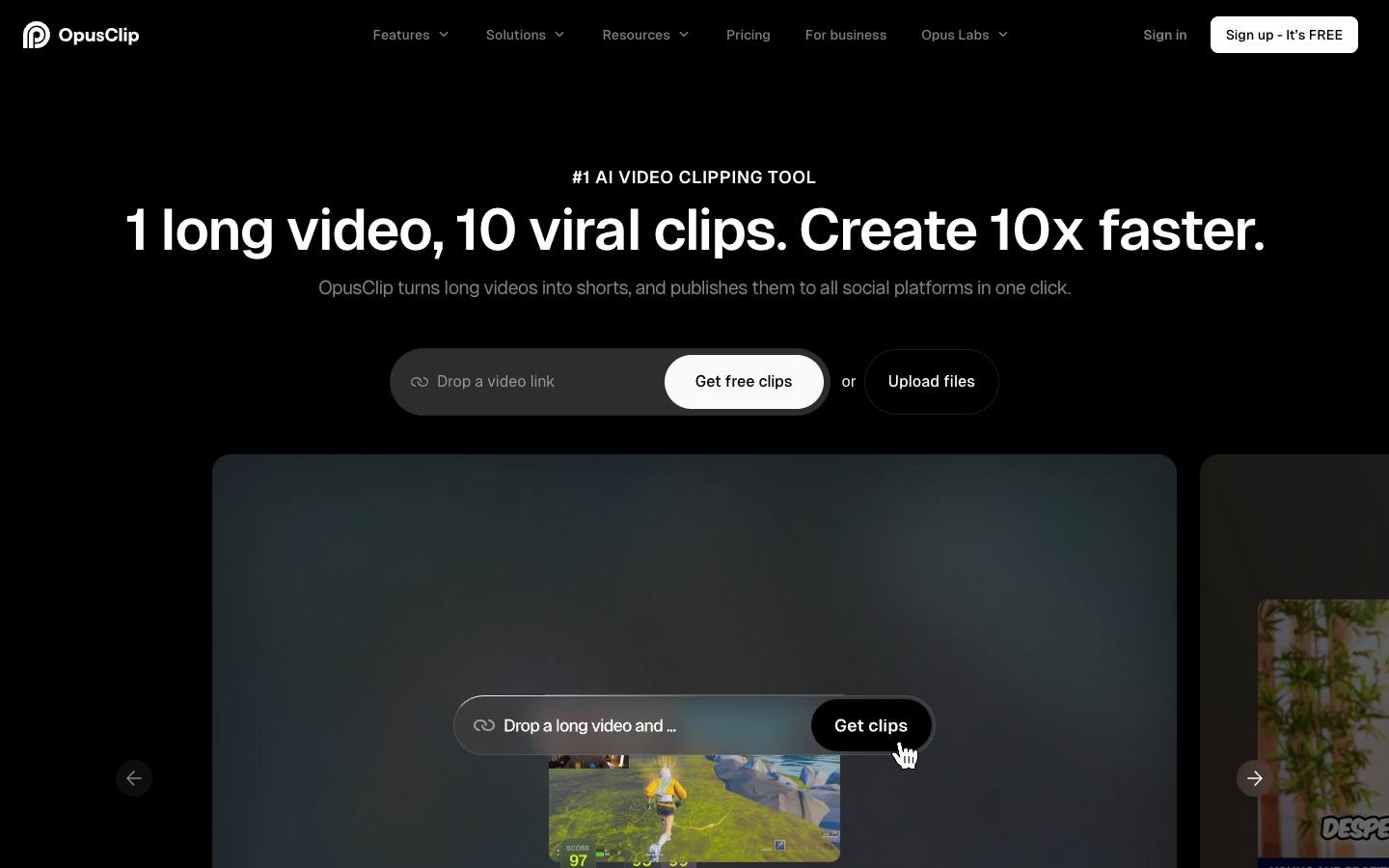
OpusClip works on files you upload after the event, while Uchop works on the feed while the event runs. OpusClip ingests recordings from Zoom, StreamYard, Riverside, YouTube and other sources, finds highlight moments (including from natural-language prompts), reframes video for each platform with speaker tracking, adds editable captions and brand templates, and publishes to social channels. It is a content tool, not an event platform: there's no registration, streaming or attendee data.
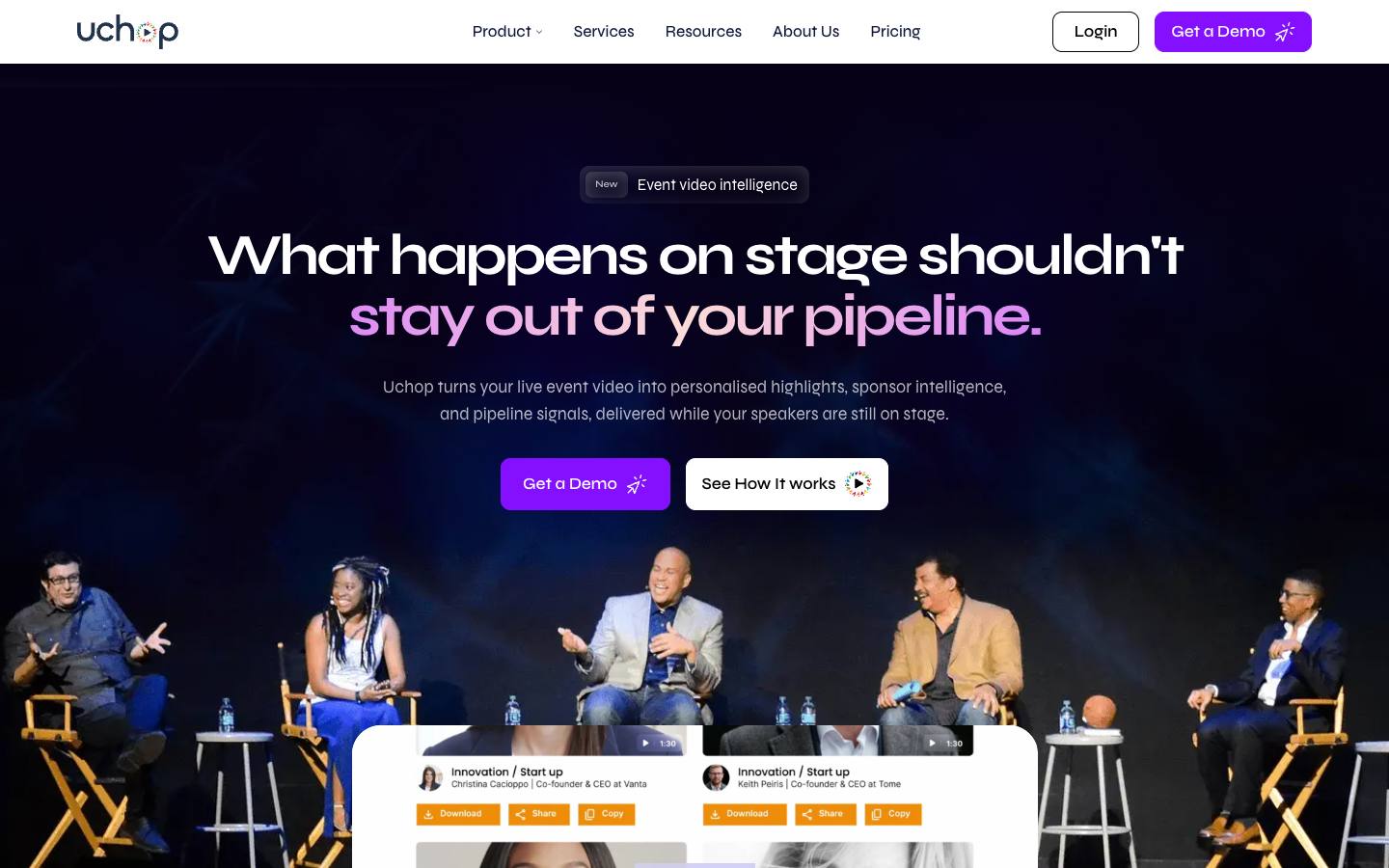
Uchop plugs into the existing AV feed with no hardware changes and produces short-form highlights for organizers, speakers, sponsors and partners. Its content team can run the process as a managed service, with the client approving content before it goes out. AI scans live video for highlight moments, and Uchop adds live transcription, summaries, subtitles and, on Enterprise, a custom brand voice and vocabulary. It also reports on audience engagement with published content.
Both fit event marketers, but the workflows differ: OpusClip is a seat-based tool for your own team, and Uchop is closer to a service sized to an event or program. Uchop is a newer, smaller company, founded in 2022, and it publishes less product detail than OpusClip.
OpusClip vs Uchop pricing
OpusClip publishes prices and offers a free plan; Uchop publishes plan limits but not prices. OpusClip's Free plan gives 60 credits a month with up to 1080p clips, a watermark and no editing. Starter is $15 per month, billed monthly only, with 150 credits, AI clipping with a virality score, one brand template and no watermark. Pro shows $14.5 per month on the default yearly view, billed as $174 a year, or $29 billed monthly, and adds 300 credits, a two-seat team workspace, AI B-roll, video dubbing and a social scheduler. Business is custom, with an API, custom credits and seats, a dedicated Slack channel and an MSA. Prices checked October 2026. A free trial needs no credit card, and annual billing saves up to 50%.
Uchop sizes every plan to your event or program, and no prices are listed. Starter covers 10 hours of live or recorded video, 30 speaker highlights and 1 seat, with a Swoogo integration. Growth covers 35 hours in HD or 4K, 100 speaker highlights, 3 seats and HubSpot and CRM integrations. Enterprise covers 120+ hours, 250+ highlights, 6+ seats, sponsor portals, white-label and SSO. Contracts are per event with no 12-month commitment, and Uchop has no free plan or trial.
Features and integrations
OpusClip has the longer integration list: YouTube, Zoom, Google Drive, Vimeo, StreamYard, Riverside, Loom, Twitch, LinkedIn, TikTok, Instagram, Adobe Premiere Pro, DaVinci Resolve and Zapier, plus an API and an MCP connector. Zapier, the API and the MCP connector sit on Pro and Business, and CMS integration is Business only. Uchop connects to Swoogo for registration, HubSpot for CRM intelligence, LinkedIn for publishing and Google Sheets for reports, with HubSpot and CRM integrations starting on Growth. Neither lists a Salesforce connector.
On security, OpusClip documents a SOC 2 Type 2 report on request through a trust portal, GDPR and CCPA coverage, and a REST API with limited access on Pro and full access on Business. For Uchop we found a GDPR statement and a privacy policy naming the Swiss FDPIC as regulator, and we didn't find a SOC 2 report on its public pages.
Support differs as well. OpusClip uses AI chat and Discord on lower tiers, Intercom chat on Pro and a dedicated Slack channel on Business. Uchop offers chat and email on Starter and 24/7 support on Enterprise.
Which should you choose?
Choose OpusClip if you already have recordings of webinars, keynotes or podcasts and want a team member to turn them into clips cheaply, or if you want to test the idea on the free plan first. Clip quality depends on recording quality and may need manual editing. SaaStr, NVIDIA and Visa appear among its customers.
Choose Uchop if you run conferences or trade shows and want sponsor and speaker highlights produced during the event without staff time, especially if you use Swoogo or HubSpot. Because the website is a single-page app with minimal text, ask for a demo and sample outputs before signing a per-event contract.