 vs

OpusClip vs Recaphub
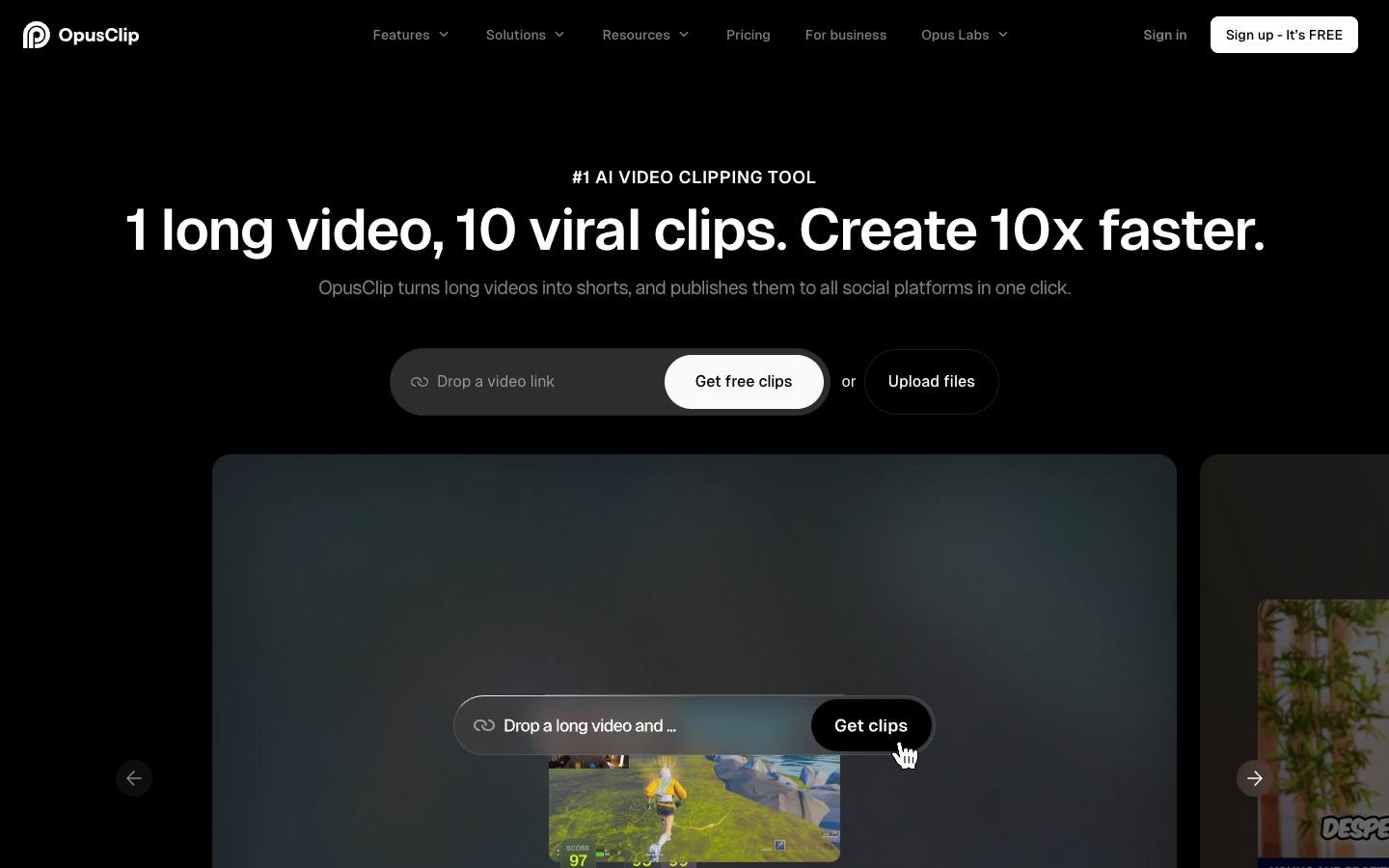
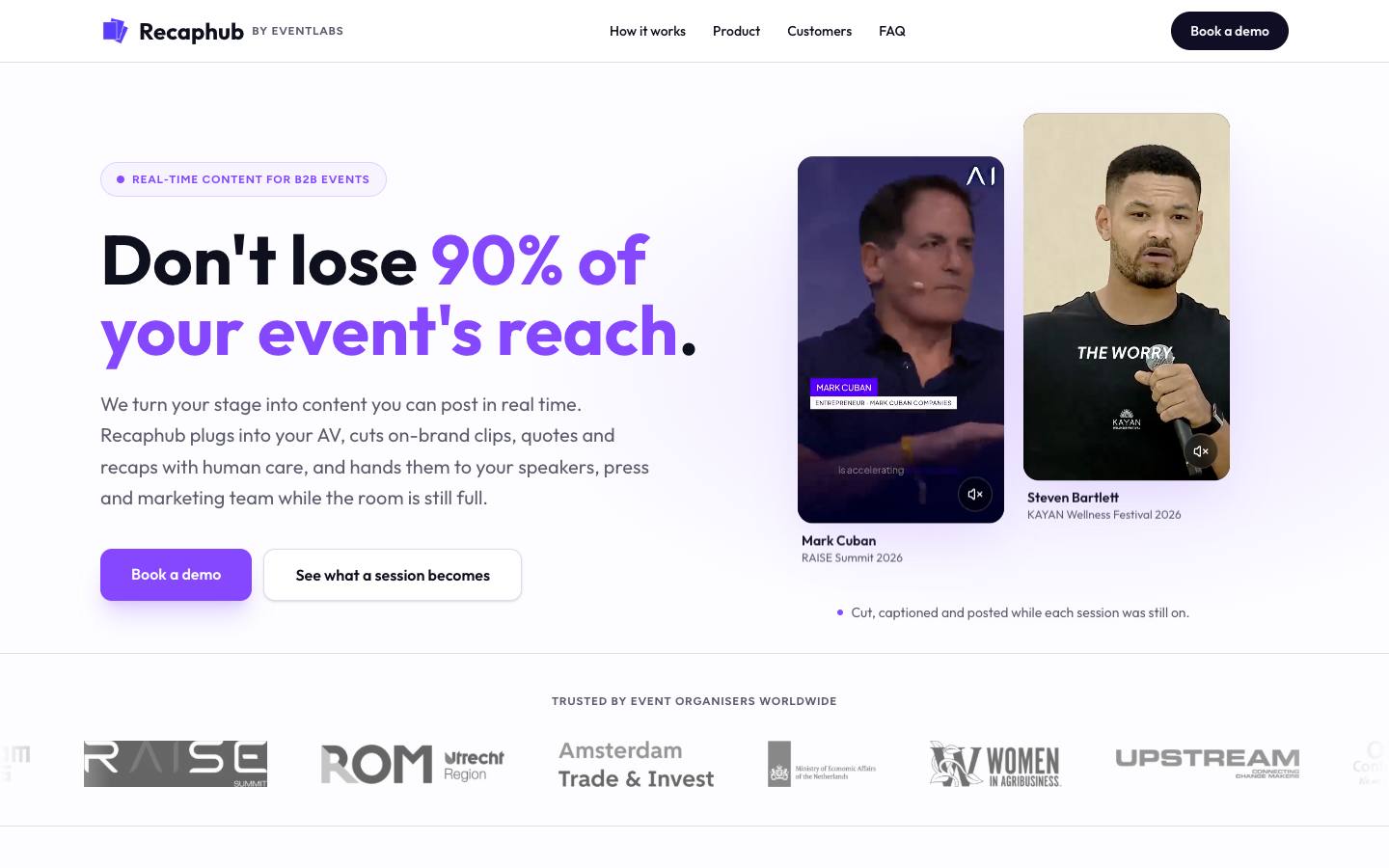
Both are in our Content repurposing & event video category. OpusClip is best for event and content marketers repurposing session recordings into social clips; Recaphub is best for conference organizers who want social content and recaps published during the event.
The short answer: OpusClip is a self-serve AI tool that turns recordings into short clips, with a free plan and Starter at $15 a month. Recaphub plugs into a conference's AV feed to produce human-reviewed clips, quotes and recaps while the event runs, priced per show. Choose OpusClip for recordings you already have, and Recaphub for in-person or hybrid events that want content published the same day.
Built from each vendor's own website and our research profiles. How we research
Side by side
“Not published” means we couldn't find it on the vendor's own pages.
OpusClipRecaphubStrengths and considerations
OpusClip
What stands out
- Very low cost of entry with a free tier
- Purpose-built for turning long recordings into vertical social clips
- Large user base and SoftBank-backed product investment
Worth checking
- Not an event platform: no registration, streaming or attendee data
- Built mainly for creators; enterprise governance sits in the custom Business plan
- Clip quality depends on recording quality and may need manual editing
Recaphub
What stands out
- Produces content during the event rather than days later
- Human review layer before anything is published
- Combines clipping with live multilingual captions
Worth checking
- Priced per show with no published rates
- Requires access to the venue AV feed and coordination with AV suppliers
- No named security certifications beyond GDPR
Notable customers
Organizations each vendor names on its own website: customer stories first, then testimonials and logos.
OpusClip
The main difference between OpusClip and Recaphub
The main difference is timing and who does the work. OpusClip takes a finished recording from Zoom, StreamYard, Riverside or YouTube, finds highlights from a prompt, reframes, captions and publishes. Recaphub ingests stage feeds over SDI, NDI or RTMP during the event, transcribes in 40+ languages, and has an onsite team check every asset before it goes to speakers, press and organizers. Recaphub says first clips arrive within about 30 minutes of a talk ending.
OpusClip runs webinar, virtual and in-person events and suits individual marketers and teams; Recaphub lists in-person and hybrid and targets mid-market and enterprise conferences, summits and exhibitions. Recaphub is part of Eventlabs in Amsterdam.
OpusClip vs Recaphub pricing
OpusClip publishes prices and Recaphub doesn't (checked October 2026). OpusClip's Free plan has 60 credits a month, a watermark and no editing. Starter is $15 a month, monthly only, with 150 credits. Pro is $14.5 a month billed as $174 annually, or $29 billed monthly, with 300 credits and a 2-seat workspace. Business is custom.
Recaphub is priced per show, based on stages, days, languages and audiences, with no per-seat license or annual platform fee. We didn't find a free plan or trial, and amounts come from a quote.
Features and integrations
OpusClip lists 17 integrations, including YouTube, Zoom, Vimeo, TikTok, Instagram and Zapier, and its REST API is documented. Recaphub lists 6, mostly AV inputs and delivery into a drive, DAM or CMS, and neither lists CRM connectors. Recaphub adds live captions and translation, session summaries and recap pages; OpusClip adds B-roll, dubbing and a scheduler on Pro.
On security, OpusClip's trust portal offers a SOC 2 Type 2 report on request. For Recaphub we didn't find a SOC 2 report or ISO 27001 on its public pages; its footer states GDPR compliance with an EU-based team.
Which should you choose?
Choose OpusClip if you record webinars, keynotes or podcasts and want a low-cost, self-serve way to clip them afterward. Choose Recaphub if you run multi-stage conferences where speakers and press expect recaps during the event and you can coordinate with the AV supplier. Its customers include Informa, MCI and RAISE Summit.