 vs

Contentflow vs Restream
Both are in our Virtual, webinar & streaming category. Contentflow is best for event organizers and media brands streaming conferences to their own sites and social channels; Restream is best for marketing teams streaming webinars, launches and live shows to social channels.
The short answer: Contentflow is a Berlin live-streaming platform with a white-label player, starting at $989 a month for 1 user. Restream is a browser studio that multistreams to 30+ destinations, from $16 a month billed annually, with a free plan. Choose Contentflow for branded embedded streams with production services; choose Restream for low-cost social reach and webinars.
Built from each vendor's own website and our research profiles. How we research
Side by side
“Not published” means we couldn't find it on the vendor's own pages.
ContentflowRestreamStrengths and considerations
Contentflow
What stands out
- Full streaming stack with white-label player and failover
- Live clipping and push-to-social for event highlights
- Optional live-stream production services
Worth checking
- Streaming infrastructure only; no registration or attendee management
- High entry price compared with self-serve streaming tools
- Customer references are concentrated in Germany
Restream
What stands out
- Simultaneous distribution to many social and video platforms
- Low-cost self-serve entry with a free tier
- Combines streaming, webinars and clipping in one product
Worth checking
- Not a full event management platform (no in-person registration, badging or sponsor tools)
- Security certifications aren't stated on the pricing page
- Advanced controls such as SSO are Enterprise-only
Notable customers
Organizations each vendor names on its own website: customer stories first, then testimonials and logos.
The main difference between Contentflow and Restream
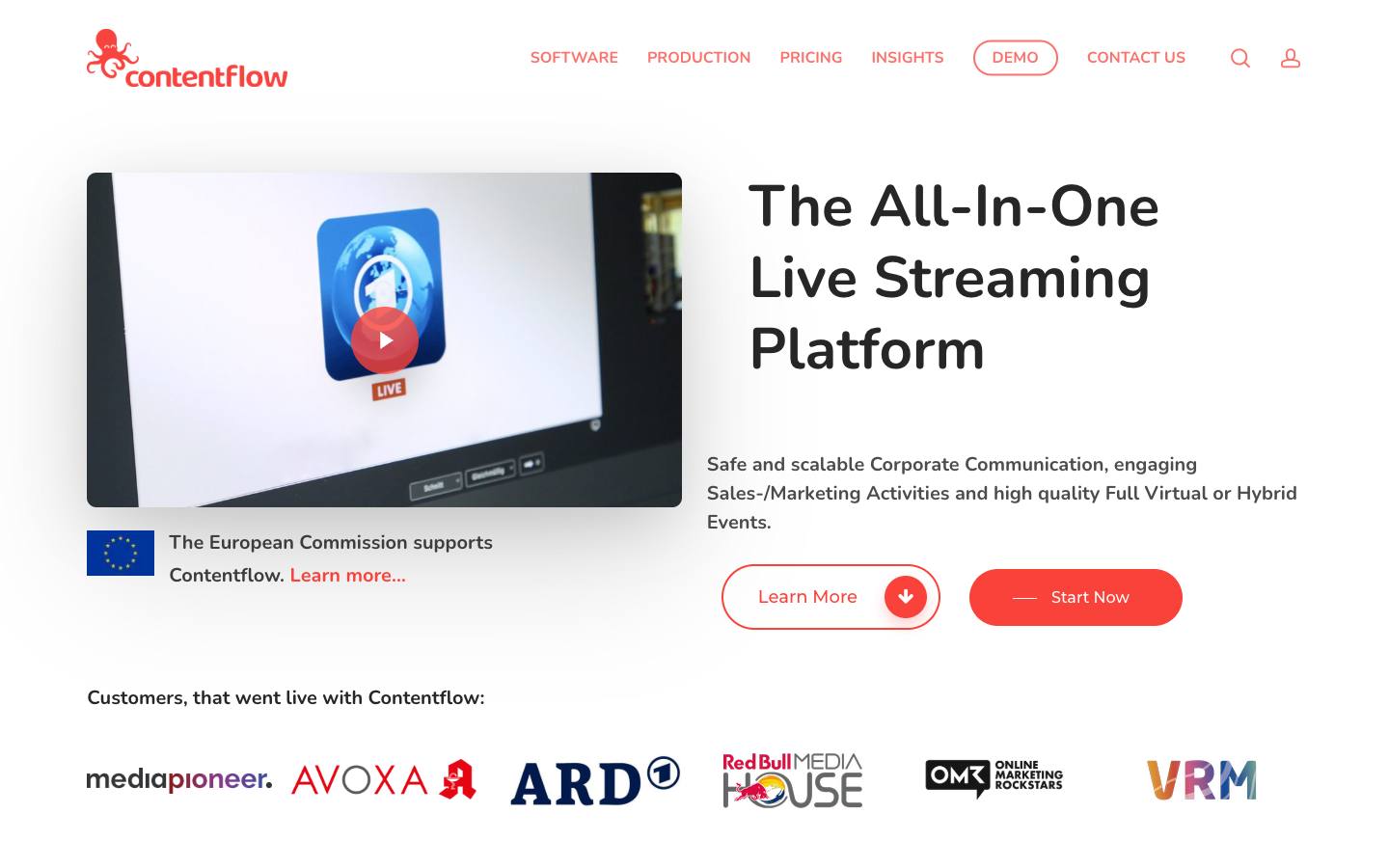
Contentflow is streaming infrastructure for organizers who want to own the viewing experience. It takes RTMP ingest from any device, offers an embeddable white-label player with adjustable latency and backup sources, pushes to social platforms and RTMP targets, cuts live clips and adds a moderated chat widget. Production services are optional. It supports virtual and hybrid events and its pricing starts high for a self-serve tool.
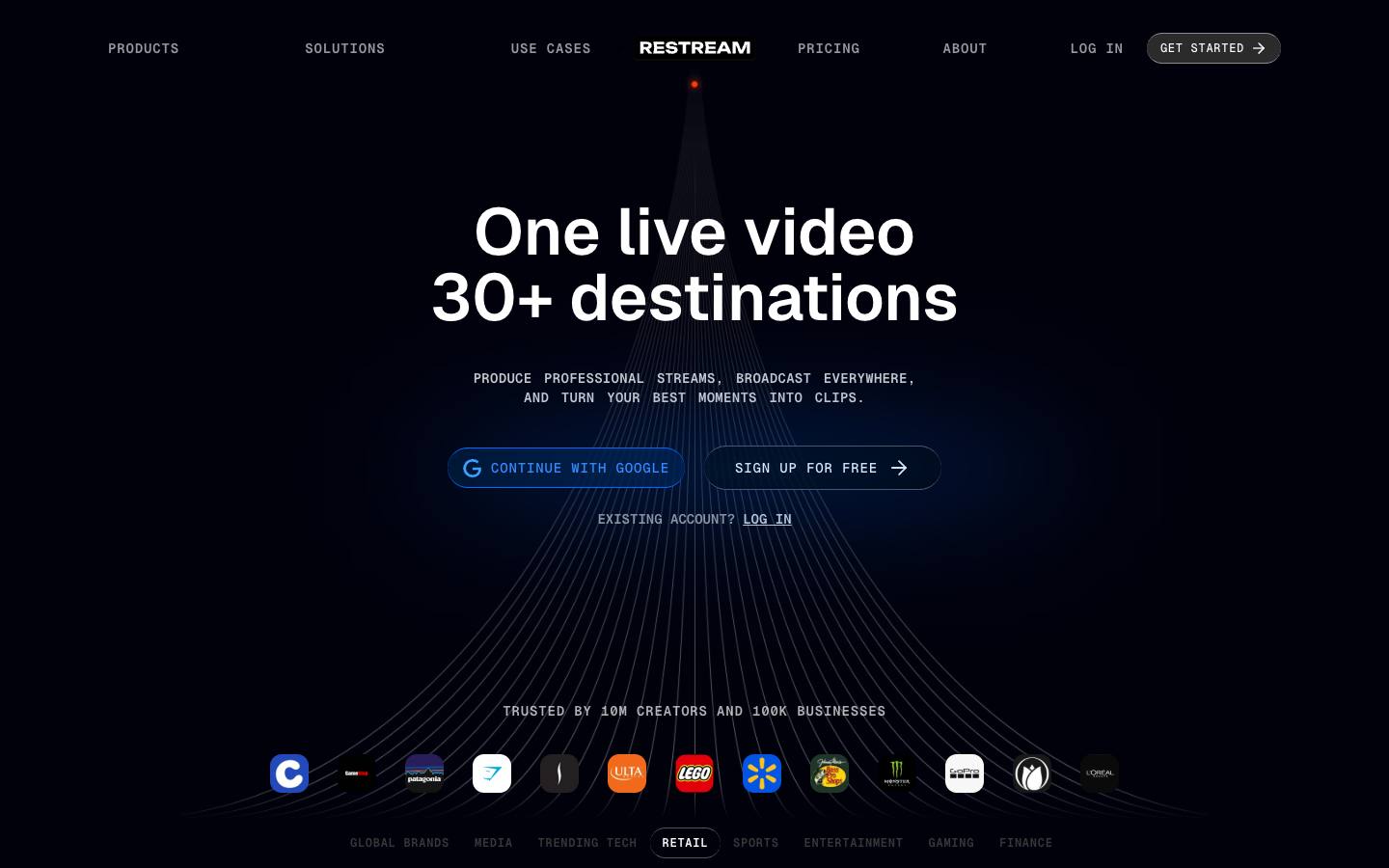
Restream is built for reach. Teams produce in a browser studio with guests and layouts and broadcast to 30+ destinations at once, including YouTube, LinkedIn and Facebook. It also hosts webinars with registration, schedules pre-recorded video as live streams, and cuts AI clips.
Contentflow vs Restream pricing
Contentflow's Starter is $989 a month for 1 user, 2 parallel stream sources, 5 streaming targets and 10 TB of traffic. Standard is $4,989 a month for 5 users, 5 sources, 10 targets, cloud editing and 50 TB. Enterprise is quoted. It offers a free trial of unstated length (checked October 2026).
Restream's Standard is $16 a month billed annually ($19 monthly), and a free plan exists. The Business view lists $239 a month billed monthly for 50 streaming hours, with the webinar add-on at +$199 a month for 500 attendees. Business Plus, with SSO and SCIM, is custom (checked October 2026).
Features and integrations
Neither lists CRM or marketing automation connectors. Contentflow's 6 integrations are streaming outputs: YouTube, Facebook, X, Twitch and RTMP. Restream lists 20, including LinkedIn Live, Zoom, OBS, vMix, Slack and Descript, and offers a developer portal and MCP server.
Security documentation is thin on both: Contentflow states GDPR compliance and CCPA notice, while Restream documents SAML SSO and SCIM only on Business Plus. We didn't find a SOC 2 or ISO 27001 report for either.
Which should you choose?
Choose Contentflow if you run virtual or hybrid events for a mid-market or enterprise audience and need a white-label embedded player with failover. The interface is in English and German.
Choose Restream if you're a marketing team streaming webinars, launches or town halls to several channels on a small budget. Its listed customers include Adobe, GitLab and Shopify. It's virtual and webinar only, with no onsite tools.