 vs

Add to Calendar Button vs Dreamdata
Both are in our Event attribution & integrations category. Add to Calendar Button is best for developers adding calendar-save buttons to event, webinar or registration pages; Dreamdata is best for B2B marketing teams that need account-based attribution across paid, web and event channels.
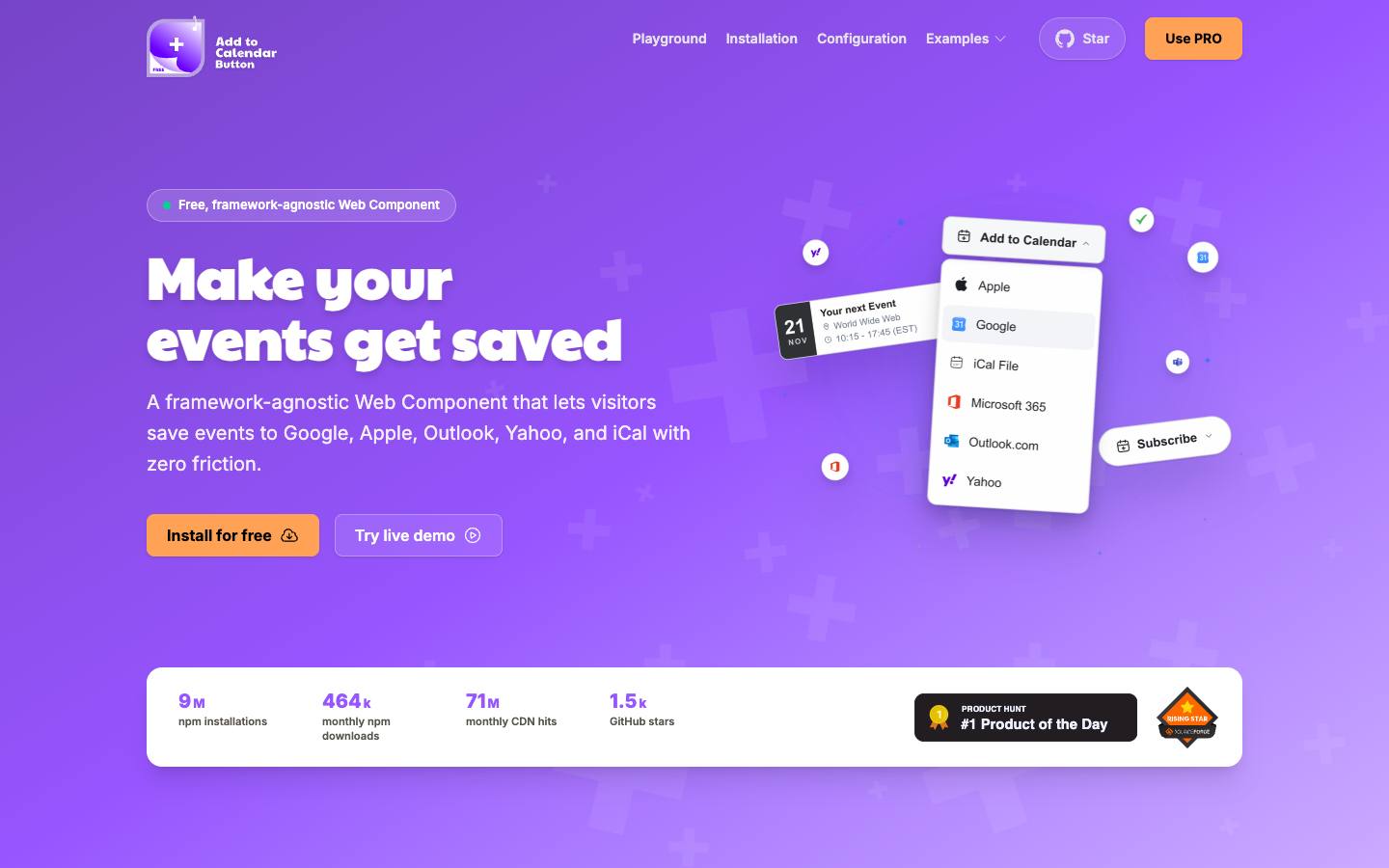
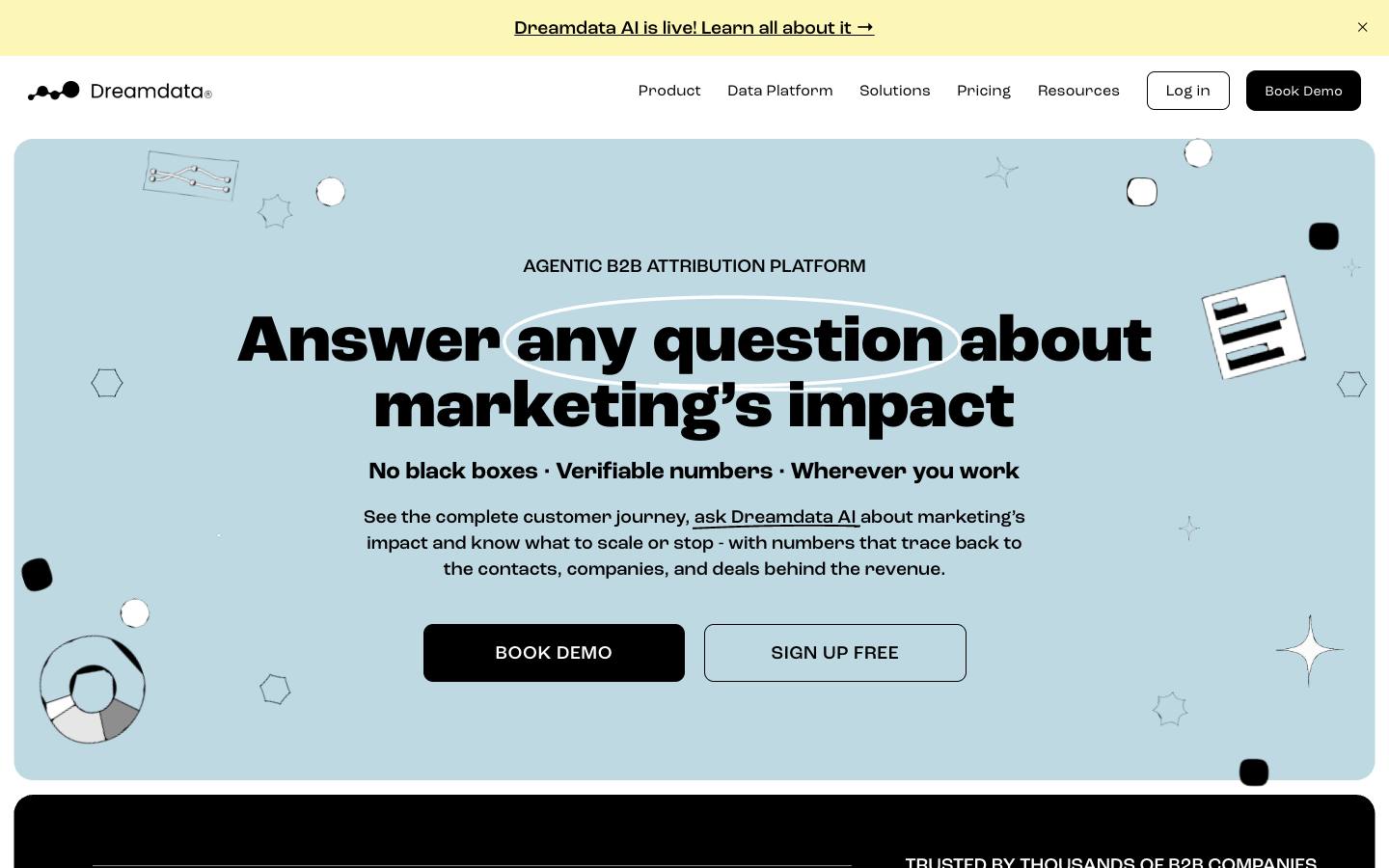
The short answer: Add to Calendar Button and Dreamdata don't compete. Add to Calendar Button is a free web component that lets visitors save an event to Google, Apple, Outlook or Yahoo calendars, with a paid PRO service for hosted features. Dreamdata is B2B revenue attribution that ties events to pipeline, with a free plan and custom-priced Attribution & Activation. Use the button on registration pages, Dreamdata to measure what events earn, or both.
Built from each vendor's own website and our research profiles. How we research
Side by side
“Not published” means we couldn't find it on the vendor's own pages.
Add to Calendar ButtonDreamdataStrengths and considerations
Add to Calendar Button
What stands out
- Free and source-available with an active GitHub project
- Runs client-side with no server needed
- Upgrade path to a hosted service from the same maintainer
Worth checking
- Licensed under Elastic License 2.0 rather than an OSI open-source license
- Requires code-level configuration; no tracking or RSVP without the PRO service
- Generating calendar files client-side can have compatibility limits on some devices
Dreamdata
What stands out
- Free tier lowers the barrier to account-level B2B analytics
- Strong LinkedIn ads measurement and audience activation
- Governed metrics exposed to LLMs through an MCP server
Worth checking
- Measurement only; event data must come from registration or CRM tools
- Attribution features require the custom-priced Advanced plan
- Offline event touchpoints depend on clean CRM campaign data
Notable customers
Organizations each vendor names on its own website: customer stories first, then testimonials and logos.
Add to Calendar Button
None found on its website.
Pricing and when to use each
The Add to Calendar Button component is free. The paid PRO plans, which add an API, webhooks, Zapier and Pipedream, offer a 7-day trial and monthly, annual or one-time billing; we didn't find a published PRO starting price. Dreamdata's Free plan is $0/month with web analytics, company identification, 5 seats and 1 sync. Attribution & Activation is custom-priced and adds AI attribution models, ad platform audiences, SSO and SAML, and a dedicated CSM (checked October 2026).
Choose Add to Calendar Button if your team has a developer and wants a calendar button on webinar or conference pages at no cost. Choose Dreamdata if you run B2B campaigns and need event touchpoints tied to deals; note that its attribution requires clean CRM campaign data and the custom-priced plan. You could use both, since a calendar button can raise attendance while Dreamdata reports on revenue.